Fix npm E401: Unable to Authenticate
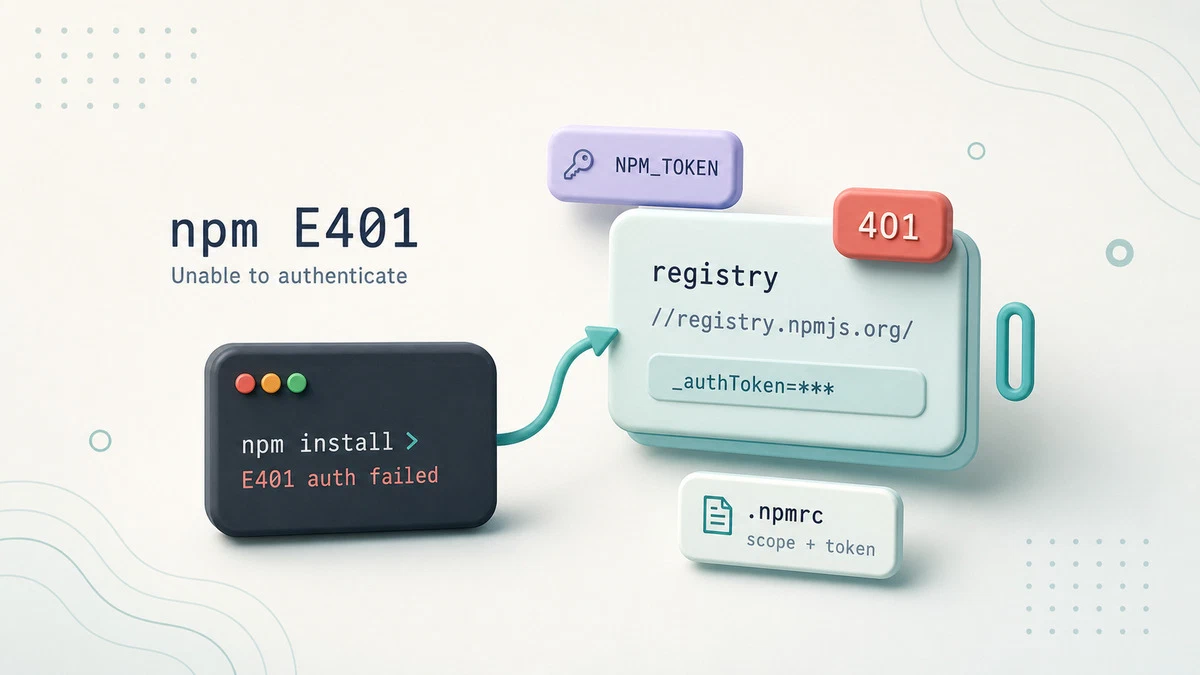
You run npm install or npm publish and the command stops with npm error code E401 and a message such as Unable to authenticate, your authentication token seems to be invalid. The registry is reachable, but it rejects your request because the credentials npm sent are missing, expired, or pointed at the wrong place. This shows up most often with private registries such as npm’s paid tier, GitHub Packages, Verdaccio, or an Artifactory or Nexus proxy, where every request must carry a valid token.
This guide explains what the E401 error means and how to fix it by repairing the token, aligning the registry, and checking the auth settings in your .npmrc.
What the Error Means
A failed install looks like this:
npm error code E401
npm error Unable to authenticate, your authentication token seems to be invalid.
npm error To correct this please try logging in again with:
npm error     npm login
HTTP 401 is the “unauthorized” status. npm asked the registry for a package, the registry required authentication, and the credentials it received did not check out. The usual causes are a token that expired or was revoked, an .npmrc that has no auth entry for the registry being used, or a scoped package that resolves to a private registry while your token only covers the public one.
Confirm Which Registry npm Is Using
Before changing any tokens, check where npm is actually sending the request. A mismatch between the registry you think you are using and the one configured is the most common reason a valid token still fails:
npm config get registryhttps://registry.npmjs.org/If your project installs scoped packages from a private registry, that scope is mapped separately. Check it explicitly, replacing @myorg with your scope:
npm config get @myorg:registryWhen the scope points at one registry but your token belongs to another, npm sends no valid credentials and the registry returns 401.
Log In Again to Refresh the Token
The fastest fix for an expired or revoked token is to log in again, which writes a fresh token into your user .npmrc:
npm loginFor a scoped private registry, log in against that registry and scope so the token lands in the right place:
npm login --scope=@myorg --registry=https://registry.example.com/After logging in, confirm the registry recognizes you. For the public registry, run:
npm whoamiFor a private registry, use the same registry URL from the login command:
npm whoami --registry=https://registry.example.com/your-usernameIf the relevant npm whoami command prints your username, authentication is working again. If it returns its own E401, the login did not store a usable token, the command checked the wrong registry, or you should inspect the .npmrc directly.
Inspect and Repair .npmrc
npm reads credentials from .npmrc files, checking the project file first and then the user file at ~/.npmrc. Open the user file in an editor rather than printing it to the terminal, because it may contain real tokens:
nano ~/.npmrcA working entry for the public registry looks like this, where the token is the secret npm sends on every request:
//registry.npmjs.org/:_authToken=npm_xxxxxxxxxxxxxxxxxxxxThe registry fragment in that line must match the registry host and path npm uses. A token stored under //registry.npmjs.org/ does nothing for requests to //npm.pkg.github.com/. For a private registry the entry uses the same pattern with that host:
//npm.pkg.github.com/:_authToken=ghp_xxxxxxxxxxxxxxxxxxxx
@myorg:registry=https://npm.pkg.github.com/
If the token line is missing, malformed, or points at the wrong host, correct it and run the install again. Tokens with restricted permissions can also fail, especially when a read-only token is used for npm publish, so make sure the token’s scope matches the action.
.npmrc that contains a real _authToken to version control. Add .npmrc to your .gitignore, or reference the token through an environment variable such as //registry.npmjs.org/:_authToken=${NPM_TOKEN} and set NPM_TOKEN in your shell or CI secrets.Fixing E401 in CI Pipelines
In a continuous integration job there is no interactive npm login, so the token comes from an environment variable. Write a minimal .npmrc at the start of the job that keeps the token reference literal in the file:
printf '%s\n' '//registry.npmjs.org/:_authToken=${NPM_TOKEN}' > .npmrcThe single quotes keep ${NPM_TOKEN} in .npmrc, and npm replaces it with the environment variable value during the install. The NPM_TOKEN value should come from your CI provider’s secret store, not from a checked-in file. If the pipeline still returns E401, print npm config get registry in the job to confirm it targets the registry the token was issued for.
For publishing from GitHub Actions or GitLab CI/CD, use npm trusted publishing when it fits your registry and workflow. If you still need a token, create a granular token with the minimum publish permissions and shortest practical expiration.
Troubleshooting
npm whoami still returns E401 after login
The login wrote the token to a different .npmrc than the one npm reads for this project, the command checked the wrong registry, or the token lacks the needed permissions. For private registries, run npm whoami --registry=<registry-url>, check both ~/.npmrc and any project .npmrc, and reissue the token with the correct scope.
Install works but publish fails
The token is read-only or does not have publish rights for the package or scope. Generate a token with publish permission and update the auth line.
Error only appears for one scoped package
That scope is mapped to a private registry your token does not cover. Add a @scope:registry line and an _authToken entry for that registry’s host.
The error is a certificate failure instead of E401
If npm reports UNABLE_TO_GET_ISSUER_CERT_LOCALLY, the TLS connection failed before authentication. See how to fix the npm unable to get local issuer certificate error
.
Conclusion
E401 is an authentication problem, not a network one: npm reached the registry but sent credentials it would not accept. Refreshing the token with npm login, confirming the registry and scope match, and repairing the _authToken line in .npmrc resolves nearly every case. For a wider tour of npm options and configuration, see the npm command guide
.
Tags
Linuxize Weekly Newsletter
A quick weekly roundup of new tutorials, news, and tips.
About the authors

Dejan Panovski
Dejan Panovski is the founder of Linuxize, an RHCSA-certified Linux system administrator and DevOps engineer based in Skopje, Macedonia. Author of 1000+ Linux tutorials with 20+ years of experience turning complex Linux tasks into clear, reliable guides.
View author page