Bash
Bash scripting, shell fundamentals, automation patterns, and common pitfalls.


Bash Comparison Operators: Equal, Not Equal, Greater Than
Compare numbers and strings in Bash with -eq, -ne, -gt, == and !=. Covers not equal checks, greater-than tests, and when to use [ ], [[ ]], or (( )).
Bash Strict Mode: set -euo pipefail Explained
A practical guide to Bash strict mode: how set -e, set -u, set -o pipefail, and IFS change script behavior, why they catch silent failures, and when to turn them off.

Bash if, elif, and else Statements: Syntax and Examples
Write Bash conditionals with if, if else, and elif blocks. Covers test operators, file checks, commands as conditions, && and || chains, and one-line if syntax.

Bash Pattern Matching: =~ Operator and Regular Expressions
Match strings in Bash with globs, extglob, and the =~ regex operator. Use anchors, quoting, and BASH_REMATCH to test input and capture groups.

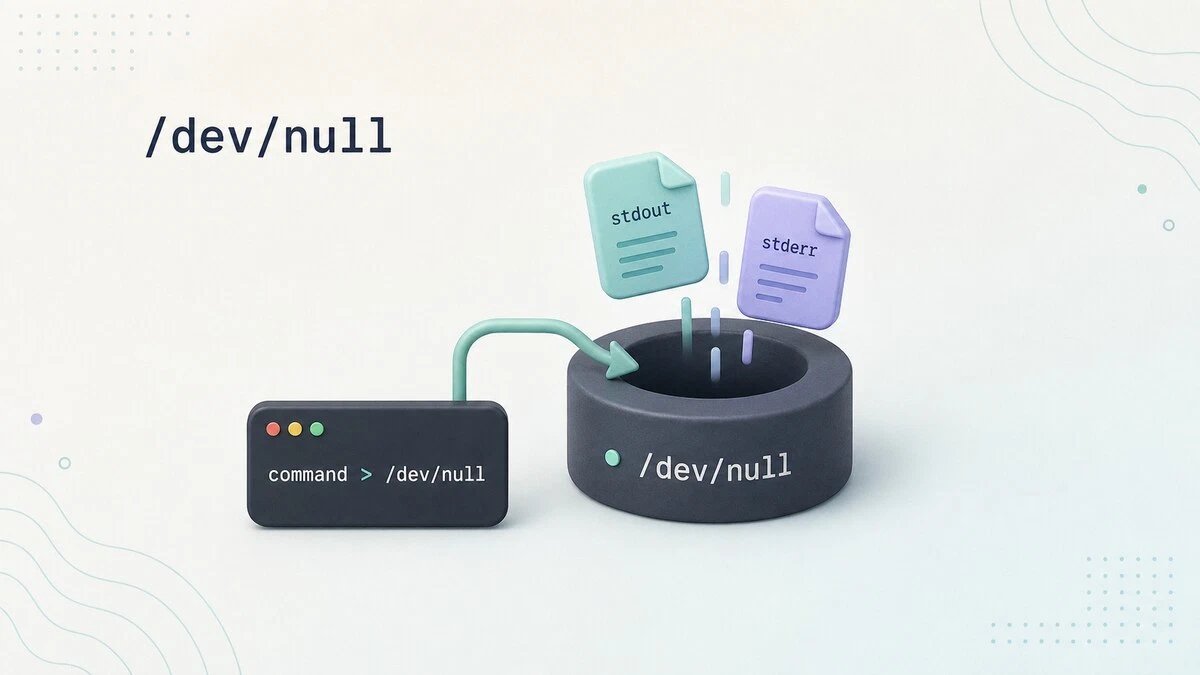
What Is /dev/null in Linux
The Linux /dev/null device discards anything written to it and returns EOF when read. This guide shows how to silence stdout, stderr, cron output, and empty files.
How to Increment and Decrement a Variable in Bash: Counter Examples
Bash provides several ways to increment and decrement a counter variable in scripts. This guide covers the +/- operators, += and -= assignment operators, and the ++ and -- shorthand with practical examples.

How to Pass Arguments to a Bash Script
Read command-line input in Bash: positional parameters, $@ versus $*, default values, named --options, getopts, and fixes for common argument errors.

Bash while Loop: Syntax and Examples
Bash while loop syntax and examples: infinite loops, reading files line by line, arithmetic conditions, and the break and continue statements.

pwd Command in Linux: Print the Current Working Directory
The pwd command prints the current working directory in Linux. This guide covers pwd syntax, the -L and -P options, $PWD and $(pwd) in scripts, and how symlinks affect the output.

Bash For Loop: Syntax and Examples
A complete guide to the Bash for loop: standard syntax, C-style loops, arrays, ranges, break and continue, and real-world scripting examples.

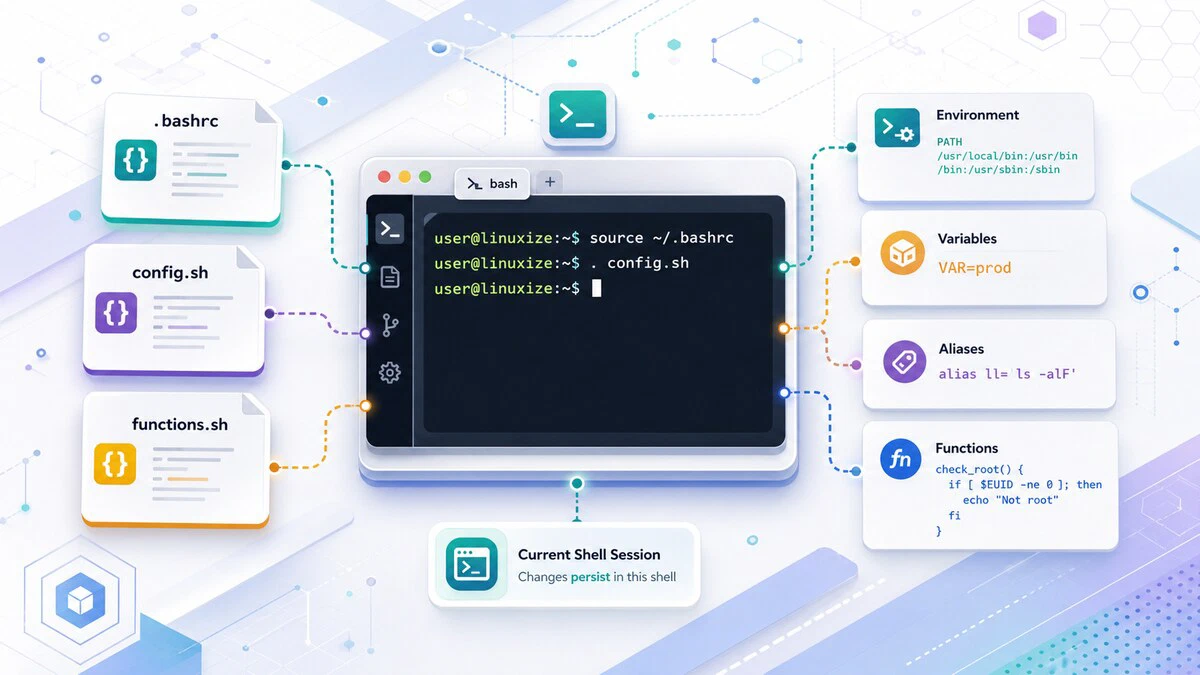
Bash source Command: Load Scripts and Variables
Use source (or its dot shorthand) to run a file in your current shell, reload .bashrc, share functions between scripts, and load variables from a config file.
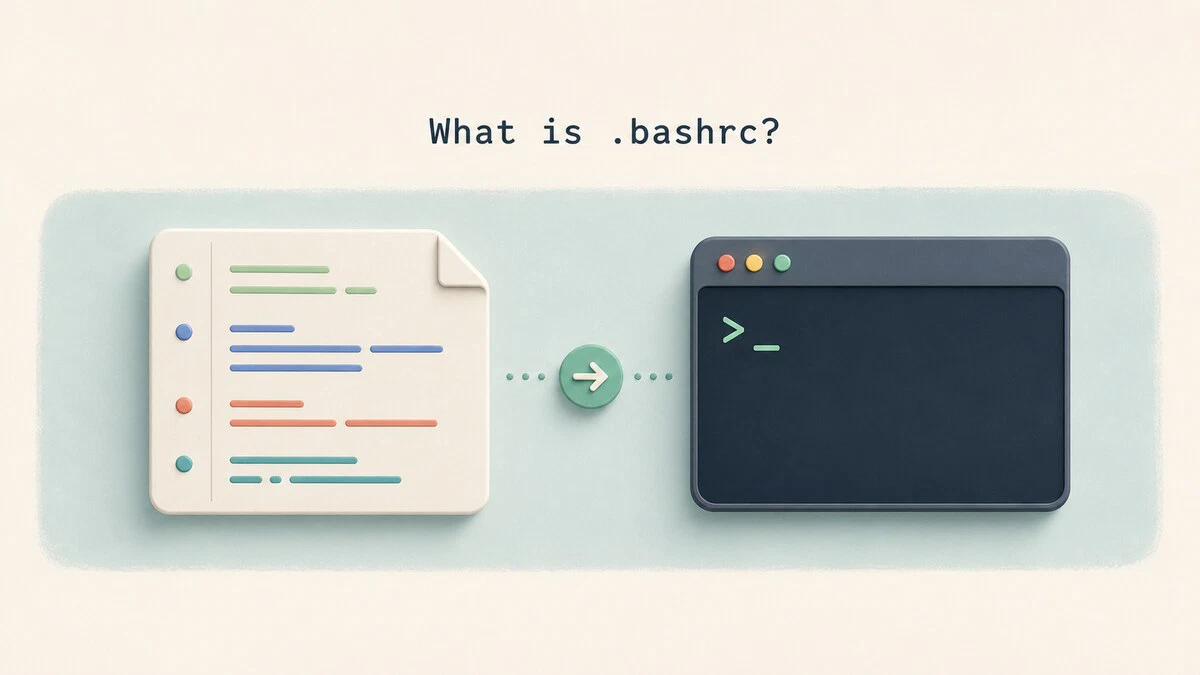
What Is .bashrc? When It Runs and What to Put in It
~/.bashrc controls aliases, functions, prompts, and other interactive Bash settings. See when it runs, what belongs inside it, and how to reload changes.
How to Create Bash Aliases
Bash aliases let you shorten long commands into short, memorable shortcuts. This guide covers alias syntax, persistent aliases in .bashrc, and bash functions for shortcuts that take arguments.

How to Add a Directory to PATH in Linux
Add a directory to the PATH variable in Linux, temporarily or permanently, covering ~/.local/bin, custom binaries, and system-wide changes for all users.

.bashrc vs .bash_profile: What is the Difference?
Understand the difference between .bashrc and .bash_profile, when each file is loaded, and where to put aliases, PATH changes, and environment variables.
How to Create a File in Linux
Create a file in Linux from the command line with touch, redirection, cat, echo, printf, or a heredoc, and build large test files with fallocate, truncate, and dd.

Bash Append to File: >>, tee, and Heredoc Examples
Append text to a file in Bash without erasing existing content. Covers >>, echo, printf, tee -a for protected files, and combining files.
