Ubuntu
Ubuntu installation, desktop and server setup, package management, and troubleshooting.
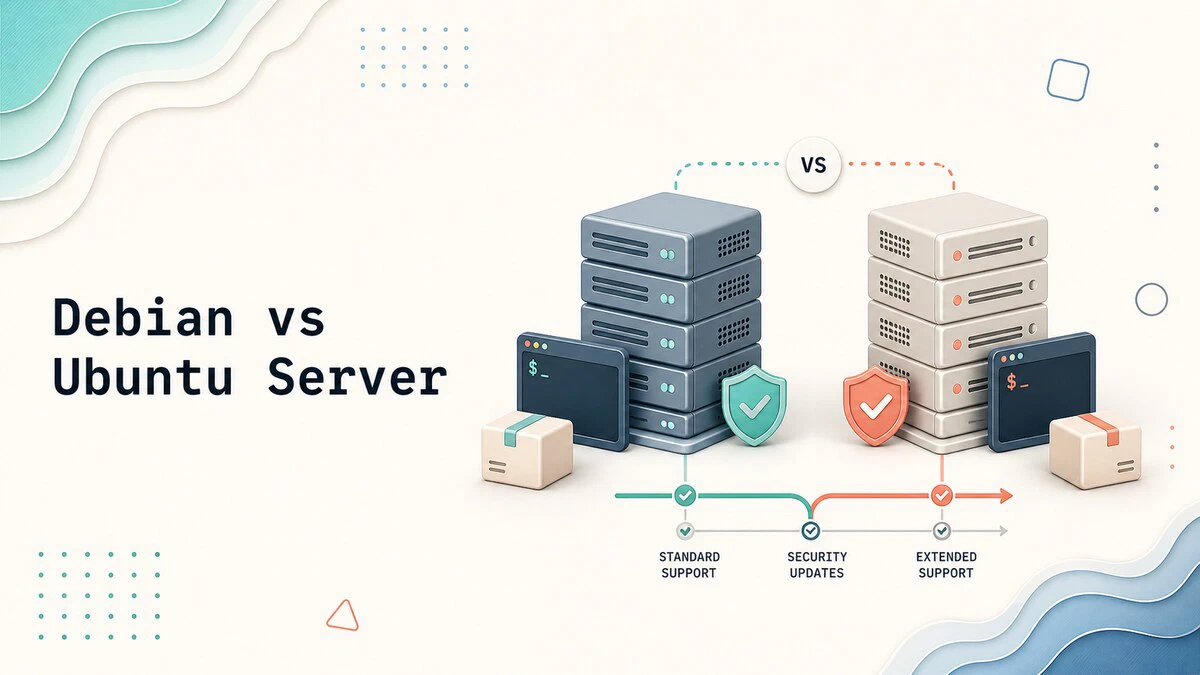


Ubuntu Desktop vs Ubuntu Server: Which One Should You Use?
Ubuntu Desktop and Ubuntu Server share the same base but differ in installers, software, resource needs, and workloads. See which edition fits your system.

How to Set a Static IP Address on Ubuntu Server and Desktop
Set a static IP address on Ubuntu with Netplan on servers, nmcli from the command line, or GNOME Settings on the desktop, and test the change safely with netplan try.

Fix the NO_PUBKEY GPG Error on apt update
Fix the apt NO_PUBKEY error on Ubuntu and Debian by installing a verified repository signing key under /etc/apt/keyrings and using signed-by.

dpkg Command in Linux: Install and Manage Debian Packages
Use dpkg to install, remove, query, and inspect Debian packages on Ubuntu, Debian, and other Debian-based distributions.

How to Install Google Chrome Web Browser on Ubuntu 24.04
Step-by-step instructions for downloading, installing, updating, and managing Google Chrome on Ubuntu 24.04 using the official .deb package and repository.

How to Install Google Chrome on Ubuntu 26.04
Install Google Chrome on Ubuntu 26.04 from the official .deb package, set it as the default browser, and keep it updated from the Google repository.

How to Install Java on Ubuntu 24.04
Install Java 25, Java 21, and Oracle JDK on Ubuntu 24.04. This guide covers OpenJDK packages, default Java selection, and JAVA_HOME setup.

How To Create a Sudo User on Ubuntu
Create a sudo user with a home directory on Ubuntu 22.04, 24.04, or 26.04 using adduser and usermod, then verify the account has sudo access.

How to Add a User to Sudoers in Ubuntu
Grant sudo privileges in Ubuntu by adding a user to the sudo group or editing the sudoers file. Step-by-step examples and common errors.

How to Enable SSH on Ubuntu
Enable SSH on Ubuntu by installing OpenSSH Server, checking the correct systemd unit, allowing it through UFW, and connecting from Linux, macOS, or Windows.

How to Fix APT and dpkg Lock Errors on Ubuntu and Debian
Resolve APT and dpkg lock errors safely on Ubuntu and Debian by finding the process holding the lock and repairing interrupted package operations.
How to Add APT Repository in Ubuntu
Add APT repositories in Ubuntu using add-apt-repository, the signed-by method, and PPA. Includes the DEB822 format used by default on Ubuntu 24.04 and 26.04.

Initial Server Setup on Ubuntu 26.04
Prepare a new Ubuntu 26.04 server with a sudo user, SSH key authentication, UFW firewall rules, a hostname, timezone settings, and system updates.

How to Install Node.js and npm on Ubuntu 26.04
Install Node.js 24 LTS or the current Node.js 26 release on Ubuntu 26.04 using NodeSource, nvm, or the default Ubuntu packages.

How to Install Node.js and npm on Ubuntu 24.04
Install Node.js 24 LTS and npm on Ubuntu 24.04 with apt, the NodeSource repository, or nvm, including upgrade and uninstall steps.

How to Install Python on Ubuntu 24.04
Install Python on Ubuntu 24.04 using the default Ubuntu packages, the deadsnakes PPA for newer versions, or a source build. Includes pip and virtual environments.

Install deb Files on Ubuntu: apt, dpkg, and gdebi
Install local .deb files on Ubuntu with apt, dpkg, or gdebi. Fix dependency errors, inspect packages, install via GUI, and remove them safely.
