
Articles by Dejan Panovski
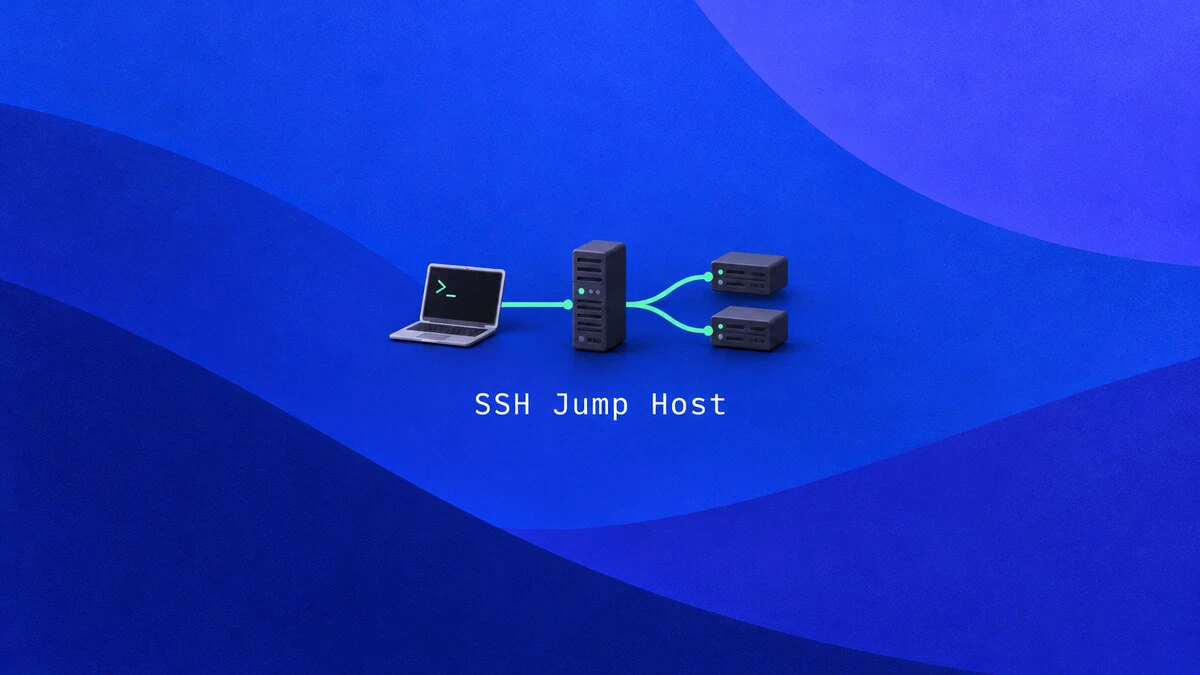
How to Use an SSH Jump Host with ProxyJump
Connect to private servers through an SSH jump host with ssh -J and ProxyJump. Configure keys, copy files, forward ports, and restrict the bastion account.
exFAT on Linux: Mount and Use exFAT Drives on Ubuntu
Linux reads and writes exFAT through a built-in kernel driver. Mount exFAT USB drives and SD cards on Ubuntu, add an fstab entry, format with exfatprogs, and fix 'unknown filesystem type' errors.

Bash if, elif, and else Statements: Syntax and Examples
Write Bash conditionals with if, if else, and elif blocks. Covers test operators, file checks, commands as conditions, && and || chains, and one-line if syntax.

chattr Command in Linux: Change File Attributes
The chattr command changes file attributes in Linux. Make a file immutable with chattr +i, keep logs append-only with +a, and check flags with lsattr.

tr Command in Linux: Translate, Delete, and Squeeze Characters
The tr command translates, deletes, and squeezes characters from standard input. This guide covers tr syntax, character sets and ranges, case conversion, removing line endings, and practical pipeline examples.

Rsync Command in Linux with Examples
Use rsync to sync files and directories locally or over SSH. Covers common options, dry runs, exclusions, mirroring, and troubleshooting.

How to Build Docker Images with Dockerfile
Write a Dockerfile, build an image with docker build, and run it as a container. Includes an Ubuntu 26.04 example, the -f option, .dockerignore, and multi-stage builds.

How to Flush DNS Cache on Linux, Windows, macOS, and Chrome
Commands to flush the DNS cache on Linux (systemd-resolved, dnsmasq, nscd), Windows, and macOS, plus how to clear the Chrome and Firefox DNS cache.

find Command in Linux: Search Files and Directories
The find command searches for files and directories by name, type, size, date, permissions, and more. This guide covers practical examples including wildcards, exec actions, and combining find with grep.

Bash Pattern Matching: =~ Operator and Regular Expressions
Match strings in Bash with globs, extglob, and the =~ regex operator. Use anchors, quoting, and BASH_REMATCH to test input and capture groups.

unlink Command in Linux: Remove a Single File
Remove one file or symlink with unlink. See how it differs from rm, how hard links affect deletion, and how to fix common errors.

How to Extract (Unzip) tar.gz Files in Linux
Extract (untar) tar.gz and tgz archives with the tar command. Covers extracting to a directory, pulling specific files, wildcards, stdin piping, and listing archive contents.

How to Convert Integer into String in Python
Convert an int to a str in Python with str(), f-strings, and format(), add leading zeros, build binary or hex strings, and join a list of numbers.

How to Convert Strings to Integers in Python
Convert strings to integers in Python with int(), handle invalid input, remove separators, and parse binary, octal, and hexadecimal values.

How to Resize and Extend a Linux Partition and Filesystem
Extend a Linux partition and grow ext4, XFS, Btrfs, or LVM storage after a disk resize, with layout checks, safe ext4 shrink steps, and troubleshooting.

Linux ip Command with Examples
How to use the Linux ip command to show and assign IP addresses, bring interfaces up or down, and manage routes, with ip a and ip -br output explained.

chown Command in Linux: Change File Ownership
Use the chown command in Linux to change file and directory ownership, including recursive changes, symbolic links, and practical ownership examples.

How to Create a Directory in Linux: mkdir Command Examples
Create single, multiple, and nested directories in Linux with mkdir, set permissions with -m, and fix 'Permission denied' and 'No such file or directory' errors.

sqlite3 Command Line: Create and Query SQLite Databases
Create and query SQLite databases with sqlite3 on Linux. Import CSV files, format query results, and back up or restore your data.

How to Check CPU Usage in Linux
This guide explains how to check CPU usage in Linux with top, htop, mpstat, vmstat, sar, ps, uptime, and per-core load tools.
