All Articles
Browse all Linuxize tutorials, guides, and references.
How to Show/List Users in MySQL
Query the mysql.user table to list all MySQL user accounts, check their privileges with SHOW GRANTS, and see who is currently connected to the server.

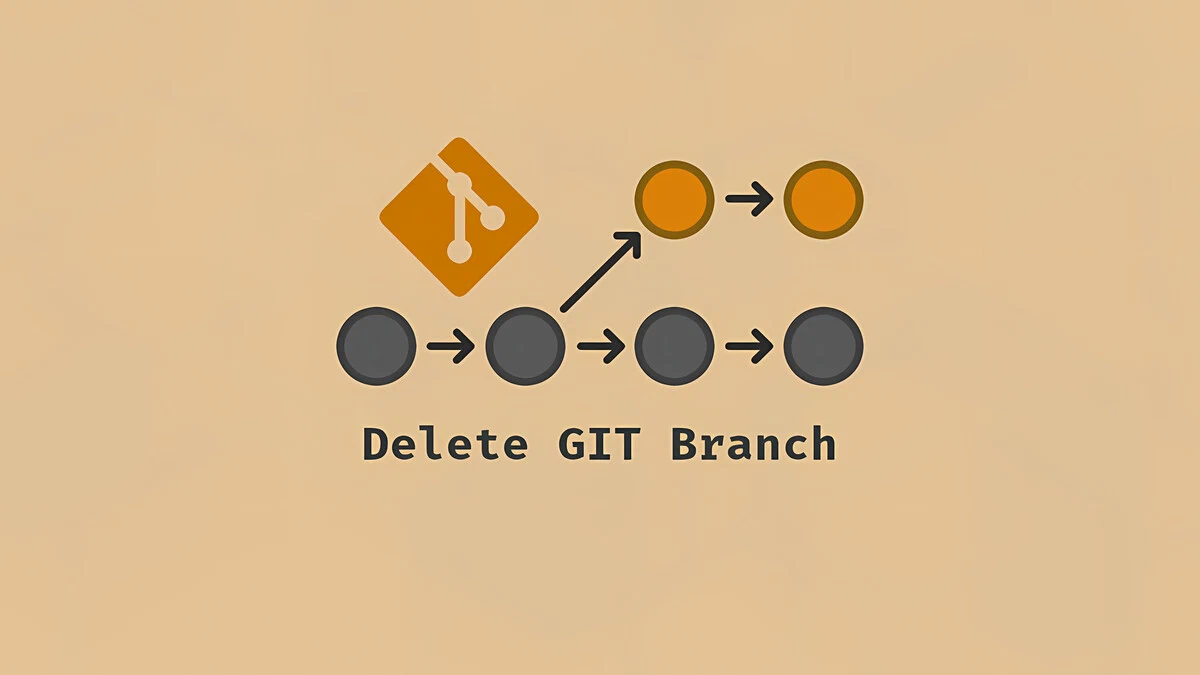
How To Delete a Local and Remote Git Branch
Git branches pile up fast after merging. This guide shows you how to delete local and remote branches, clean up stale tracking references, and recover a branch you removed by mistake.
How to Force HTTPS using .htaccess
Redirect all HTTP traffic to HTTPS using Apache .htaccess rewrite rules, with examples for www and non-www domain handling.

Docker Run Command with Examples
Practical examples of docker run covering detached mode, port publishing, volumes, environment variables, restart policies, and interactive shells.

file Command in Linux: Determine File Types
Identify file types from the command line using the Linux file command. Covers basic usage, MIME types, compressed files, symlinks, and the magic database.

Apache Commands: Manage and Troubleshoot Your Web Server
Quick reference for essential Apache commands on Linux. Covers service control, configuration testing, modules, virtual hosts, version info, and log files.

env Command in Linux: Show and Set Environment Variables
The env command prints environment variables and runs programs with a modified environment. This guide covers env syntax, running commands with custom variables, clean environments, and portable shebangs.
How to Upgrade Debian 12 to Debian 13 Trixie
Step-by-step instructions for upgrading Debian 12 Bookworm to Debian 13 Trixie, including sources.list changes, package upgrades, and post-upgrade verification.

Nginx Server Blocks on Ubuntu: Host Multiple Websites
Set up Nginx server blocks on Ubuntu to host multiple websites on a single server, each with its own document root, logs, and configuration.

id Command in Linux: Display User and Group Information
The id command prints real and effective user IDs, group IDs, and supplemental group memberships for any user on a Linux system.

sed Delete Lines: Remove Lines by Number, Pattern, or Range
Remove lines from files with sed using line numbers, patterns, ranges, and regular expressions. Covers preview mode, in-place editing, and common recipes.

w Command in Linux: Show Logged-In Users and Activity
Learn how to use the w command in Linux to see logged-in users, idle time, load averages, and what each user is doing.

sysctl Command in Linux: View and Change Kernel Parameters
Learn how to use the sysctl command to view, set, and persist Linux kernel parameters, with practical examples for common settings.

Install xrdp on Raspberry Pi: Remote Desktop Setup Guide
Set up xrdp on Raspberry Pi OS and connect over Remote Desktop from Windows, macOS, or Linux. Includes desktop install steps and first login.

How to Set Up a Firewall with UFW on Ubuntu 24.04
Step-by-step instructions for configuring and managing a UFW firewall on Ubuntu 24.04. UFW is a user-friendly front-end for managing iptables firewall rules.

How to Remove Docker Images, Containers, Volumes, and Networks
Remove unused Docker containers, images, volumes, and networks to free disk space. Covers docker system prune, selective removal, filters, and force options.

Configuring the Nginx Error and Access Logs
This guide explains how to configure Nginx access and error logs, define custom log_format directives, and inspect log entries on Linux.

whereis Command in Linux: Find Binary, Source, and Man Pages
The Linux whereis command locates the binary, source, and manual page files for a given command. This guide covers all options with practical examples.

git clone: Clone a Repository
How to use git clone to copy a remote or local repository, clone a specific branch, and create shallow clones, with examples for HTTPS and SSH.

How to Copy Files and Directories in Linux
Step-by-step guide to copying files and directories in Linux with the cp and rsync commands. Covers recursive copies, preserving permissions, and common examples.
