All Articles
Browse all Linuxize tutorials, guides, and references.


How to Install Docker on Debian 13 (Trixie)
Install Docker on Debian 13 from the official Docker repo. Set up the apt keyring, install Engine and Compose plugin, and fix common errors.

How to Check Your Debian Version: Commands and Release List
Debian 13 (trixie) is the current stable release. Check your version with /etc/os-release, lsb_release, or hostnamectl, plus codenames and support dates.

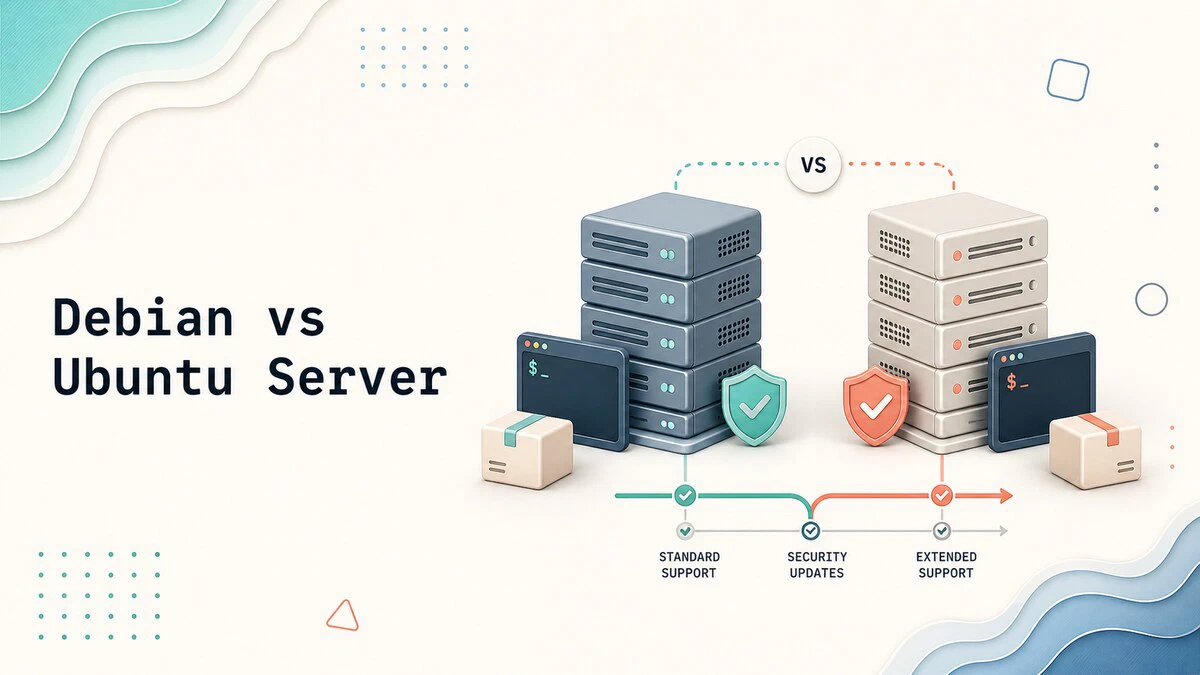
Debian vs Ubuntu Server: Which One Should You Use?
Debian 13 vs Ubuntu Server 26.04 LTS: release cycles, support windows, package versions, install defaults, security, and cloud support compared side by side.
Debian Versions: Release History, Codenames, and Support Dates
Debian versions from Buzz to Trixie, with release dates, codenames, and support timelines. Compare stable, testing, unstable, LTS, and paid ELTS coverage.

How to Compare Strings in Bash
Bash string comparison using equal, not equal, regex, and pattern matching operators. Includes examples for empty strings, case-insensitive matching, and substrings.

SSH SOCKS Proxy: Create a SOCKS5 Tunnel for Browsing
Create an SSH SOCKS proxy with a SOCKS5 tunnel, configure Firefox or Chrome to use it, proxy DNS requests, and verify the browser exits through your SSH server.

apt update vs apt upgrade vs apt full-upgrade
Compare apt update, apt upgrade, and apt full-upgrade on Ubuntu and Debian. See which command refreshes package lists, installs updates, or can remove packages.

gzip Command in Linux
Compress and decompress files with the gzip command in Linux. Covers keeping originals, compression levels, directories, listing, and testing .gz files.

Nginx 413 Request Entity Too Large: client_max_body_size Fix
Fix the Nginx 413 Request Entity Too Large error: raise client_max_body_size in the right context and match the PHP-FPM upload limits.
usermod Command in Linux: Modify User Accounts and Groups
Modify Linux user accounts with usermod: add users to groups with -aG, change the shell or home directory, rename users, set passwords, and lock accounts.

Netcat (nc) Command in Linux with Examples
Netcat (nc) command examples for Linux: check a port with nc -zv, scan port ranges, open listeners, transfer files, and set timeouts with -w.

SSH Broken Pipe Error: Causes and Fixes
Fix "client_loop: send disconnect: Broken pipe" with SSH keepalives, find what closed the connection, and keep long jobs running in tmux.

Nginx Location Blocks: Match Rules and Priority
How Nginx picks a location block: prefix, exact, and regex matches, the priority order, named locations, and common configuration patterns.

How to Truncate Files in Linux: Empty Files Without Deleting
Empty a file without deleting it using shell redirection or the truncate command. Covers permissions, sudo workarounds, and truncating log files.

Nginx Reverse Proxy: How to Configure proxy_pass and Headers
Configure Nginx as a reverse proxy with proxy_pass and proxy_set_header, including trailing slash rules, load balancing, websockets, TLS, and common errors.

SSH Permission Denied (publickey): Causes and Fixes
Fix SSH "Permission denied (publickey)" on Linux: what the method list means, key permissions and ownership, passphrase issues, server settings, and logs.

SSH Multiplexing: Speed Up SSH with ControlMaster
Configure SSH multiplexing with ControlMaster, ControlPath, and ControlPersist to reuse connections for SSH sessions and file transfers.
