Git
Git installation, configuration, branching workflows, and common commands.


.gitignore: Ignore Files and Folders in Git
Use .gitignore to ignore folders, files, logs, and build output in Git. Covers the pattern syntax, global rules, tracked-file cleanup, and debugging commands.

GitHub CLI: Manage Repositories, Issues, and Pull Requests
Use GitHub CLI to create and clone repositories, manage pull requests and issues, inspect workflow runs, set Actions secrets, publish releases, and call the GitHub API.
How to Set Git Username and Email with git config
Set Git username and email with git config, both globally and per repository, check the current values, and update existing settings.

How to Change a Git Commit Message, Even After Pushing
Change the last Git commit message with git commit --amend, reword older commits with an interactive rebase, and update commits you already pushed.

How to Rename a Git Branch: Local and Remote
This guide shows how to rename a Git branch locally and on the remote using git branch -m, then push the new name and delete the old remote branch.

git worktree: Work on Multiple Branches at Once
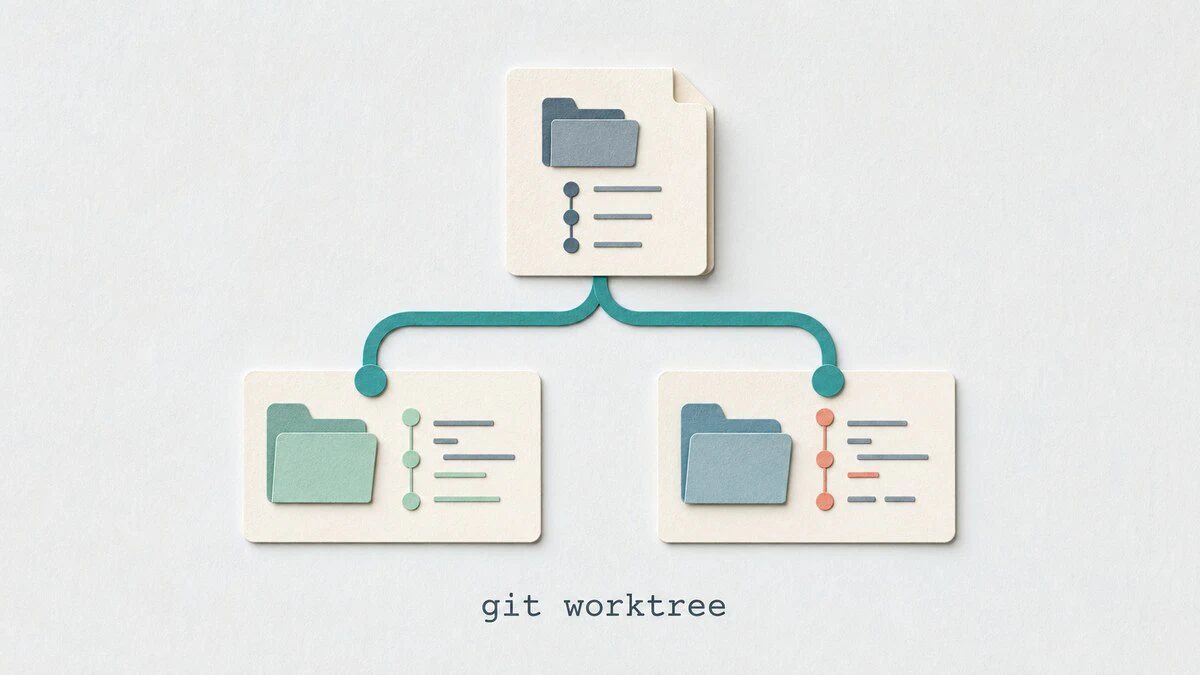
Use git worktree to check out multiple branches in separate directories, handle urgent fixes without stashing, and clean up linked worktrees safely.
git log Command: View Commit History
Browse commit history with git log: show the last commit, filter by author, date, or keyword, search by code change, track a file across renames, and read branch graphs.

git diff Command: Compare Changes Between Commits and Branches
Use git diff to compare your working directory, staged files, commits, and branches, with practical examples of the options you will use most.
How to Add a Git Remote
Add a new remote to a Git repository with git remote add, then list, inspect, and push to it. Includes common errors and a git remote command reference.

How to Undo Last Git Commit
Undo the last Git commit with git reset or git revert, and pick the right option to keep your changes, discard them, or safely undo a pushed commit.

How to Setup a Git Server
Run your own private Git server over SSH on Linux. This guide covers installing Git, creating the git user, adding SSH keys, and pushing your first repository.

How to Revert a Commit in Git
Use git revert to safely undo changes from a previous commit by adding a new commit that reverses them, without rewriting pushed history.

git branch Command: Create, List, and Delete Branches
The git branch command creates, lists, renames, and deletes Git branches. This guide explains the full command reference with practical examples for local and remote branches, merged filters, and tracking upstream branches.

git cherry-pick Command: Apply Commits from Another Branch
How to use git cherry-pick to apply commits from one branch to another, including single commits, ranges, conflict handling, backports, and merge commits.

How To Delete a Local and Remote Git Branch
Git branches pile up fast after merging. This guide shows you how to delete local and remote branches, clean up stale tracking references, and recover a branch you removed by mistake.
git clone: Clone a Repository
How to use git clone to copy a remote or local repository, clone a specific branch, and create shallow clones, with examples for HTTPS and SSH.

git stash: Save and Restore Uncommitted Changes
How to use git stash to temporarily save uncommitted changes, switch branches, and restore your work — with examples for stashing untracked files, named stashes, and partial stashes.
