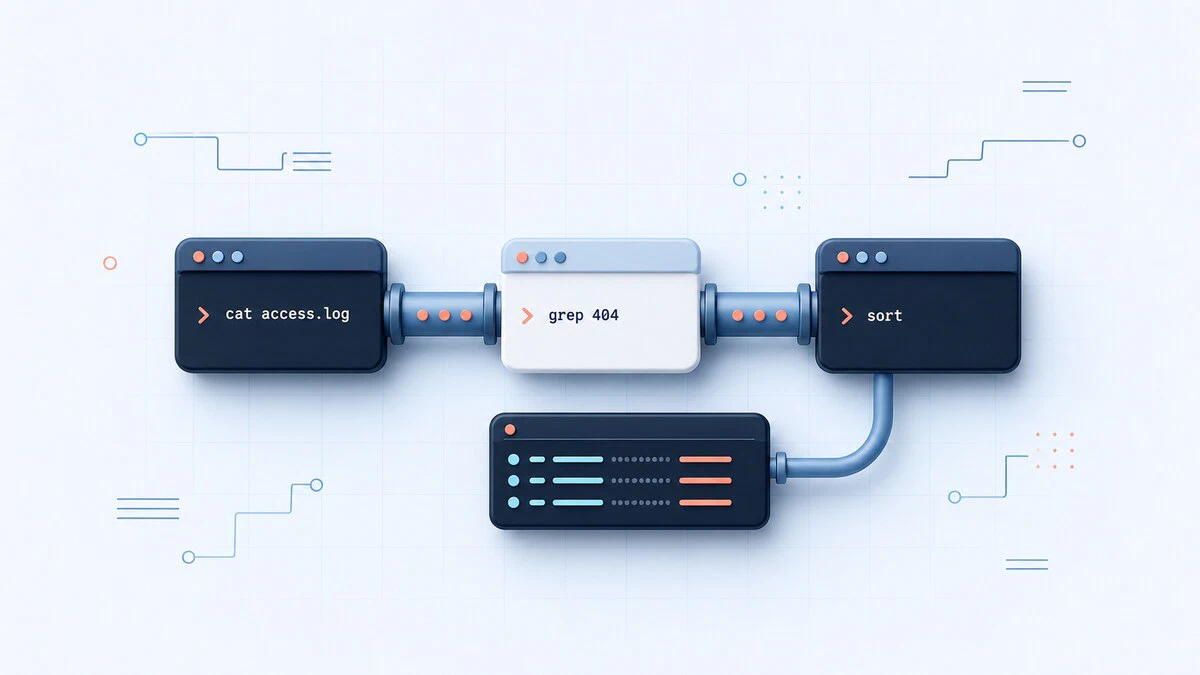
Linux Commands
Command references for core Linux tools, syntax, examples, and practical one-liners.
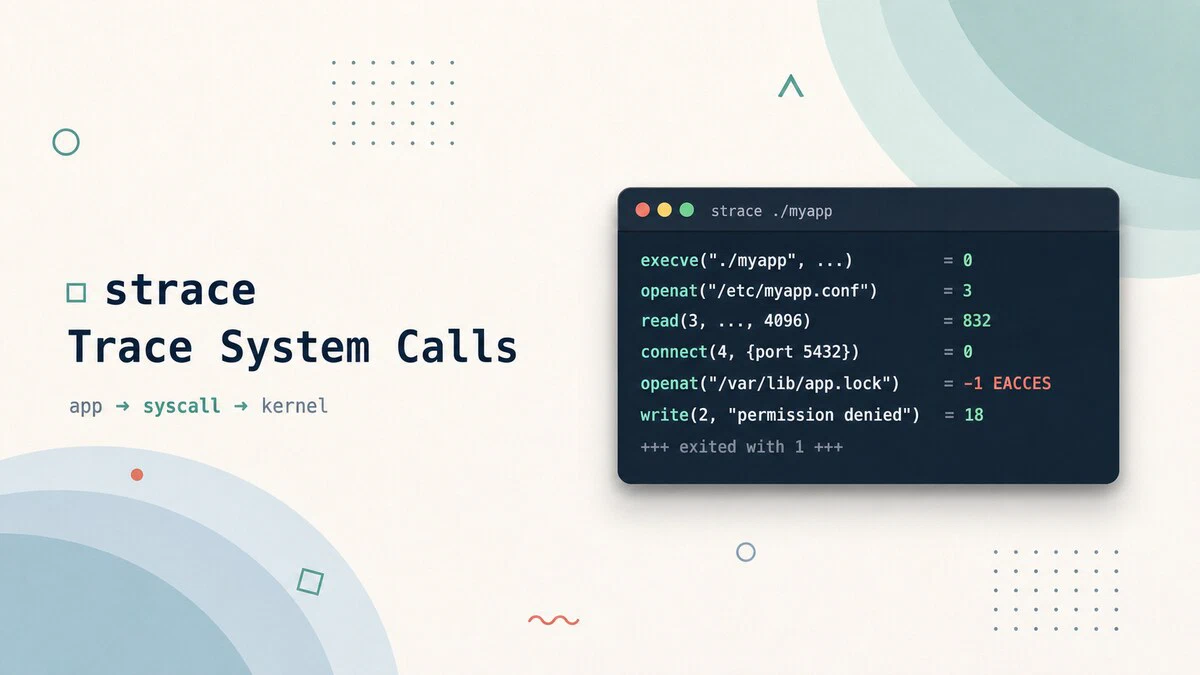
strace Command in Linux: Trace System Calls
Use the strace command to trace system calls and signals on Linux, debug why a program fails, find missing files, and measure where a process spends its time.
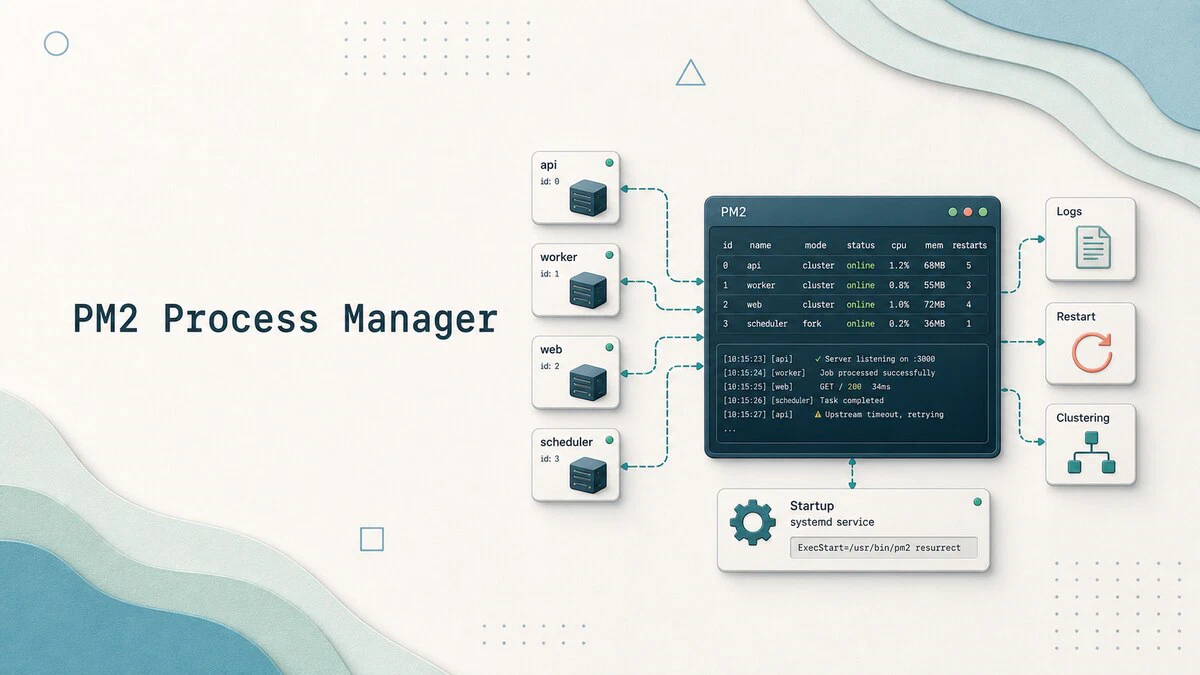
How to Manage Node.js Processes with PM2
How to install PM2, run and manage Node.js processes with clustering, zero-downtime reloads, log rotation, and systemd integration that survives reboots.
htop Command in Linux: How to Monitor and Manage Processes
Monitor Linux processes in real time with htop: read CPU and memory meters, sort and filter the process list, and kill or renice processes from one screen.

smartctl Command in Linux: Check Disk Health with SMART
Use smartctl in Linux to check SMART health, read disk attributes, run self-tests, troubleshoot USB enclosures, and monitor NVMe wear.

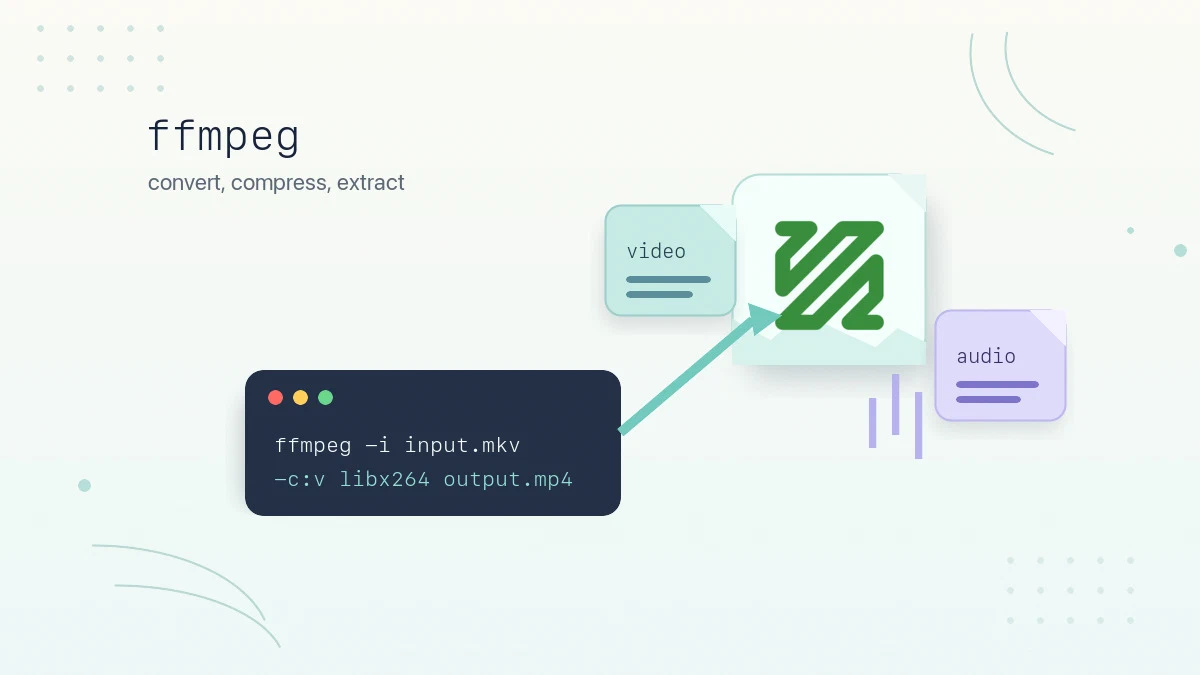
ffmpeg Command in Linux: Convert, Compress, and Extract Media
Practical ffmpeg examples for converting between formats, compressing video with CRF, extracting audio, trimming clips, resizing video, and batch processing files on Linux.
du Command in Linux: Check Disk Usage
The du command reports disk space used by files and directories. This guide covers human-readable output, summary totals, depth limiting, sorting by size, and practical examples.
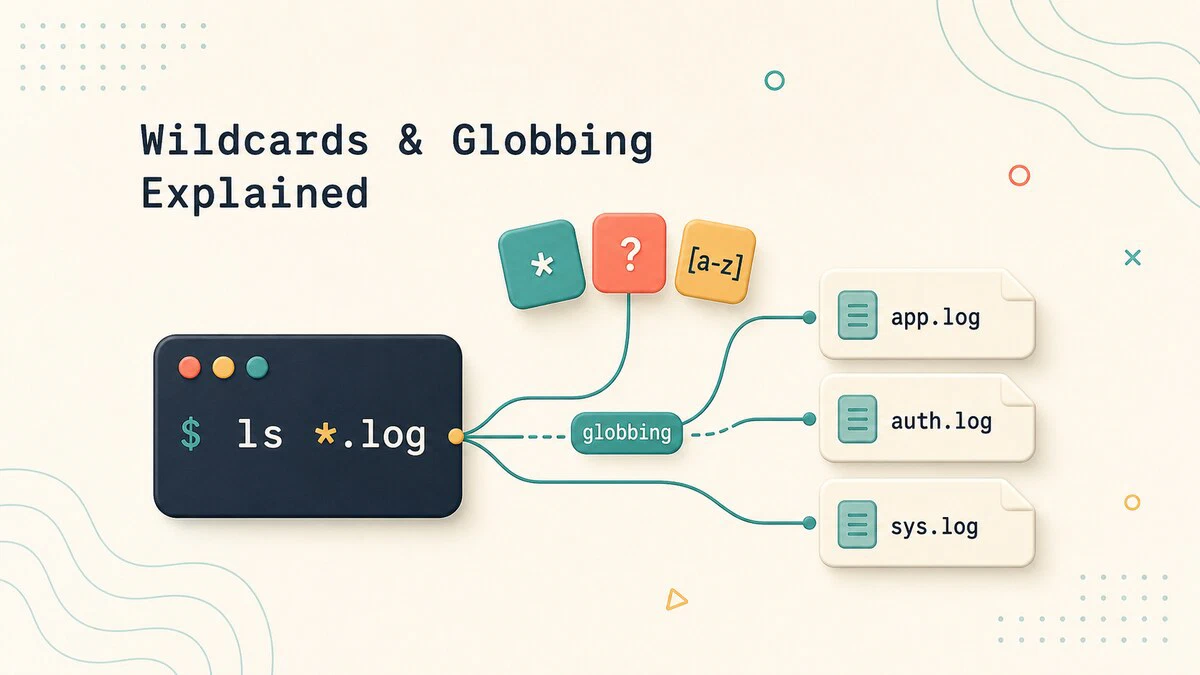
Linux Wildcards and Globbing Explained
How shell wildcards and globbing work in Linux: the *, ?, and [...] patterns, brace expansion, why globbing is not regex, and how to control it with quoting.
git diff Command: Compare Changes Between Commits and Branches
Use git diff to compare your working directory, staged files, commits, and branches, with practical examples of the options you will use most.
date Command in Linux: Format, Timezone, and Epoch
Format dates, convert timezones, and work with Unix timestamps using the Linux date command, with copy-paste examples for the terminal and shell scripts.
shutdown Command in Linux: Power Off, Reboot, and Schedule
How to use the shutdown command in Linux to power off, halt, or reboot the system immediately or at a scheduled time, with examples of all common options.

How to Check if a Command Exists in Bash
Check whether a command exists in Bash with command -v, capture its path, validate several dependencies, and compare type, hash, and which.
setuid, setgid, and the Sticky Bit Explained
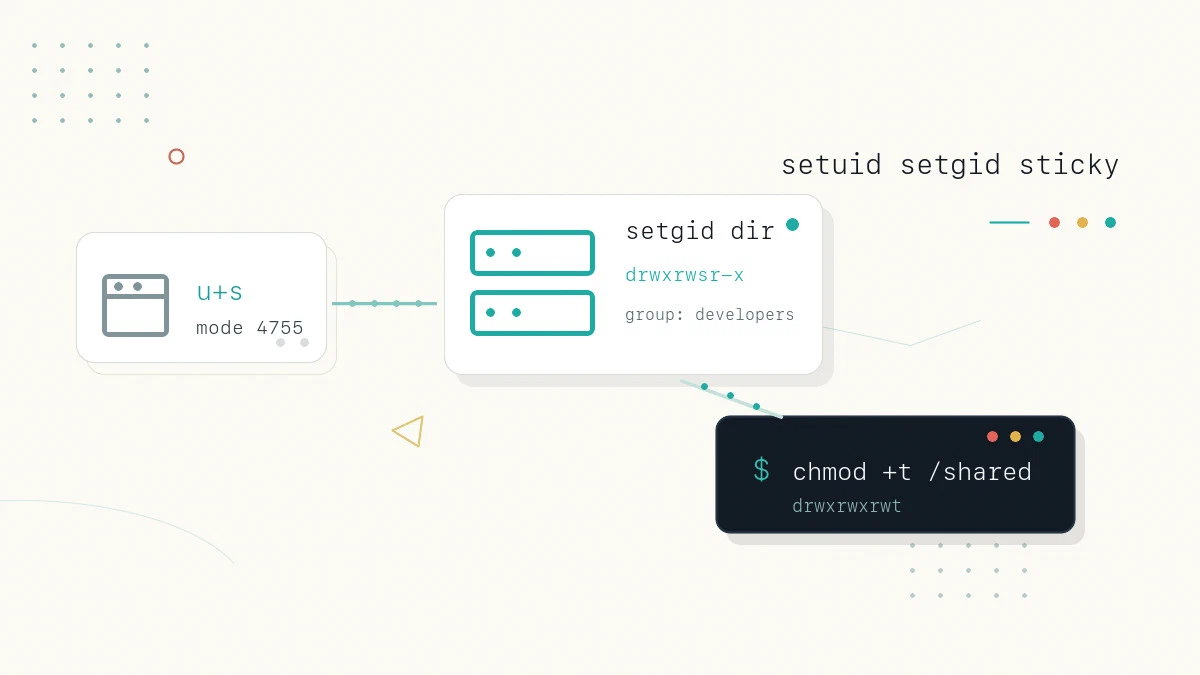
Understand the setuid, setgid, and sticky bit special permissions in Linux: what each one does on files and directories, how to set them, and the security risks.
curl vs wget: Differences and When to Use Each
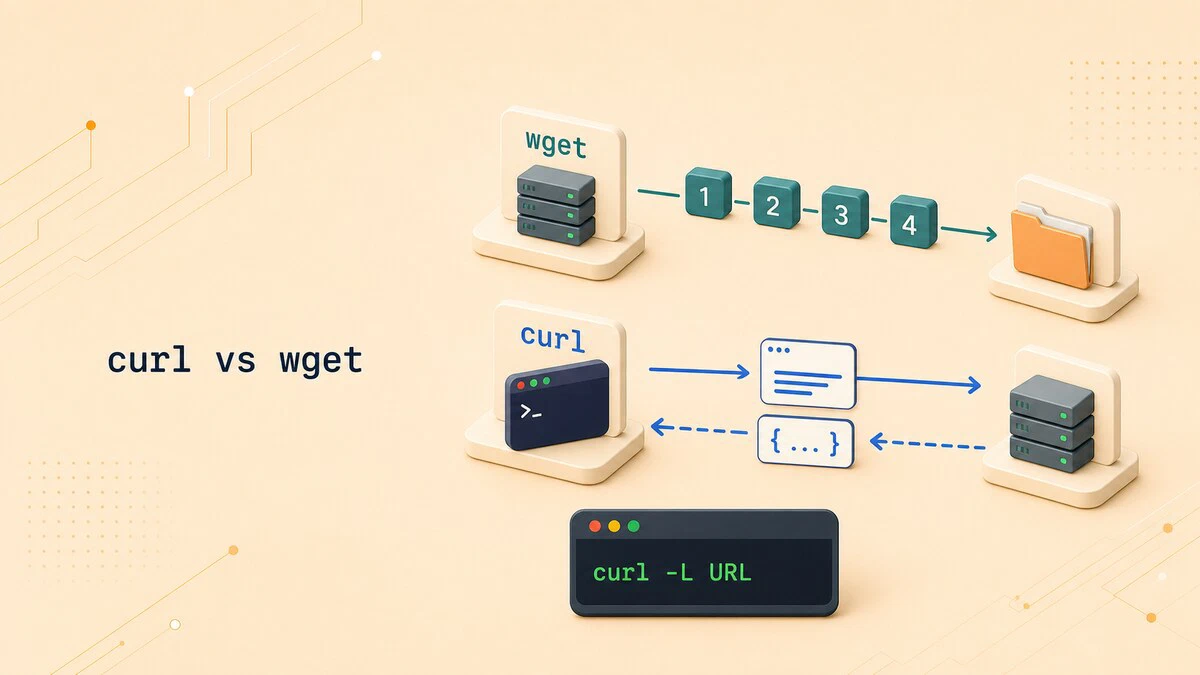
Compare curl vs wget defaults, protocols, redirects, recursive downloads, API requests, and resume options to choose the right command for each task.
/etc/passwd in Linux: File Format and Fields Explained
The cat /etc/passwd command displays local Linux accounts. This guide explains its seven fields and when to use getent passwd instead.

at Command in Linux: Schedule One-Time Tasks
The at command schedules one-time tasks to run at a specific time in Linux. This guide covers syntax, time formats, batch jobs, listing and removing jobs, and user restrictions.

Bash Subshells: Isolate Variables and Directory Changes
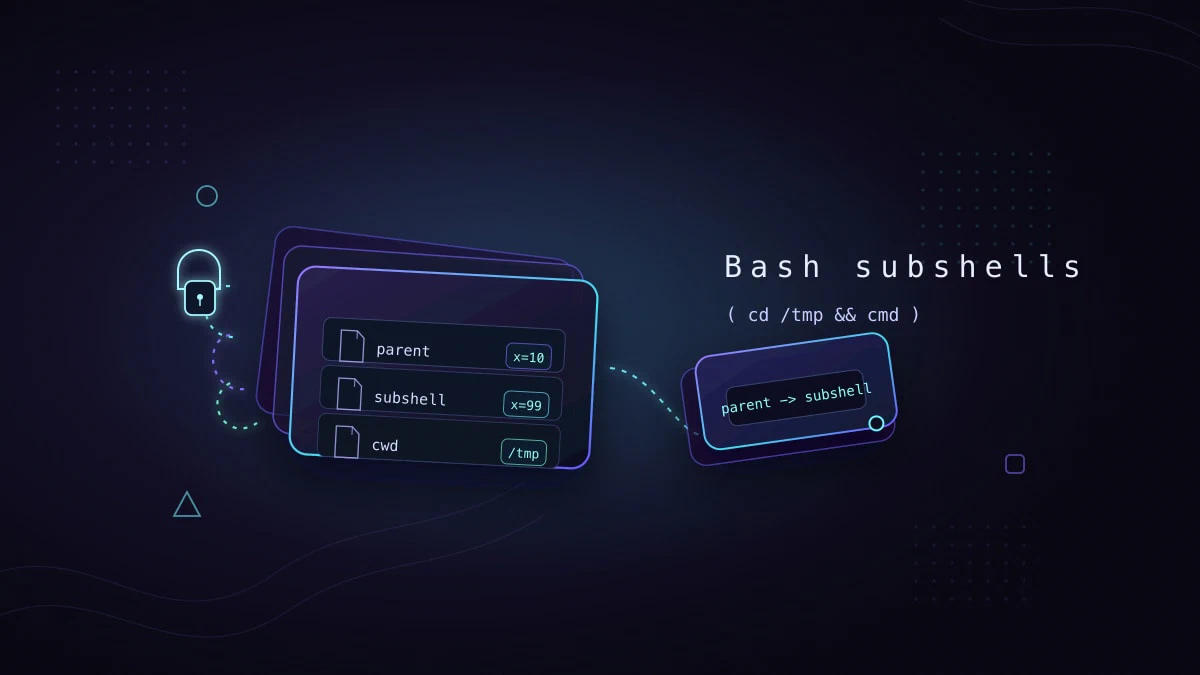
Bash subshells run commands in an isolated shell environment. This guide explains parentheses, variable scope, directory changes, command substitution, pipelines, and exit codes.
hostnamectl Command in Linux: Set and Query Hostname
Use hostnamectl to view and change the Linux hostname. Covers static, transient, and pretty names, system metadata, remote hosts, and common errors.

host Command in Linux: DNS Lookup
The host command is a simple DNS lookup tool. This guide covers forward and reverse lookups, querying specific record types, using a chosen name server, and reading the output.

pidof Command in Linux: Find Process IDs by Name
The pidof command finds the process ID (PID) of a running program by name. This guide explains how to use pidof, its options, and how to pair it with kill to manage processes.

Linux Pipes Explained: How to Use the | Operator
Linux pipes connect command output to another command's input. Learn the | operator, pipefail, stderr piping, xargs, named pipes, and process substitution.