Linux Commands
Command references for core Linux tools, syntax, examples, and practical one-liners.
Linux Time Command
This guide shows how to use the Linux time command to measure execution time, explains real/user/sys, and covers Bash, Zsh, and GNU time.

Uptime Command in Linux
The uptime command shows how long a Linux system has been running, the number of logged-in users, and the load averages for the last 1, 5, and 15 minutes.

npm Command: Install and Manage Node.js Packages
This npm command guide covers project setup, local and global package installs, npm ci, updates, dependency removal, scripts, and one-off package runs.

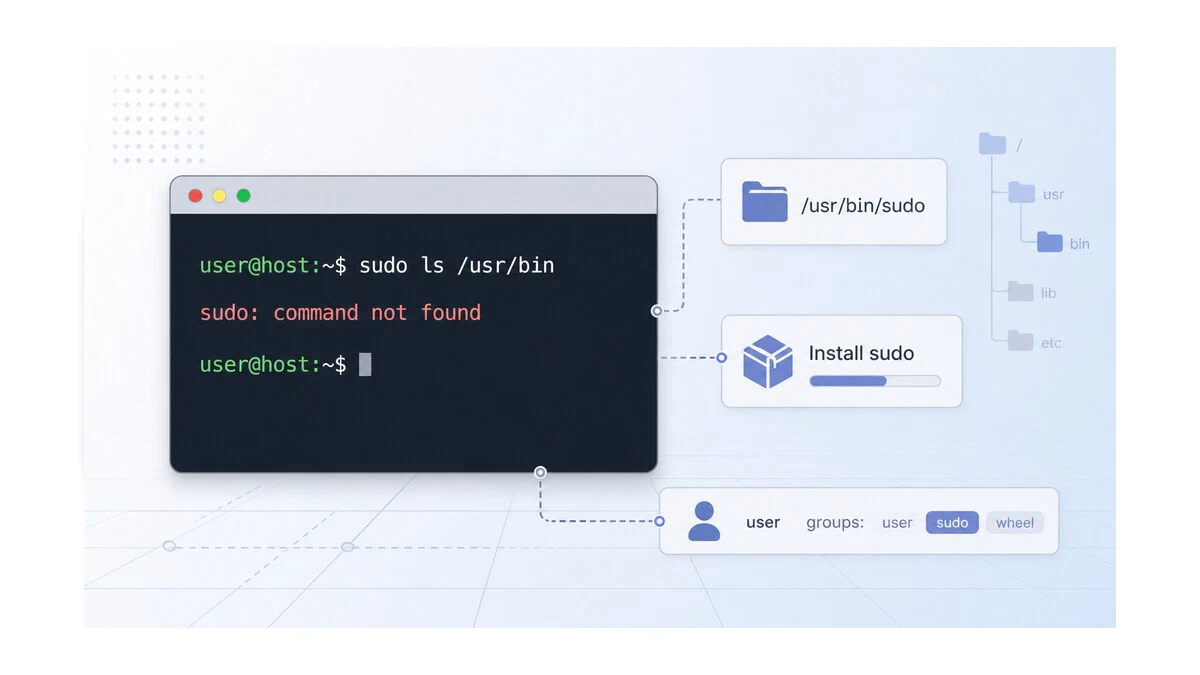
Fix "sudo: command not found" on Linux
How to fix the 'sudo: command not found' error on Linux by installing the sudo package, adding your user to the right group, and recovering from a broken PATH.
chgrp Command in Linux: Change File Group Ownership
The chgrp command changes the group ownership of files and directories in Linux. This guide covers syntax, recursive changes, symlink handling, and practical examples.

iptables Command in Linux: Manage Firewall Rules
Manage Linux firewall rules with iptables. This guide covers tables and chains, listing rules, allowing and blocking ports and IP addresses, setting default policies, and saving rules across reboots.

nslookup Command in Linux: Query DNS Records
The nslookup command queries DNS servers for domain records. This guide covers A, MX, NS, TXT, and AAAA lookups, reverse DNS, interactive mode, and choosing a specific name server.

whois Command in Linux: Query Domain Registration Info
The whois command looks up domain registration, registrar, name server, expiry, IP allocation, and AS number details from Linux.

Bash Arithmetic: Integer and Floating-Point Math
How to do arithmetic in Bash with the (( )) operator, $(( )) expansion, the let builtin, and bc or awk for floating-point math the shell cannot do natively.

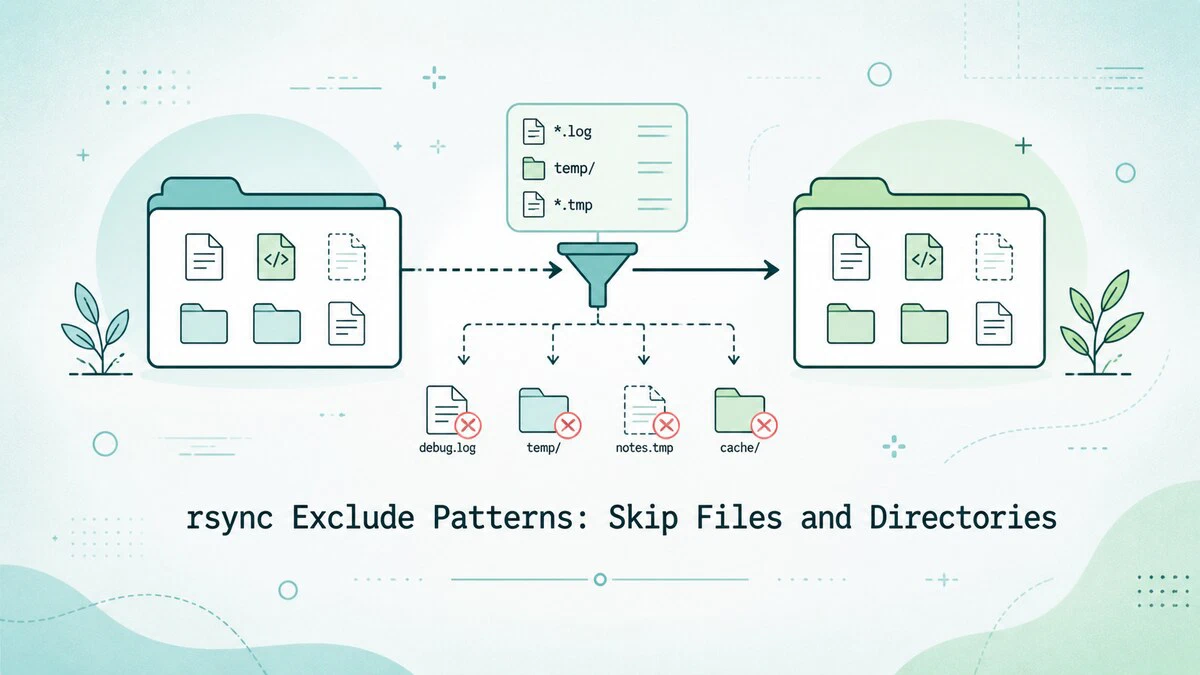
rsync Exclude Patterns: Skip Files and Directories
Exclude files and directories from an rsync transfer with --exclude and --exclude-from, glob patterns, and dry-run previews, with copy-paste examples.
How to Use the kill Command in Linux
Learn how to use the kill command in Linux to terminate processes, send signals, and reload services with practical examples.

How to Install Podman on Ubuntu: Rootless Container Alternative to Docker
Step-by-step instructions for installing Podman on Ubuntu, running rootless containers, building images with Buildah, and switching from Docker.

nmcli Command in Linux: NetworkManager CLI Reference
The nmcli command manages NetworkManager from the terminal. This guide covers device status, Wi-Fi connections, static IP configuration, DNS settings, and scripting-friendly output.

systemctl Command in Linux: Start, Stop, and Manage Services
Manage services on systemd-based Linux distributions with systemctl. This guide explains how to start, stop, restart, enable, and disable services, reload unit files, and inspect service status.

How to Use the pkill Command in Linux
The pkill command sends signals to Linux processes by name, user, terminal, or full command pattern. Covers safe matching, common options, and examples.

netstat Command in Linux: Network Connections and Statistics
Use the netstat command to list network connections, listening ports, routing tables, interface counters, and TCP states on Linux.

fsck Command in Linux: Check and Repair Filesystems
Use the fsck command in Linux to check and repair filesystems safely, run read-only checks, fix unmounted partitions, and schedule boot-time checks.

Cut Command in Linux
The Linux cut command extracts fields, bytes, or characters from text files and pipeline output. Covers delimiter-based field selection, byte and character ranges, and practical examples.

git branch Command: Create, List, and Delete Branches
The git branch command creates, lists, renames, and deletes Git branches. This guide explains the full command reference with practical examples for local and remote branches, merged filters, and tracking upstream branches.

tee Command in Linux with Examples
Use the tee command to save command output to files while still printing it in the terminal, append logs, write to multiple files, and handle sudo-protected paths.