Vim
Vim usage, shortcuts, and configuration tips.


How to Show Line Numbers in Vim and Vi
Turn on line numbers in Vim or Vi for the current session, set them by default in .vimrc or init.lua, and switch between absolute, relative, and hybrid numbering.

How to Save a File and Exit Vim / Vi
Save a file and quit Vim or Vi with :w, :wq, :q!, :x, ZZ, and ZQ. This guide explains the common save, exit, discard, and read-only file commands.

How to Comment Out Multiple Lines in Vim
Comment out multiple lines in Vim with visual block mode, line ranges, or bundled gc mappings, then remove comments with the matching commands.
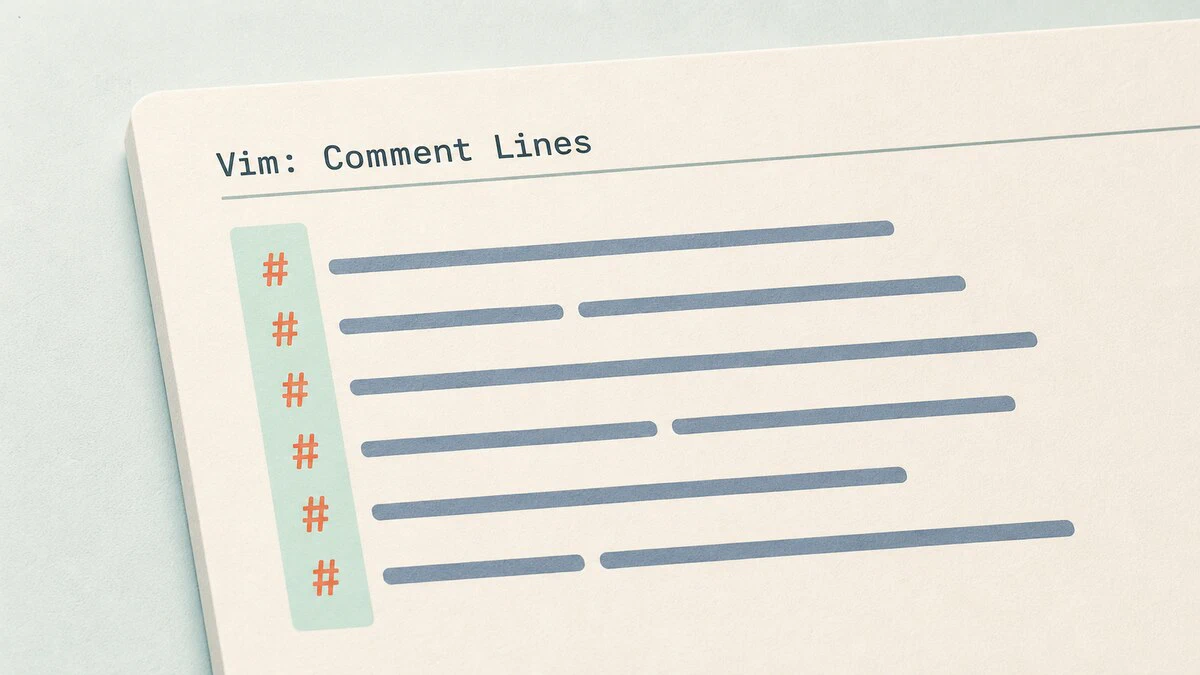
How to Select All in Vim: Copy, Delete, or Yank Every Line
Select all text in Vim with ggVG, yank every line with :%y, copy the whole file to the system clipboard, or delete all lines with :%d. No plugins required.
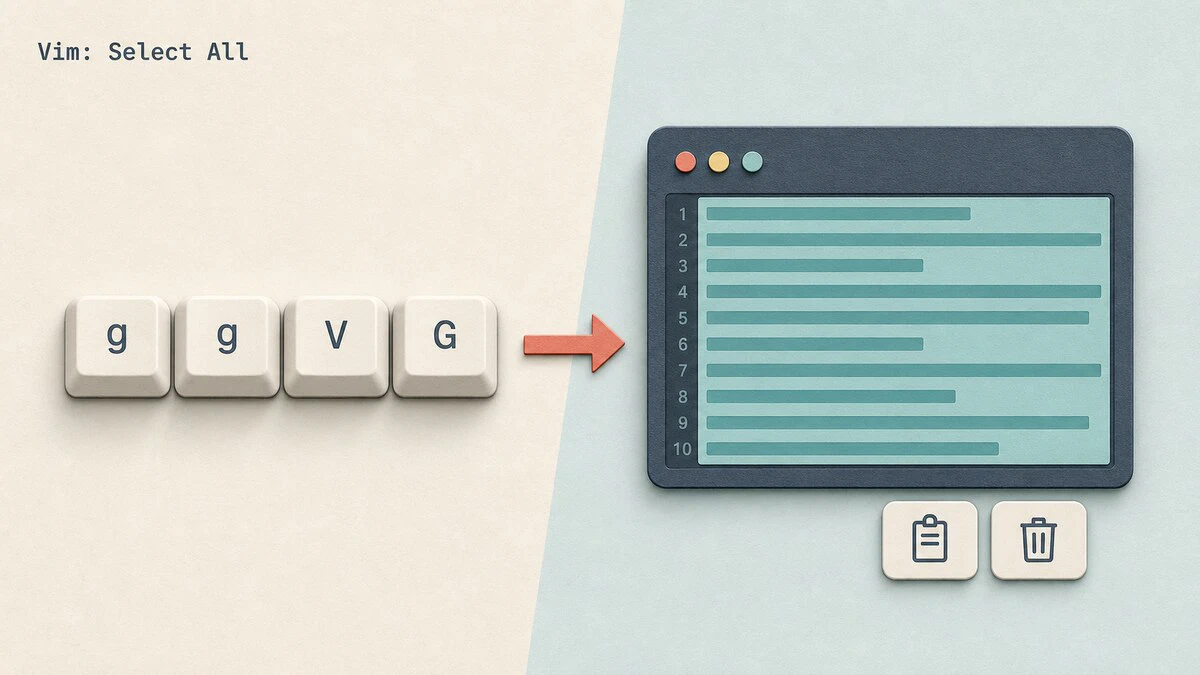
How to Copy, Cut and Paste in Vim / Vi
Vim uses yank, delete, and put commands to copy, cut, and paste text. This guide covers normal mode commands, visual mode selections, registers, and system clipboard integration.

Find and Replace in Vim / Vi
Step-by-step guide to finding and replacing text in Vim using the :substitute command. Covers ranges, flags, regex, case sensitivity, and practical examples.
