Articles by Dejan Panovski
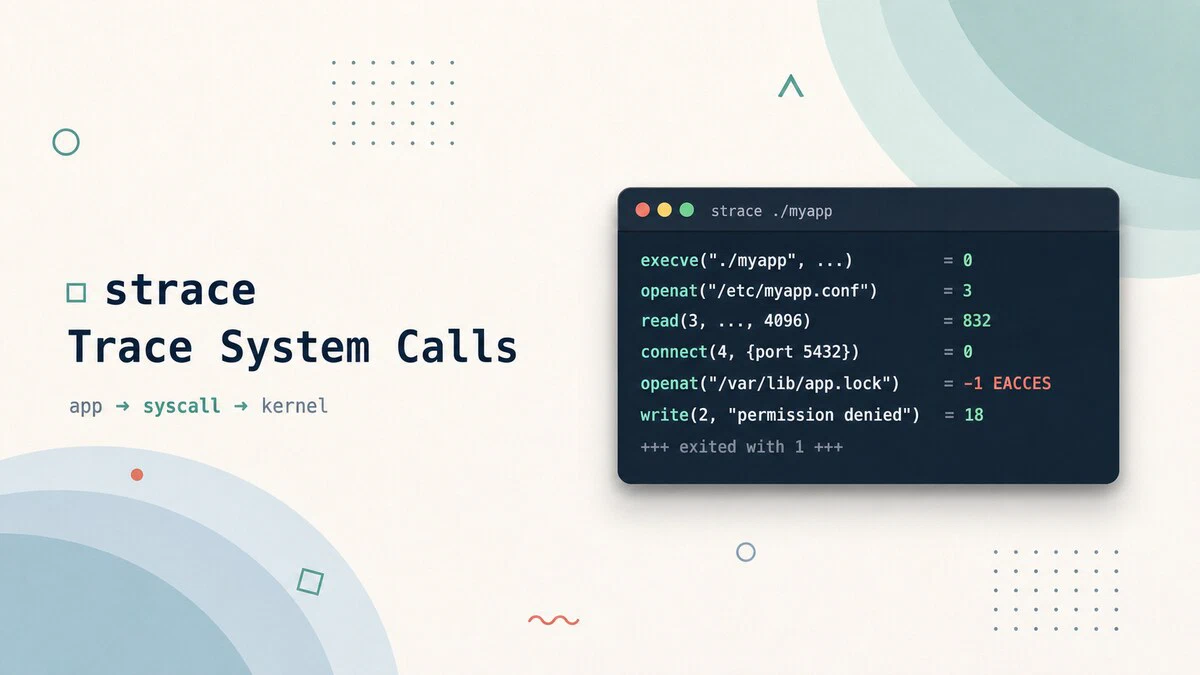
strace Command in Linux: Trace System Calls
Use the strace command to trace system calls and signals on Linux, debug why a program fails, find missing files, and measure where a process spends its time.
apt vs apt-get: The Difference and When to Use Each
apt and apt-get are not the same tool: apt is built for interactive terminal use, apt-get for scripts and automation. Compare their commands and see when to use each.

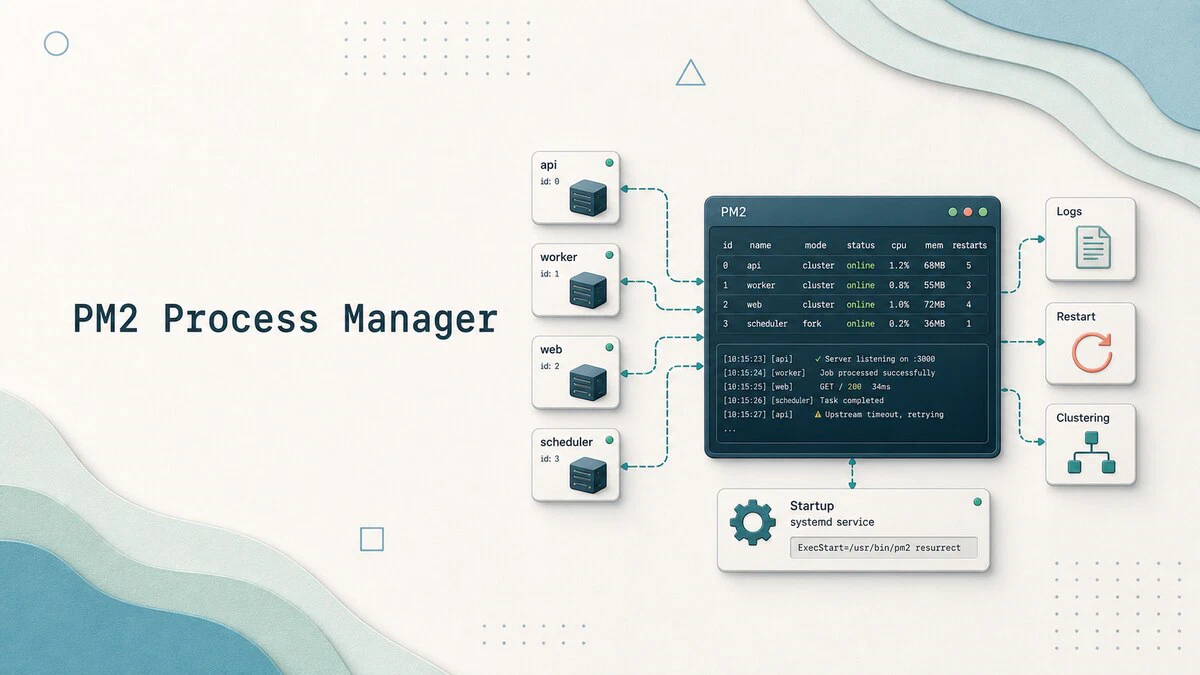
How to Manage Node.js Processes with PM2
How to install PM2, run and manage Node.js processes with clustering, zero-downtime reloads, log rotation, and systemd integration that survives reboots.
How to Check Your Ubuntu Version
Check which Ubuntu version you are running with lsb_release, /etc/os-release, or hostnamectl, plus a current release list up to Ubuntu 26.04 LTS.

Bash Parameter Expansion: Defaults, Substrings, and Replacement
Bash parameter expansion handles default values, substrings, string length, pattern trimming, search and replace, and case conversion, all inside the shell.

htop Command in Linux: How to Monitor and Manage Processes
Monitor Linux processes in real time with htop: read CPU and memory meters, sort and filter the process list, and kill or renice processes from one screen.

How to Concatenate Strings in Bash
Concatenate strings in Bash by placing variables side by side, appending with the += operator, or formatting with printf -v. Includes examples for variables, literals, and command output.

smartctl Command in Linux: Check Disk Health with SMART
Use smartctl in Linux to check SMART health, read disk attributes, run self-tests, troubleshoot USB enclosures, and monitor NVMe wear.

What Is Load Average in Linux: 1, 5, and 15 Minute Averages
Load average explained for Linux: what the three numbers from uptime and top mean, how they relate to CPU cores, and how to tell a busy system from an overloaded one.

How to Install Claude Code on Ubuntu and Linux
Install Claude Code on Ubuntu, Debian, and other Linux distributions using the recommended native installer, official package-manager repositories, or npm.
ffmpeg Command in Linux: Convert, Compress, and Extract Media
Practical ffmpeg examples for converting between formats, compressing video with CRF, extracting audio, trimming clips, resizing video, and batch processing files on Linux.
Fix npm E401: Unable to Authenticate
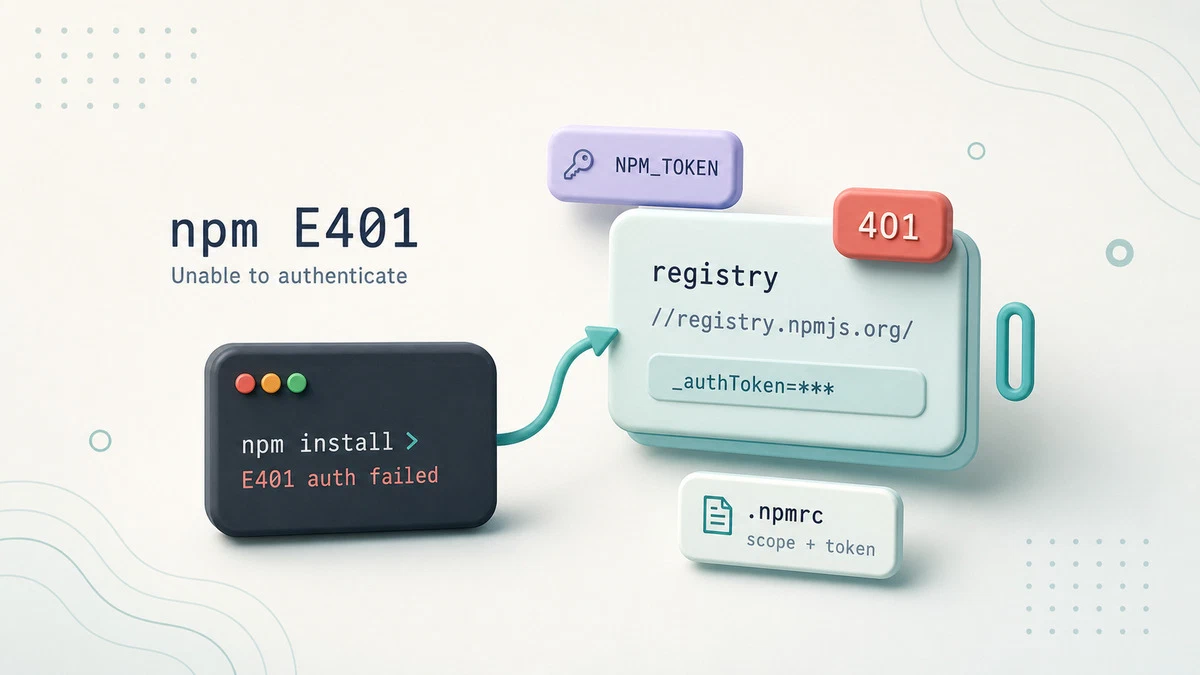
Resolve the npm E401 'Unable to authenticate' error by fixing stale tokens, registry mismatches, and broken .npmrc auth settings for public and private registries.
How to Install and Use Super Productivity on Linux
Install Super Productivity on Linux with Flatpak, Snap, AppImage, deb, rpm, Docker, or source, then create your first task and start tracking time.

Bash case Statement: Match Patterns in Shell Scripts
The Bash case statement matches a value against a list of patterns and runs the corresponding block. This guide explains argument parsing, syntax, glob patterns, multiple matches, and fall-through behavior.

Linux Wildcards and Globbing Explained
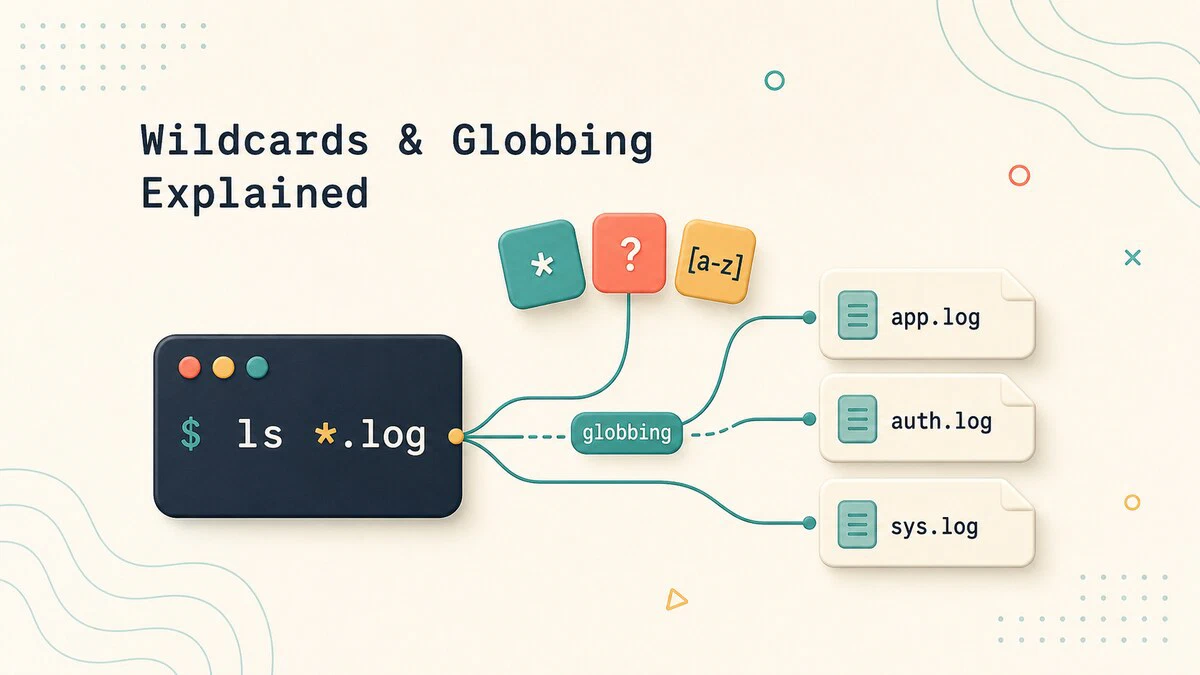
How shell wildcards and globbing work in Linux: the *, ?, and [...] patterns, brace expansion, why globbing is not regex, and how to control it with quoting.
git diff Command: Compare Changes Between Commits and Branches
Use git diff to compare your working directory, staged files, commits, and branches, with practical examples of the options you will use most.
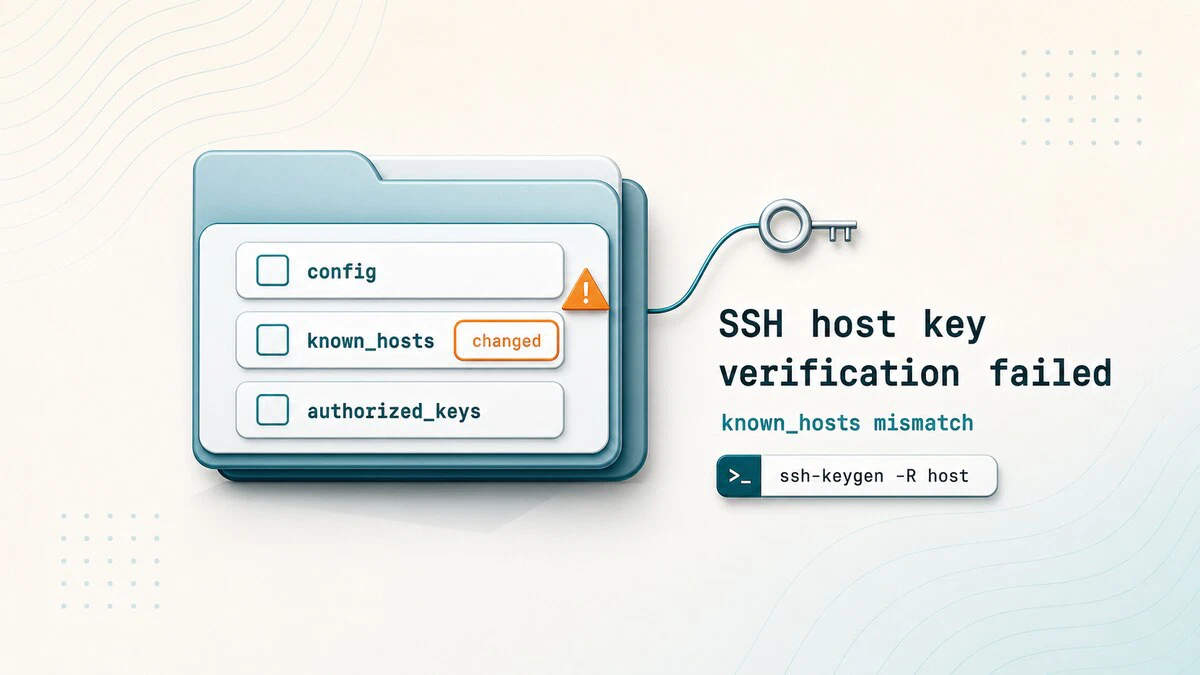
Fix SSH "Host Key Verification Failed" Error
Resolve the SSH Host key verification failed error by removing the stale known_hosts entry with ssh-keygen -R after verifying the server is genuine.
date Command in Linux: Format, Timezone, and Epoch
Format dates, convert timezones, and work with Unix timestamps using the Linux date command, with copy-paste examples for the terminal and shell scripts.
How to Install NVIDIA CUDA Toolkit on Ubuntu 26.04
Install the NVIDIA CUDA Toolkit on Ubuntu 26.04 from the Ubuntu archive or NVIDIA repository, then verify the driver, nvcc compiler, and CUDA sample output.

How to Check if a Command Exists in Bash
Check whether a command exists in Bash with command -v, capture its path, validate several dependencies, and compare type, hash, and which.