
Articles by Dejan Panovski
How to Install Caddy on Ubuntu 26.04
Install Caddy on Ubuntu 26.04 from the official repository, then configure automatic HTTPS, static sites, reverse proxying, systemd, and logs.
How to Check if a File or Directory Exists in Python
Check whether a file or directory exists in Python using pathlib, os.path, or try-except, with examples that avoid race conditions.

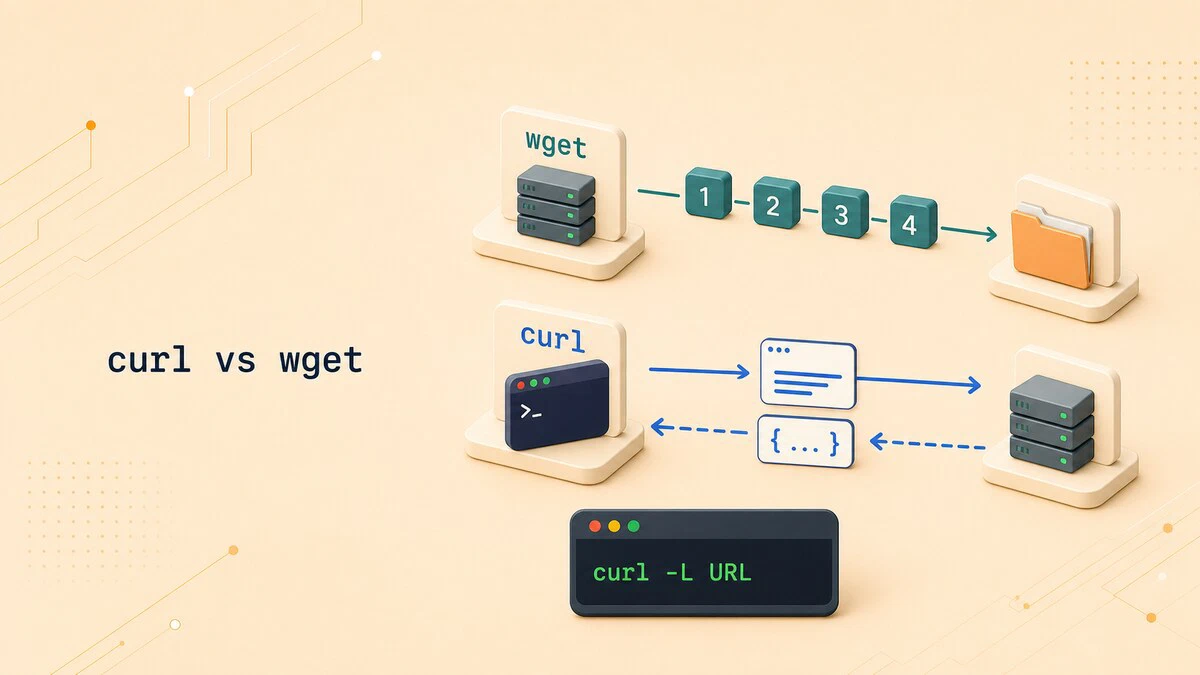
curl vs wget: Differences and When to Use Each
Compare curl vs wget defaults, protocols, redirects, recursive downloads, API requests, and resume options to choose the right command for each task.
PostgreSQL Backup and Restore with pg_dump and pg_restore
Use pg_dump, pg_restore, and pg_dumpall to back up and restore PostgreSQL databases, including custom formats, parallel jobs, remote hosts, and test restores.
How to Install pip on Debian 11, 12, and 13
Step-by-step instructions for installing pip3 on Debian 11, 12, and 13 using apt, with examples for installing, upgrading, and removing Python packages.

pip vs apt: Installing Python Packages on Linux
This guide explains when to use pip or apt for Python packages on Ubuntu and Debian, why sudo pip install is risky, and where virtual environments fit.

How to Install Python Pip on Ubuntu
Install pip on Ubuntu with a single apt command. Covers python3-pip setup, virtual environments, and common pip commands for managing Python packages.

/etc/passwd in Linux: File Format and Fields Explained
The cat /etc/passwd command displays local Linux accounts. This guide explains its seven fields and when to use getent passwd instead.

Bash Exit Command and Exit Codes
The Bash exit command terminates a shell or script and returns an exit code. This guide covers exit status, the $? variable, exit code conventions, set -e, and practical script examples.

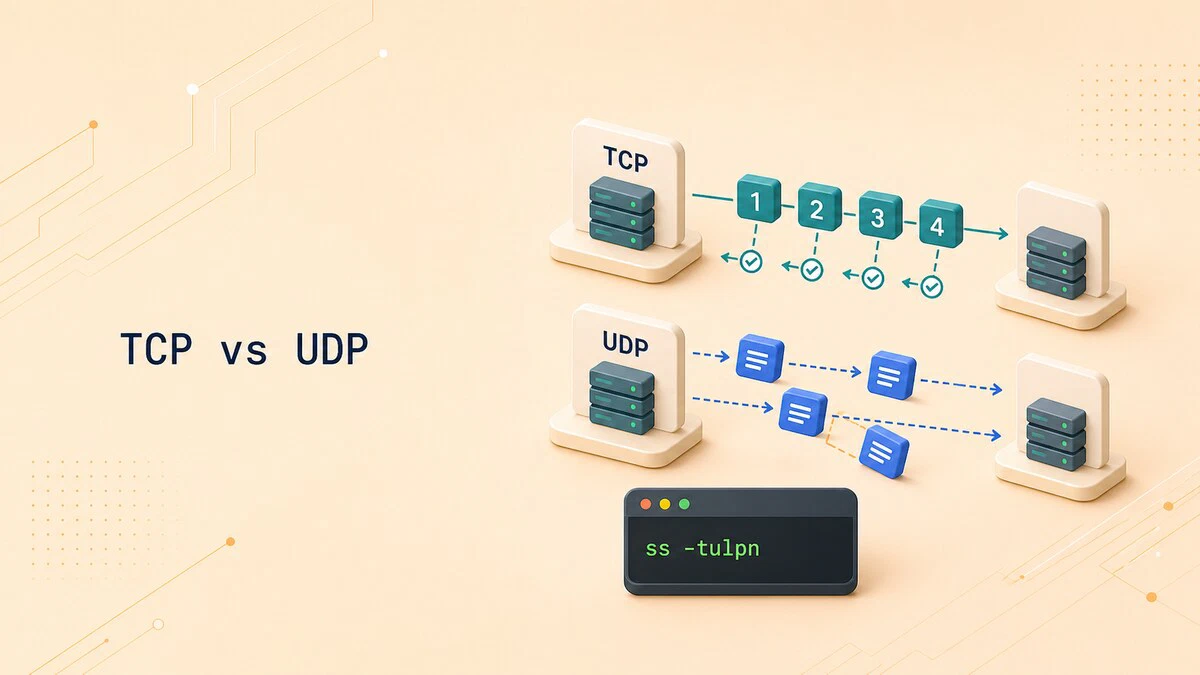
TCP vs UDP: Differences and When to Use Each
Compare TCP vs UDP reliability, ordering, overhead, common ports, and use cases, with Linux ss commands for checking which transport a service uses.
at Command in Linux: Schedule One-Time Tasks
The at command schedules one-time tasks to run at a specific time in Linux. This guide covers syntax, time formats, batch jobs, listing and removing jobs, and user restrictions.

How to Add a Git Remote
Add a new remote to a Git repository with git remote add, then list, inspect, and push to it. Includes common errors and a git remote command reference.

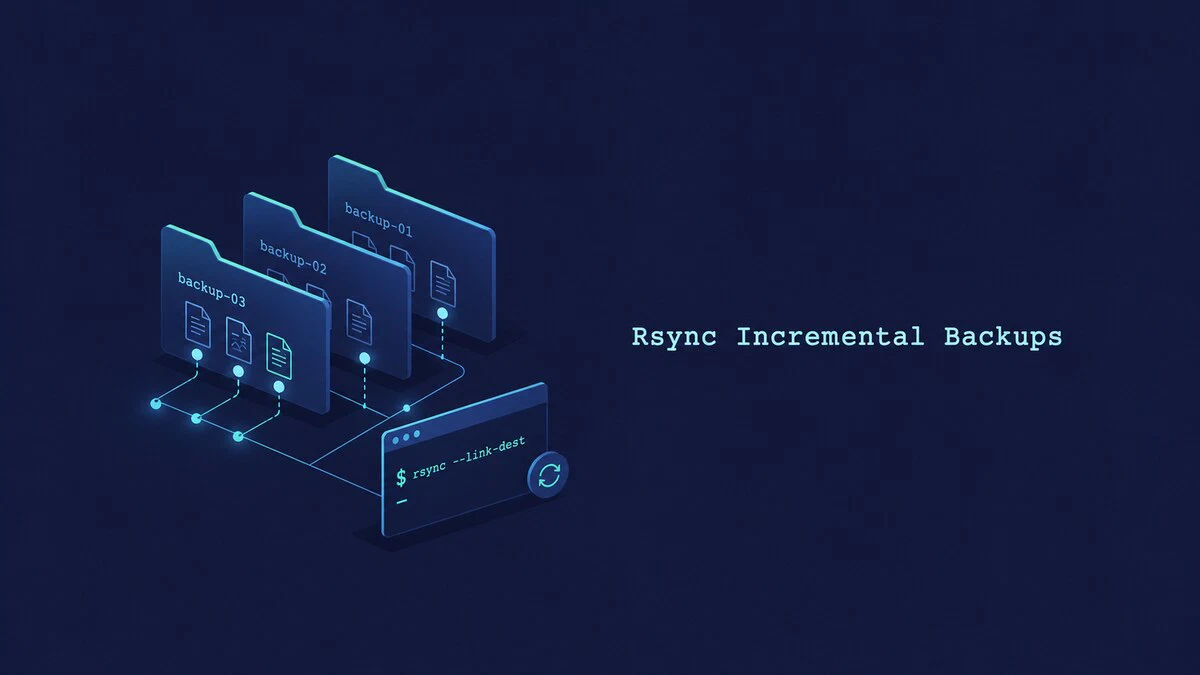
rsync Incremental Backups with --link-dest
Create space-efficient rsync incremental backups with --link-dest. Each dated snapshot remains directly browsable while unchanged files share disk space.
How to Install and Use Ollama on Ubuntu: Run LLMs Locally
Install Ollama on Ubuntu, run large language models locally, manage downloaded models, use GPU acceleration, and send prompts through the local API.
Configure Odoo with Nginx as a Reverse Proxy
Put Nginx in front of Odoo as an SSL termination and reverse proxy. This guide covers the full Nginx server block, WebSocket proxying for live chat, HTTP to HTTPS redirection, and locking down the Odoo backend.

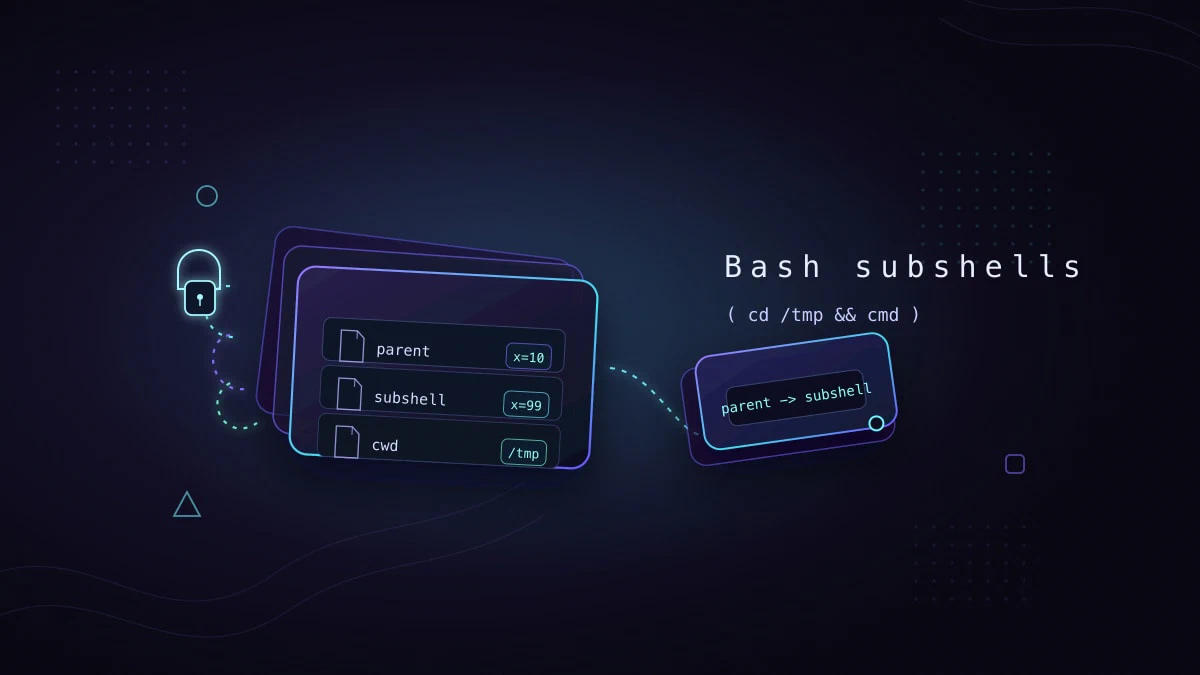
Bash Subshells: Isolate Variables and Directory Changes
Bash subshells run commands in an isolated shell environment. This guide explains parentheses, variable scope, directory changes, command substitution, pipelines, and exit codes.
Odoo Backup: Automate Database and Filestore Backups
Set up automatic Odoo backups that include the PostgreSQL database and filestore. This guide covers validation, retention, cron scheduling, off-site copies, and restore testing.

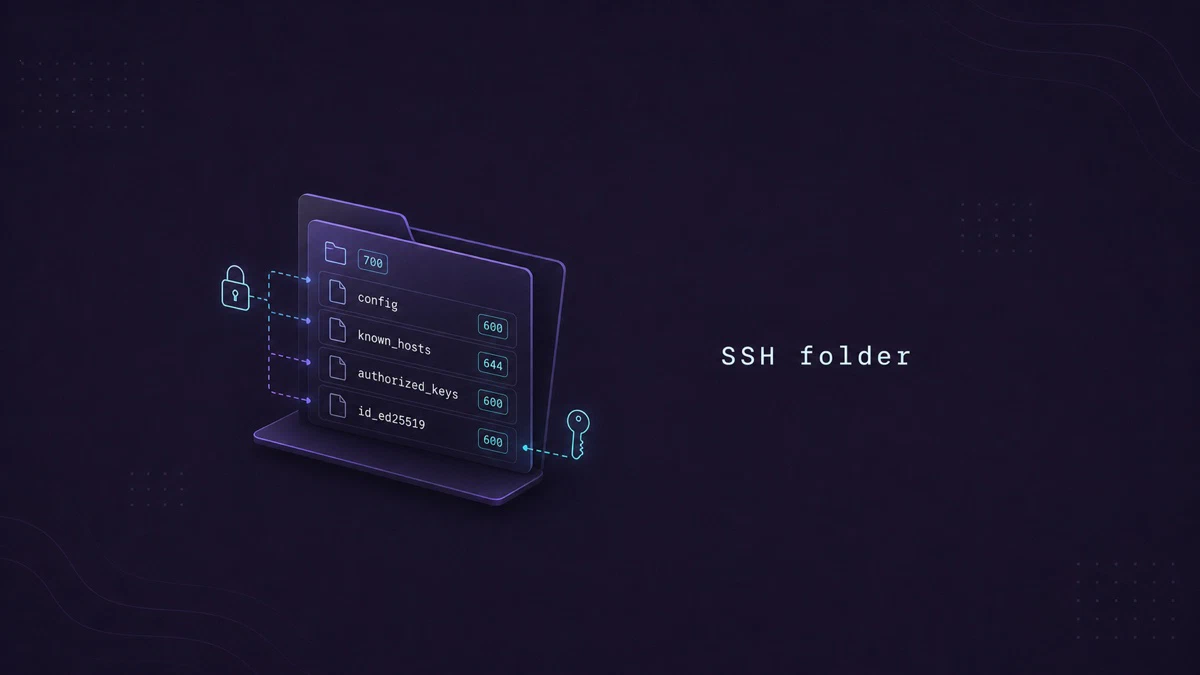
The ~/.ssh Folder: Files, Permissions, and Layout
What lives inside ~/.ssh on Linux: private keys, authorized_keys, known_hosts, config, and the recommended permissions for each file.
Python Tuples: Create, Access, Slice, and Unpack
Work with Python tuples: how to create, access, slice, unpack, and loop over them, plus how tuples differ from lists and when to use each.

How to Undo Last Git Commit
Undo the last Git commit with git reset or git revert, and pick the right option to keep your changes, discard them, or safely undo a pushed commit.
