
Articles by Dejan Panovski
Bash: Write to File
Redirect output to files in Bash using the > and >> operators, tee command, and heredocs, with examples for overwriting, appending, and writing multiple lines.

How to Install LEMP Stack on Ubuntu 26.04
Set up a LEMP stack on Ubuntu 26.04 with Nginx, MySQL 8.4, PHP 8.5, PHP-FPM, and a working PHP database test.

How to Mount a Windows Share on Linux Using CIFS
Mount a Windows SMB share on Linux with CIFS, use a credentials file, set ownership and permissions, and create a reliable fstab entry.

How to Install LAMP Stack on Ubuntu 26.04
Install Apache, MySQL 8.4, and PHP 8.5 on Ubuntu 26.04, configure an Apache virtual host, and test PHP database access.

SSH SOCKS Proxy: Create a SOCKS5 Tunnel for Browsing
Create an SSH SOCKS proxy with a SOCKS5 tunnel, configure Firefox or Chrome to use it, proxy DNS requests, and verify the browser exits through your SSH server.

How to Use the pkill Command in Linux
The pkill command sends signals to Linux processes by name, user, terminal, or full command pattern. Covers safe matching, common options, and examples.

Nginx Location Blocks: Match Rules and Priority
How Nginx picks a location block: prefix, exact, and regex matches, the priority order, named locations, and common configuration patterns.

SSH Permission Denied (publickey): Causes and Fixes
How to troubleshoot the SSH "Permission denied (publickey)" error in Linux. Covers file permissions, missing keys, SELinux, SSH agent issues, and server-side debugging.

Install and Configure Roundcube Webmail on Ubuntu 26.04
Install Roundcube Webmail on Ubuntu 26.04 with PHP-FPM, MySQL, Nginx, IMAP, SMTP submission, and server-side Sieve filters.

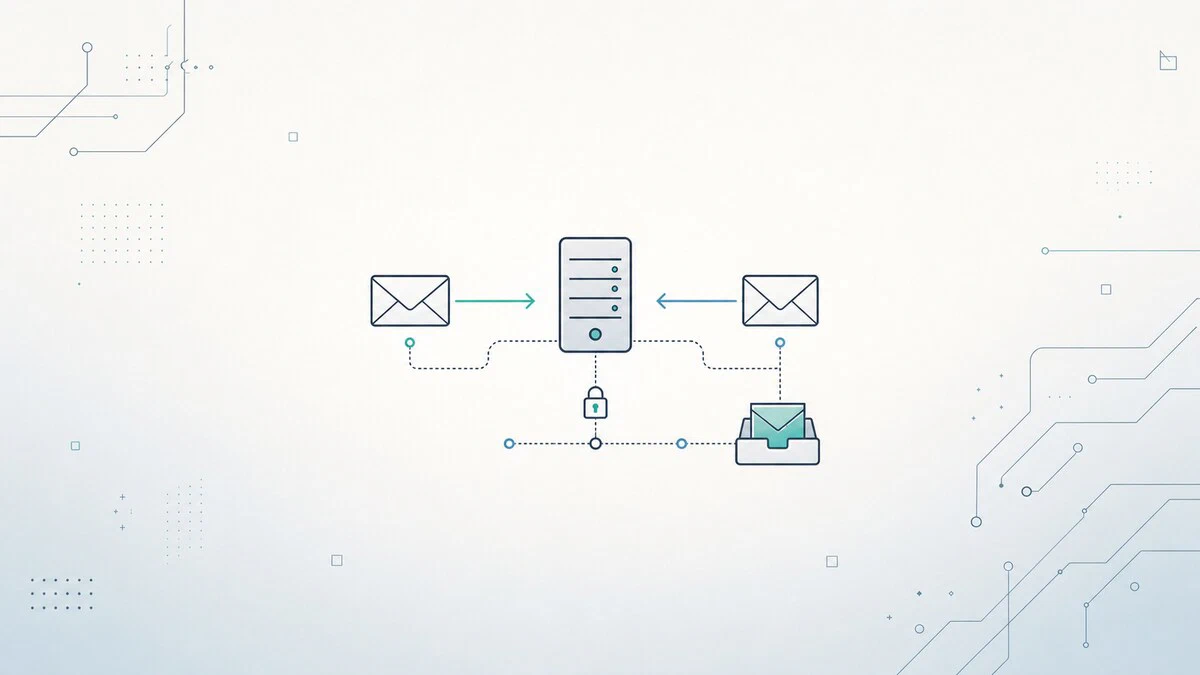
Install and Configure Postfix and Dovecot on Ubuntu 26.04
Postfix is an open-source mail transfer agent (MTA), a service used to send and receive emails. Dovecot is an IMAP/POP3 server and in our setup it will also handle local delivery and user authentication.
How to Install Python on Ubuntu 26.04
Install Python on Ubuntu 26.04 using the default Ubuntu packages, the deadsnakes PPA for alternate versions, or a source build. Includes pip and virtual environments.

SSH Hardening Guide: Best Practices for Linux Servers
SSH hardening best practices for Linux servers, including sshd_config checks, key-only logins, root login restrictions, firewall rules, timeouts, and Fail2Ban.

Bash Split String: Split a String by Delimiter
How to split a string in Bash by a delimiter using read, IFS, tr, awk, and parameter expansion, with practical examples for scripts.

How to Install Docker on Debian 13 (Trixie)
Install Docker on Debian 13 from the official Docker repo. Set up the apt keyring, install Engine and Compose plugin, and fix common errors.

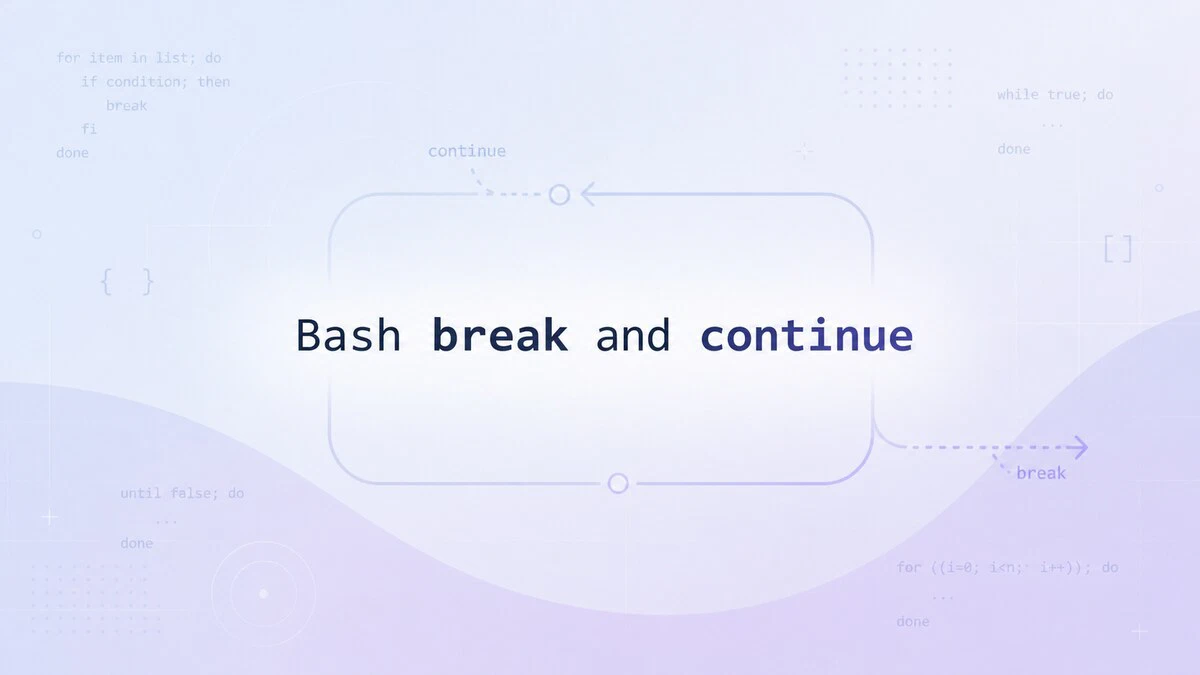
Bash break and continue Statements
The break and continue statements in Bash control loop execution. Use break to exit a loop early and continue to skip the current iteration.
netstat Command in Linux: Network Connections and Statistics
Use the netstat command to list network connections, listening ports, routing tables, interface counters, and TCP states on Linux.

fsck Command in Linux: Check and Repair Filesystems
Use the fsck command in Linux to check and repair filesystems safely, run read-only checks, fix unmounted partitions, and schedule boot-time checks.

Netcat (nc) Command in Linux with Examples
Use the Netcat nc command in Linux to scan ports, listen for connections, transfer files, test TCP and UDP services, and set connection timeouts.

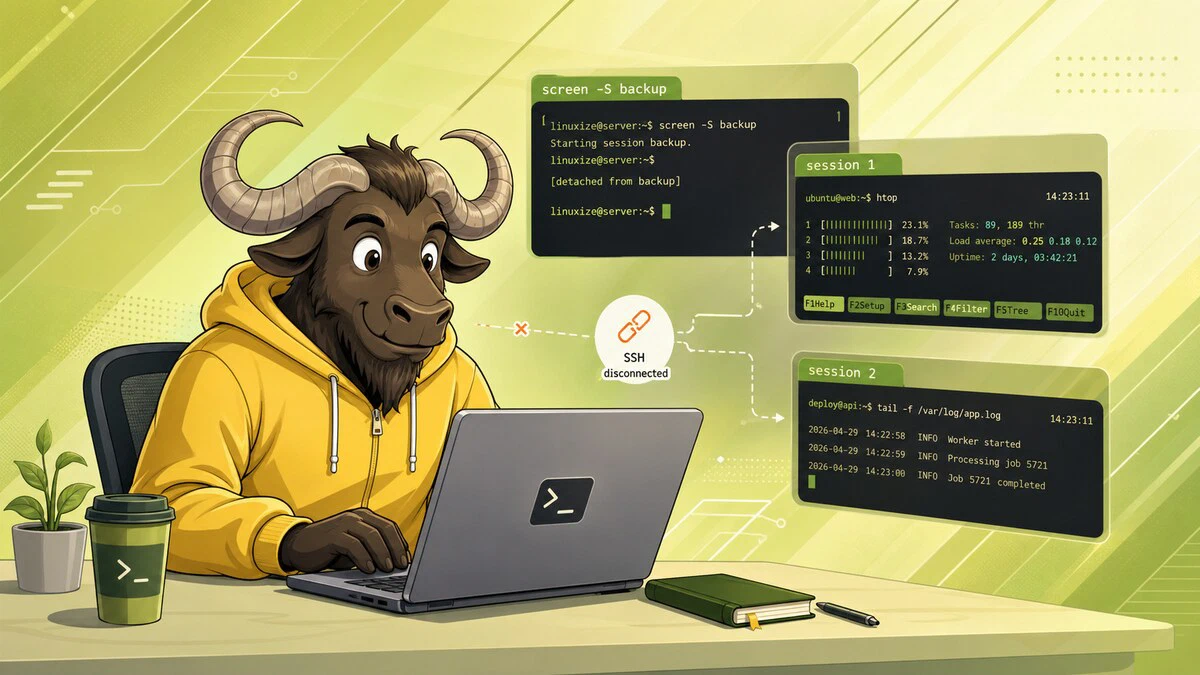
How to Use Linux Screen
GNU Screen is a terminal multiplexer for managing persistent sessions over SSH. This guide covers sessions, windows, detach/reattach, scrollback mode, and customization.
Things to Do After Installing Ubuntu 26.04
A practical checklist for setting up Ubuntu 26.04 after installation, including updates, drivers, codecs, Flatpak, backups, firewall settings, and desktop tweaks.
