All Articles
Browse all Linuxize tutorials, guides, and references.
Bash Heredoc: Complete Guide with Examples
Bash heredoc lets you pass multi-line text directly to a command inside a shell script. This guide covers syntax, variable expansion, indentation with <<-, SSH usage, and common mistakes.

Bash Functions
How to define and use Bash functions, pass arguments, return values, and apply best practices for writing cleaner and more maintainable scripts.

touch Command in Linux: Create Files and Update Timestamps
The touch command creates empty files and updates file timestamps in Linux. This guide covers access time, modification time, custom timestamps, and reference file usage.

How to Force git pull to Overwrite Local Files
Replace a local Git branch with its remote version safely using fetch and reset, with backup steps for commits, modified files, and untracked files.

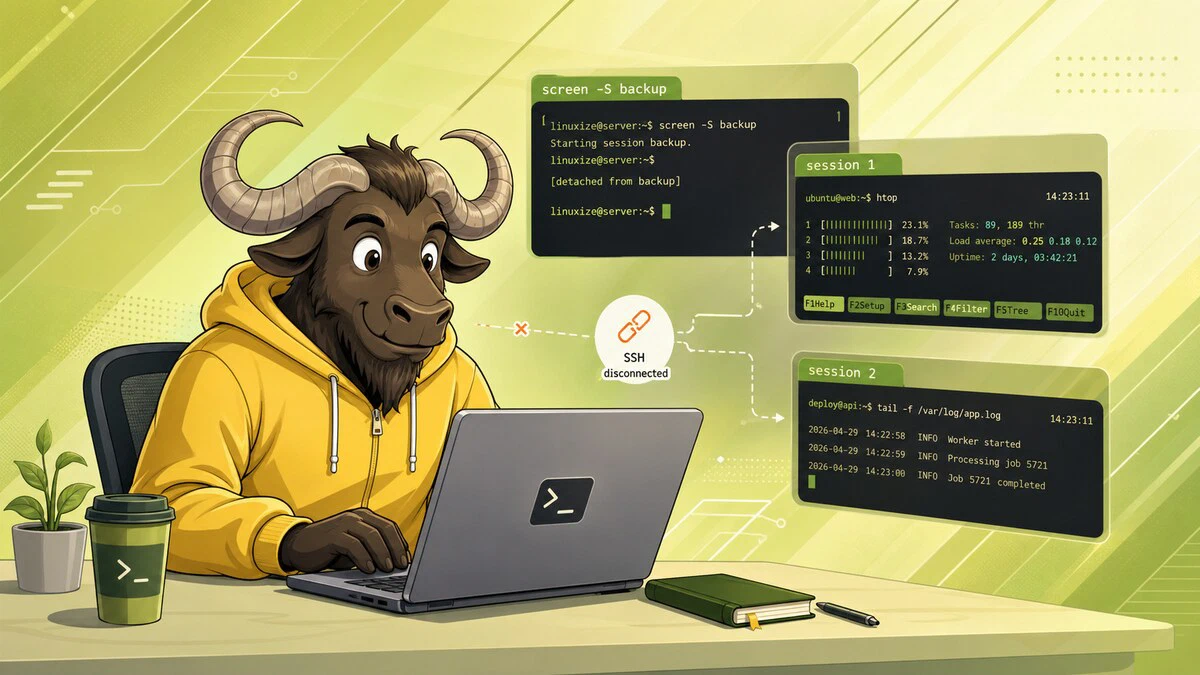
How to Use Linux Screen
Keep commands running after you disconnect from SSH with GNU Screen. Start, detach, reattach, list, and kill sessions, plus windows, scrollback, and .screenrc.
git switch: Switch and Create Branches
Switch Git branches, create new branches, track remote branches, and handle uncommitted changes with practical git switch examples.

tmux Command in Linux: Sessions, Windows, and Panes
The tmux command lets you run persistent terminal sessions with multiple windows and panes. This guide covers creating and managing sessions, splitting panes, copy mode, and configuration.

How to Use Nano, the Linux Command Line Text Editor
Learn the essential nano commands and keyboard shortcuts: open, save, and exit files, search and replace text, copy and paste, and use sudo nano to edit system files.

Bash Comparison Operators: Equal, Not Equal, Greater Than
Compare numbers and strings in Bash with -eq, -ne, -gt, == and !=. Covers not equal checks, greater-than tests, and when to use [ ], [[ ]], or (( )).

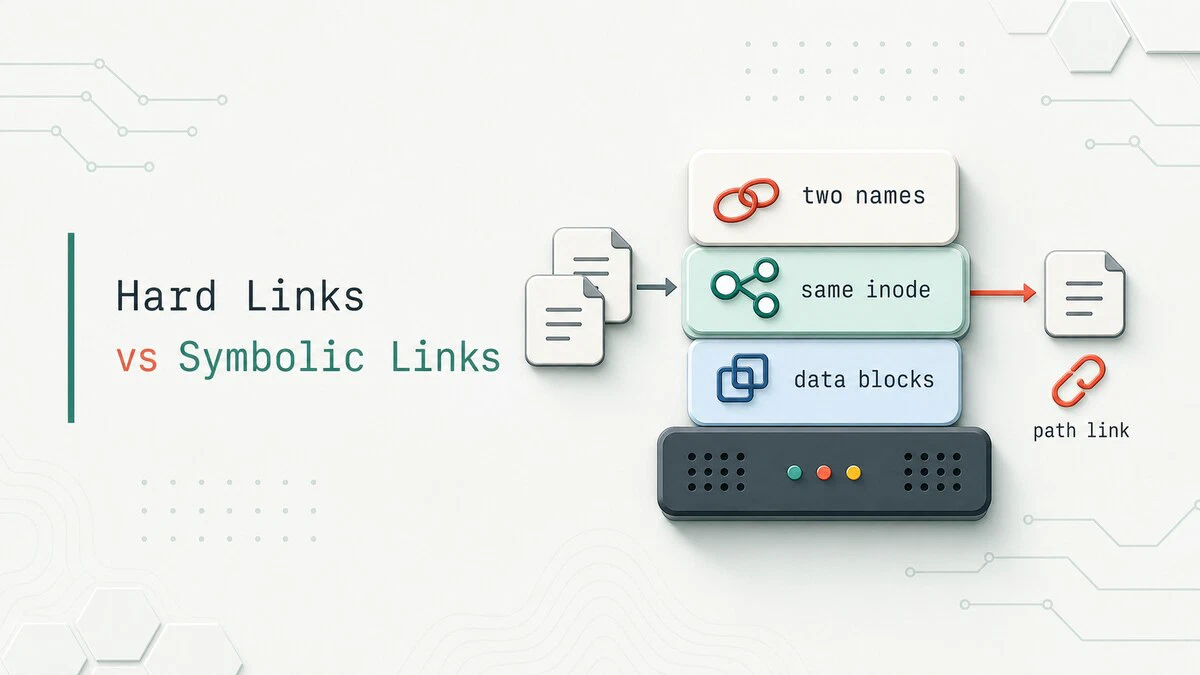
Hard Link vs Symbolic Link in Linux: Symlinks and Inodes Explained
Symlink vs hard link in Linux: a hard link is a second name for the same inode, and a symlink stores a path to another file. See when each one breaks and which to use.
Best Terminal File Managers for Linux
Compare Midnight Commander, Yazi, ranger, lf, and nnn, with installation commands, screenshots, and practical advice for choosing a Linux terminal file manager.

Bash Strict Mode: set -euo pipefail Explained
A practical guide to Bash strict mode: how set -e, set -u, set -o pipefail, and IFS change script behavior, why they catch silent failures, and when to turn them off.

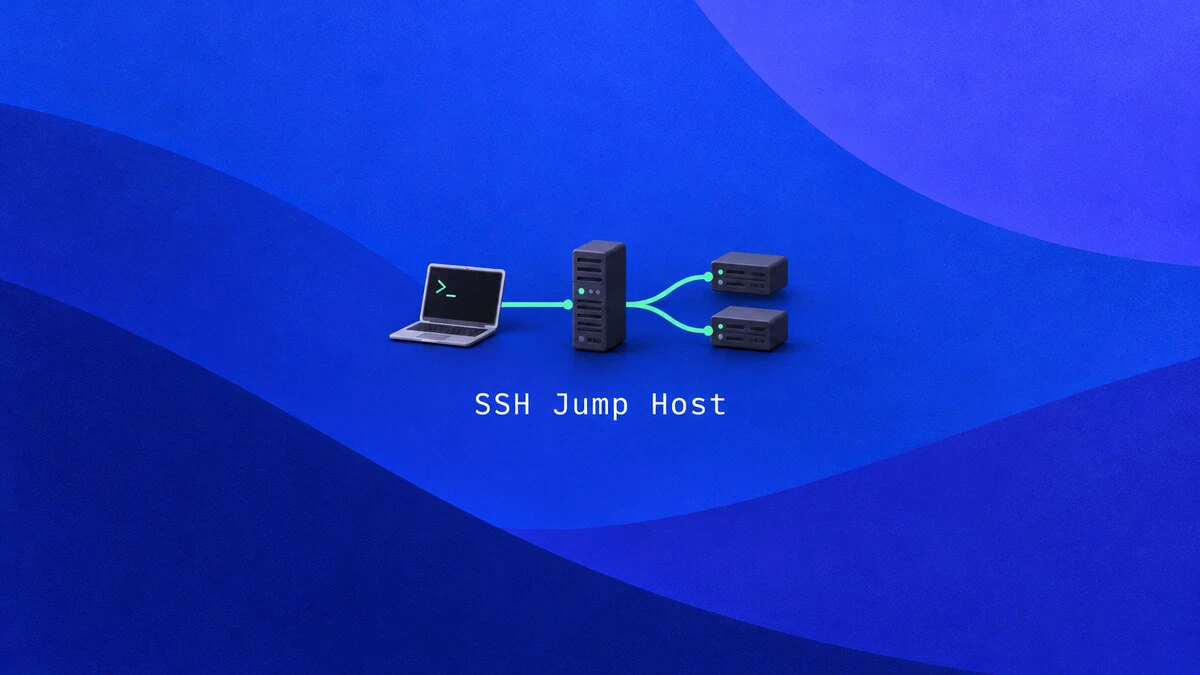
How to Use an SSH Jump Host with ProxyJump
Connect to private servers through an SSH jump host with ssh -J and ProxyJump. Configure keys, copy files, forward ports, and restrict the bastion account.
exFAT on Linux: Mount and Use exFAT Drives on Ubuntu
Linux reads and writes exFAT through a built-in kernel driver. Mount exFAT USB drives and SD cards on Ubuntu, add an fstab entry, format with exfatprogs, and fix 'unknown filesystem type' errors.

Bash if, elif, and else Statements: Syntax and Examples
Write Bash conditionals with if, if else, and elif blocks. Covers test operators, file checks, commands as conditions, && and || chains, and one-line if syntax.

chattr Command in Linux: Change File Attributes
The chattr command changes file attributes in Linux. Make a file immutable with chattr +i, keep logs append-only with +a, and check flags with lsattr.

tr Command in Linux: Translate, Delete, and Squeeze Characters
The tr command translates, deletes, and squeezes characters from standard input. This guide covers tr syntax, character sets and ranges, case conversion, removing line endings, and practical pipeline examples.

Rsync Command in Linux with Examples
Use rsync to sync files and directories locally or over SSH. Covers common options, dry runs, exclusions, mirroring, and troubleshooting.

How to Build Docker Images with Dockerfile
Write a Dockerfile, build an image with docker build, and run it as a container. Includes an Ubuntu 26.04 example, the -f option, .dockerignore, and multi-stage builds.

How to Flush DNS Cache on Linux, Windows, macOS, and Chrome
Commands to flush the DNS cache on Linux (systemd-resolved, dnsmasq, nscd), Windows, and macOS, plus how to clear the Chrome and Firefox DNS cache.
