Linux Commands
Command references for core Linux tools, syntax, examples, and practical one-liners.
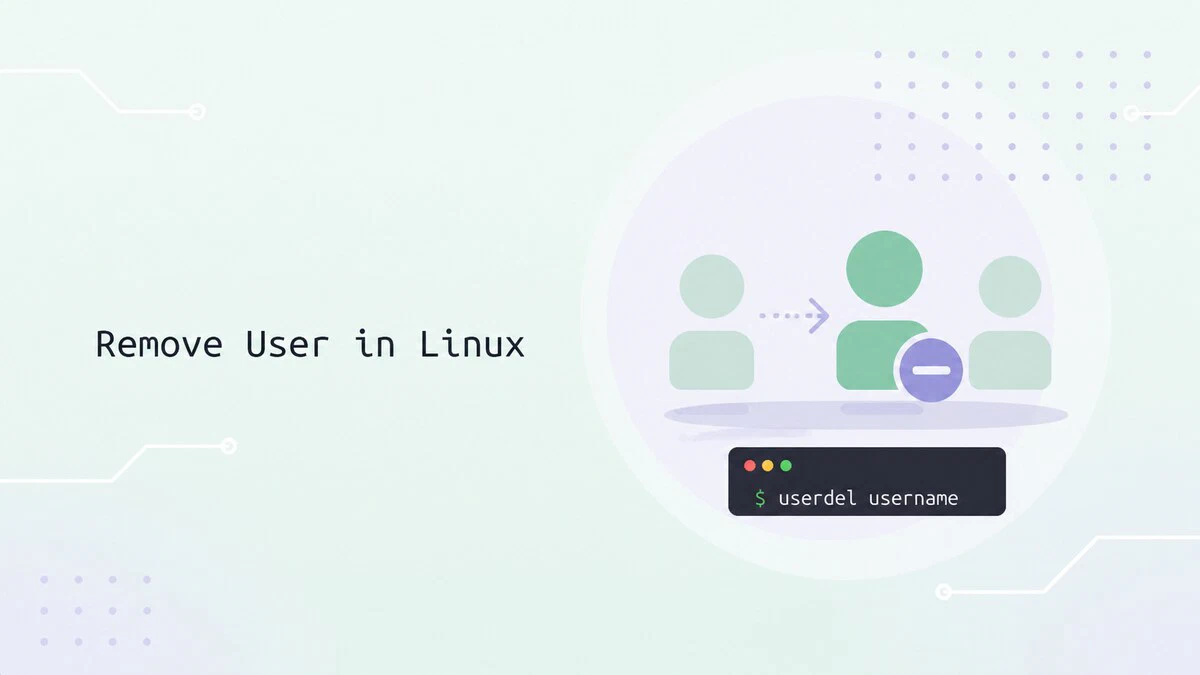
How to Remove a User in Linux
Remove a user in Linux with userdel, including the home directory, active sessions, scheduled jobs, SELinux mappings, and files left behind.
su Command in Linux: How to Switch Users
Use the su command to switch users, open a root login shell, and run commands as another account. Includes options, sudo su, troubleshooting, and examples.

How to Remove or Delete a Directory in Linux
Remove a directory in Linux with rmdir for empty folders, rm -rf for non-empty ones, or find for bulk deletion. Examples and common errors.

How to Tail and Filter Logs in Real Time on Linux
Follow Linux logs in real time with tail -F, filter live output with grep, pause with less +F, and stream systemd service logs with journalctl -f.

Linux File Permissions Explained
Linux file permissions control who can read, write, and execute files and directories. Learn how to inspect and change permissions with ls, stat, and chmod.

Chmod Recursive: Change File Permissions Recursively in Linux
Use chmod -R to change permissions recursively in Linux. This guide covers numeric and symbolic modes, examples using find, common patterns, and safety tips.

chmod 777: What It Means and Why You Should Never Use It
chmod 777 grants every user full control of a file or directory. See why it is risky and when to use safer 755 or 644 permissions instead.

chmod Command in Linux: Change File and Directory Permissions
The chmod command changes file and directory permissions in Linux. This guide covers what chmod 755, 644, 700, and 600 mean, how to use symbolic and numeric modes, and how to apply permissions recursively.

sftp Command in Linux: Transfer Files Securely
The sftp command transfers files securely over SSH. Connect to servers, upload and download files, resume transfers, and automate batch jobs.

mv Command in Linux: Move Files and Directories
Move and rename files and directories in Linux with the mv command, including overwrite prompts, backups, the -T option, and cross-filesystem moves.

cd Command in Linux: Change Directories
Change directories in Linux with cd, covering absolute and relative paths, home and parent shortcuts, symbolic links, CDPATH, and common errors.

Linux Folder Size: How to Check File and Directory Sizes
Check folder and file sizes in Linux with du. Compare directory totals, rank subdirectories, exclude paths, and check free space with df.

zip Command in Linux: Zip Files and Directories
Create ZIP archives in Linux with the zip command. Zip directories recursively, exclude files, add a password, and split large archives.

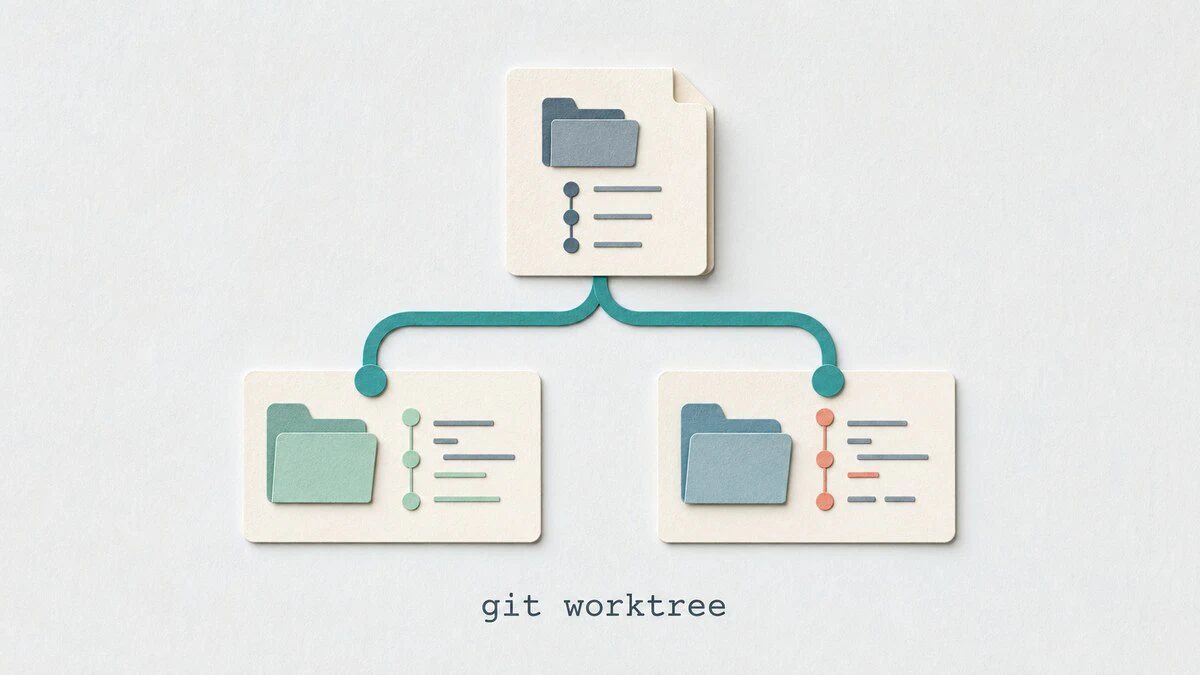
git worktree: Work on Multiple Branches at Once
Use git worktree to check out multiple branches in separate directories, handle urgent fixes without stashing, and clean up linked worktrees safely.
git log Command: View Commit History
Browse commit history with git log: show the last commit, filter by author, date, or keyword, search by code change, track a file across renames, and read branch graphs.

whoami Command in Linux: Display the Current User Name
The whoami command shows the current effective username on Linux. This guide explains syntax, practical examples, shell script usage, and how it compares to id -un and $USER.

killall Command in Linux: Kill Processes by Name
Use the Linux killall command to stop processes by name, select signals, filter by user or age, confirm matches, and compare killall with kill and pkill.

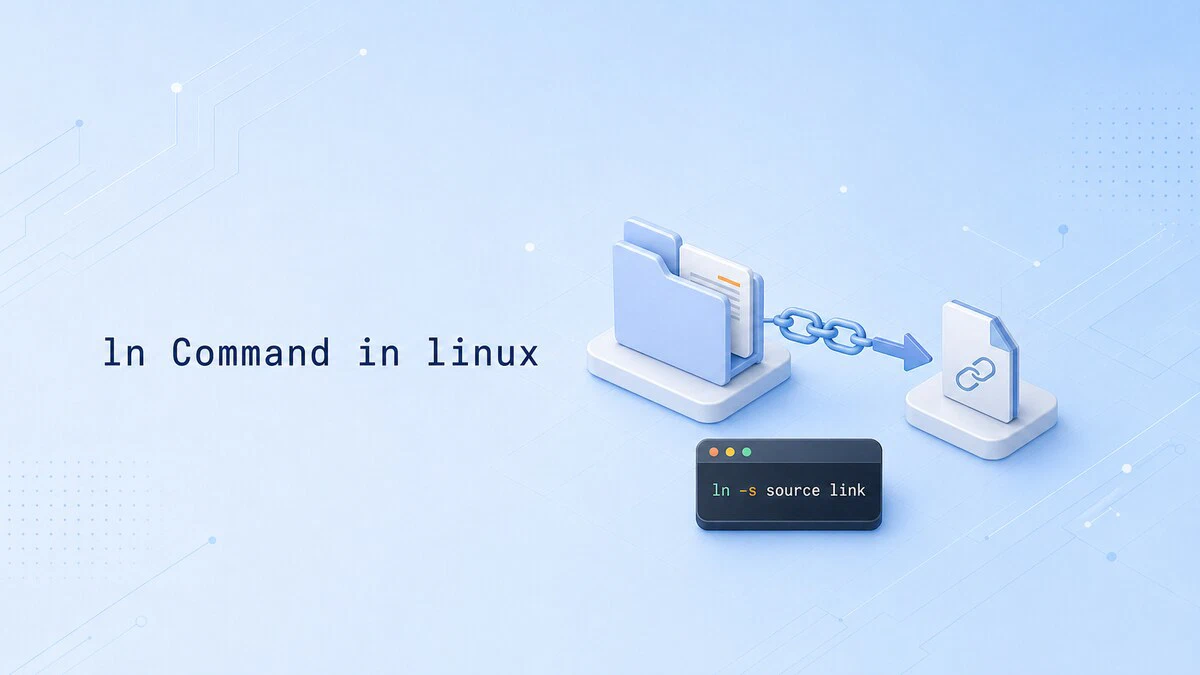
How to Create Symlinks in Linux with ln
The ln command creates symbolic links on Linux, giving you a stable name that points to a moving target. This guide covers creating, updating, and cleaning up symlinks, plus the -sfn pattern used for atomic deploys.
cat Command in Linux: View, Combine, and Create Files
Display, combine, and create files with the cat command in Linux, plus line numbers, hidden characters, and when to use less instead.

Understanding the /etc/shadow File in Linux
The /etc/shadow file stores hashed passwords and password aging data for each user on a Linux system. This guide explains the file format, hash types, field meanings, and how to query password information safely.
