
Articles by Dejan Panovski
head Command in Linux: Print the First N Lines of a File
The head command prints the first lines or bytes of a file. This guide shows how to display a specific number of lines, preview files, and limit command output in pipelines.

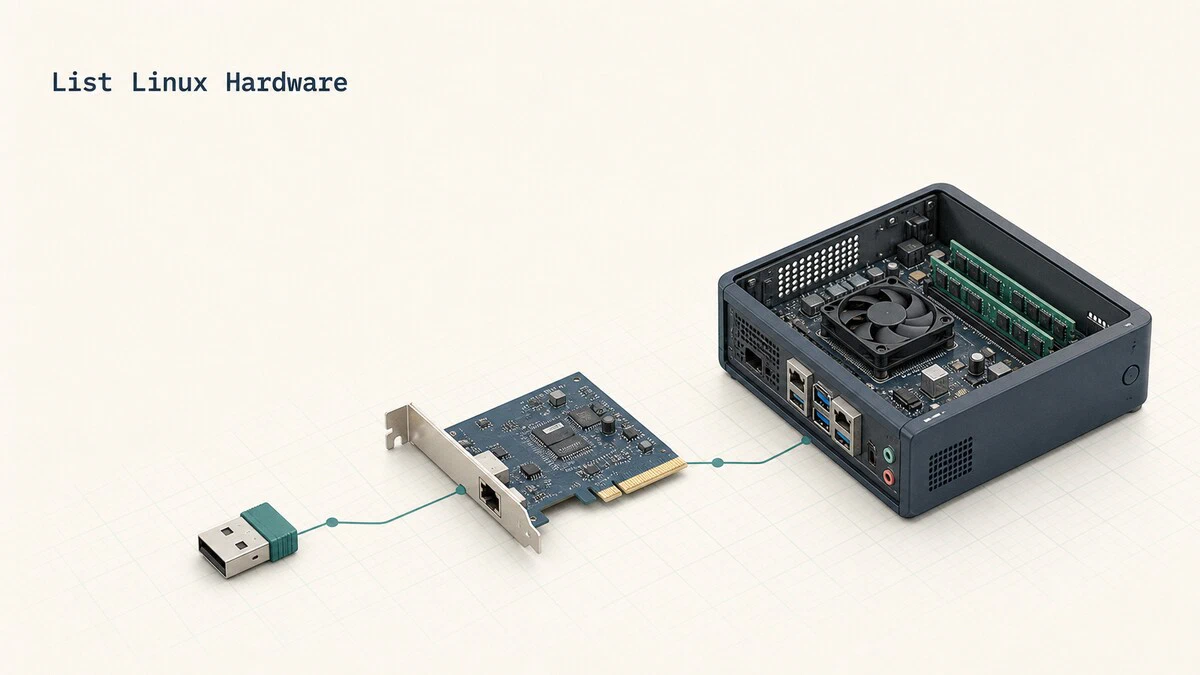
lsusb, lspci, and lshw: List Hardware in Linux
Identify the hardware in a Linux machine: list USB devices with lsusb, find PCI cards and their drivers with lspci, and get a full inventory with lshw.
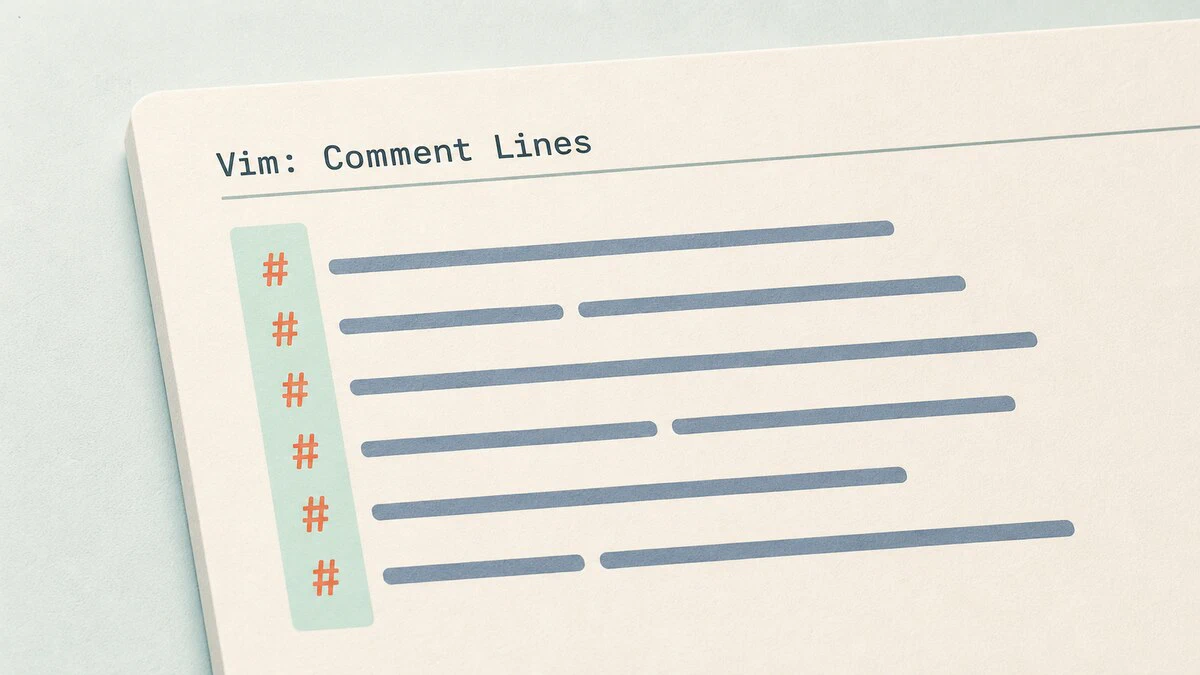
How to Comment Out Multiple Lines in Vim
Comment out multiple lines in Vim with visual block mode, line ranges, or bundled gc mappings, then remove comments with the matching commands.
tail Command in Linux: Show Last Lines and Follow Logs
Use the Linux tail command to show the last N lines or bytes of a file, follow logs in real time with tail -f, and filter live output with grep.

umask Command in Linux: Set Default File Permissions
The umask command sets the default permission mask for newly created files and directories. This guide explains how umask works, how to calculate its value, and how to make it permanent.

export Command in Linux: Set Bash Environment Variables
Use export to turn Bash shell variables into environment variables that child processes inherit, list exported variables, and make them permanent across sessions.
How to Check Java Version
Find out which Java version is installed on your system, check the JDK compiler version, and manage multiple Java installations from the command line.

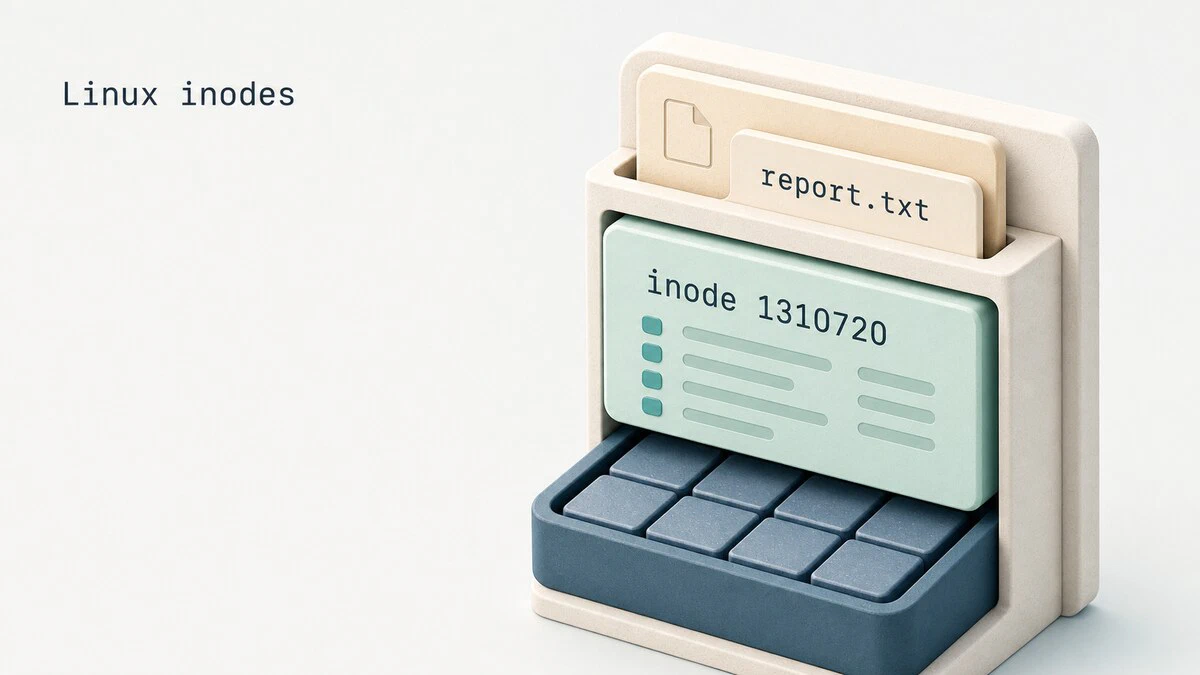
What Is an Inode in Linux
An inode stores Linux file metadata, not its name or data. See how inode numbers and hard links work, then check inode usage with ls, stat, and df.
How to Install Docker on Ubuntu 24.04
Install the latest Docker Engine on Ubuntu 24.04 from Docker's official repository, verify the service, and configure non-root access.

lsof Command in Linux: Find Open Files and What Is Using a Port
Use the lsof command to find what is using a port, identify processes holding files open, and locate deleted files that still consume disk space.

How to Select All in Vim: Copy, Delete, or Yank Every Line
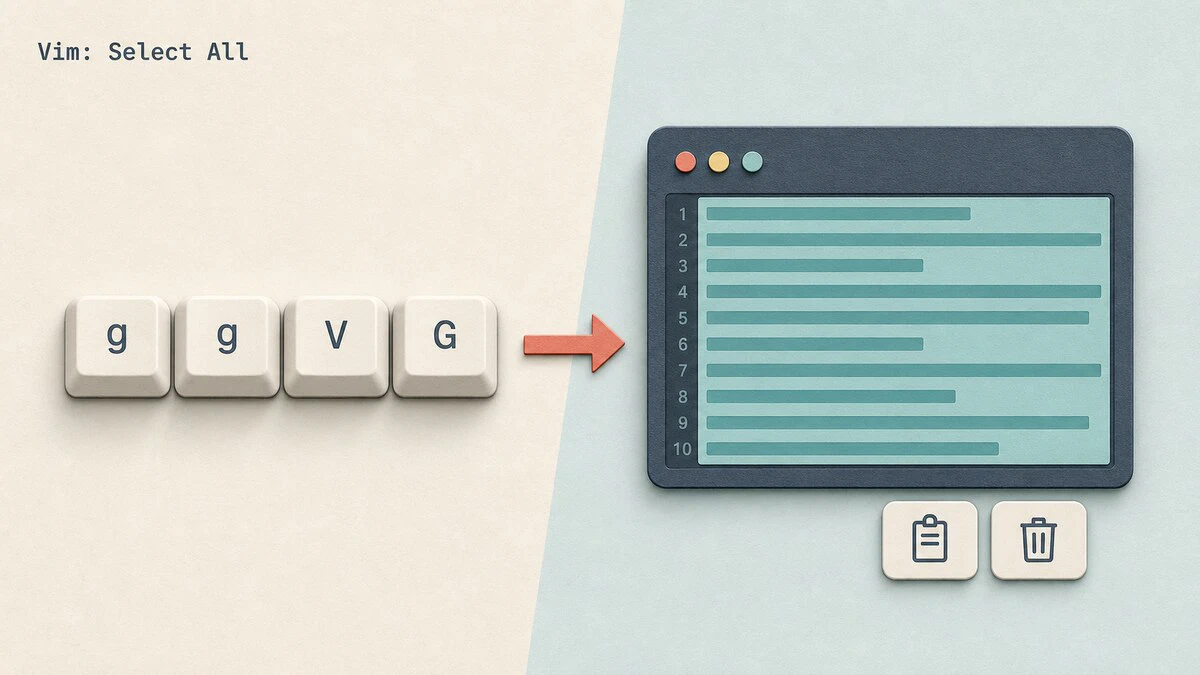
Select all text in Vim with ggVG, yank every line with :%y, copy the whole file to the system clipboard, or delete all lines with :%d. No plugins required.
Email Authentication Explained: SPF, DKIM, and DMARC
SPF, DKIM, and DMARC help prevent domain spoofing. See how each check works, what DMARC alignment requires, and how to verify the DNS records with dig.

How to Unzip a .gz File in Linux
Unzip a .gz file in Linux with gzip or gunzip, keep the original file when needed, and extract .tar.gz archives with tar.

Redirect HTTP to HTTPS in Nginx
How to redirect HTTP to HTTPS in Nginx using a separate server block with a 301 redirect, for a single site or all sites on the server.

sha256sum and md5sum: Verify Checksums in Linux
Check a file's SHA-256 or MD5 checksum in Linux: generate digests with sha256sum and md5sum, verify SHA256SUMS lists with -c, and confirm ISO downloads.

What Is stdin, stdout, and stderr in Linux
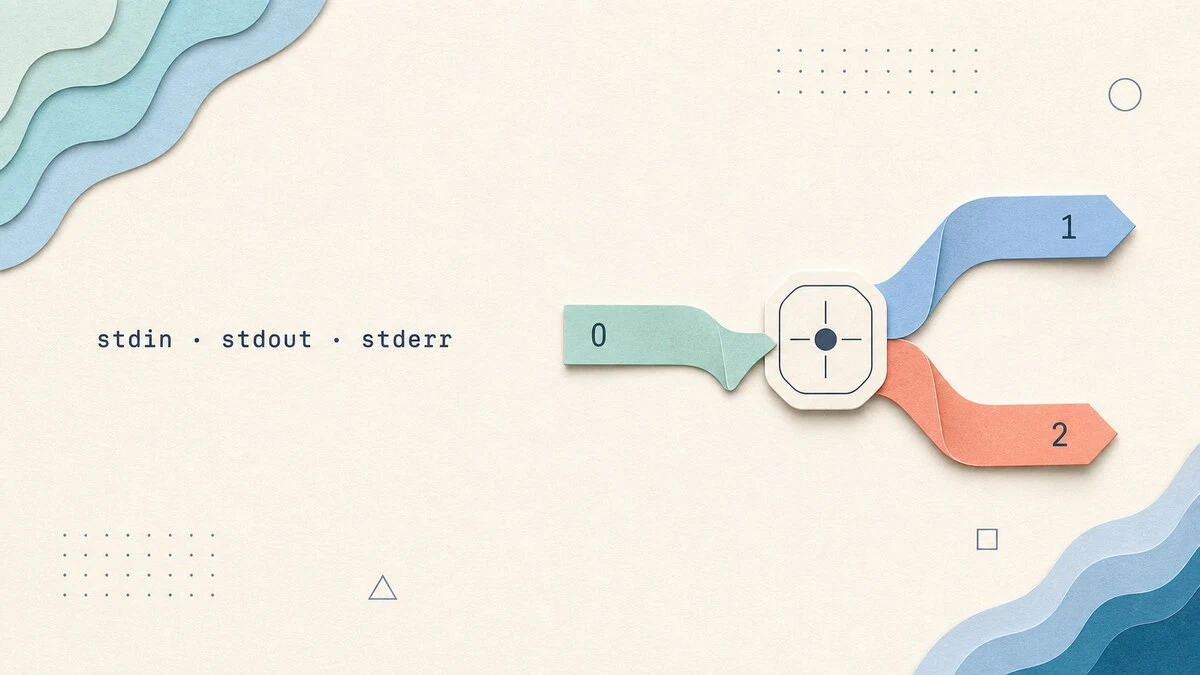
stdin, stdout, and stderr are Linux's three standard streams. See how file descriptors 0, 1, and 2 connect commands to terminals, files, and pipes.
How to Set Environment Variables in Linux
Set, list, and make environment variables permanent in Linux. Covers shell vs environment variables, export, printenv, and persistent config in ~/.bashrc and /etc/profile.

How to Configure Networking with Netplan on Ubuntu
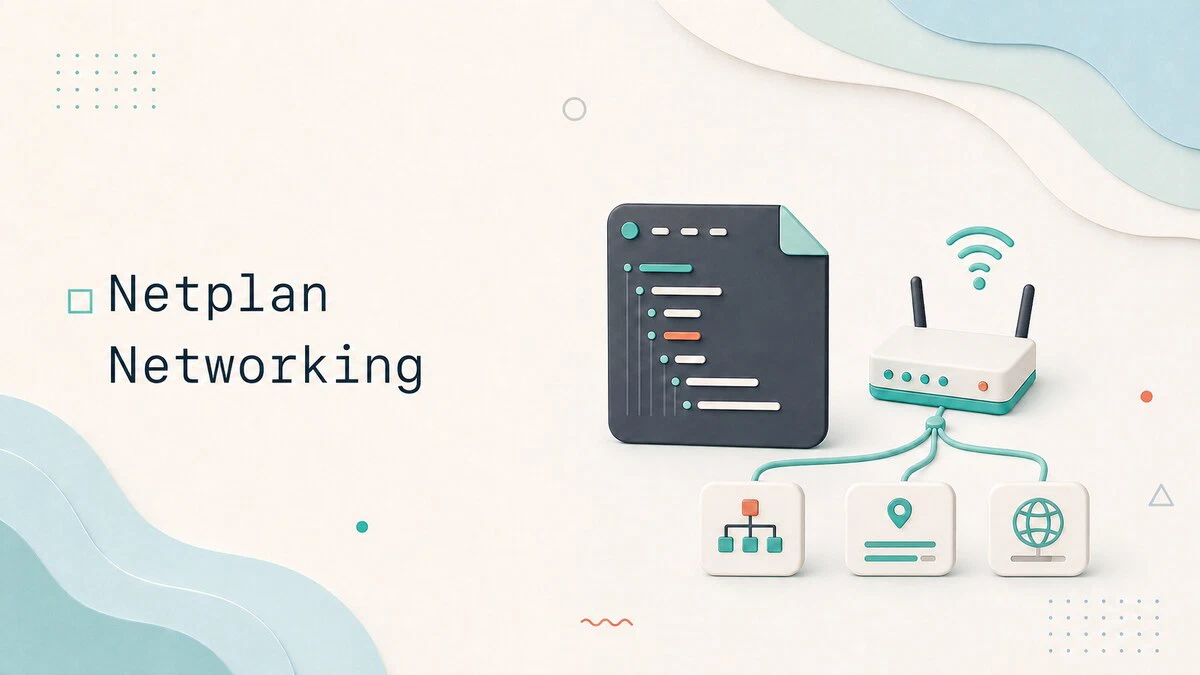
Configure Ubuntu networking with Netplan using practical YAML examples for DHCP, static IP addresses, DNS, Wi-Fi, bridges, and safe remote changes.
How to Enable and Disable Root User Account in Ubuntu
This guide explains how to enable and disable the root user account in Ubuntu using the passwd command, and covers safer alternatives like sudo -i and su -.

Nginx Reverse Proxy: How to Configure proxy_pass and Headers
Configure Nginx as a reverse proxy with proxy_pass and proxy_set_header, including client IP forwarding, websockets, TLS termination, and common fixes.
