All Articles
Browse all Linuxize tutorials, guides, and references.
du Command in Linux: Check Disk Usage
The du command reports disk space used by files and directories. This guide covers human-readable output, summary totals, depth limiting, sorting by size, and practical examples.

How to Install and Use Super Productivity on Linux
Install Super Productivity on Linux with Flatpak, Snap, AppImage, deb, rpm, Docker, or source, then create your first task and start tracking time.

Bash case Statement: Match Patterns in Shell Scripts
The Bash case statement matches a value against a list of patterns and runs the corresponding block. This guide explains argument parsing, syntax, glob patterns, multiple matches, and fall-through behavior.

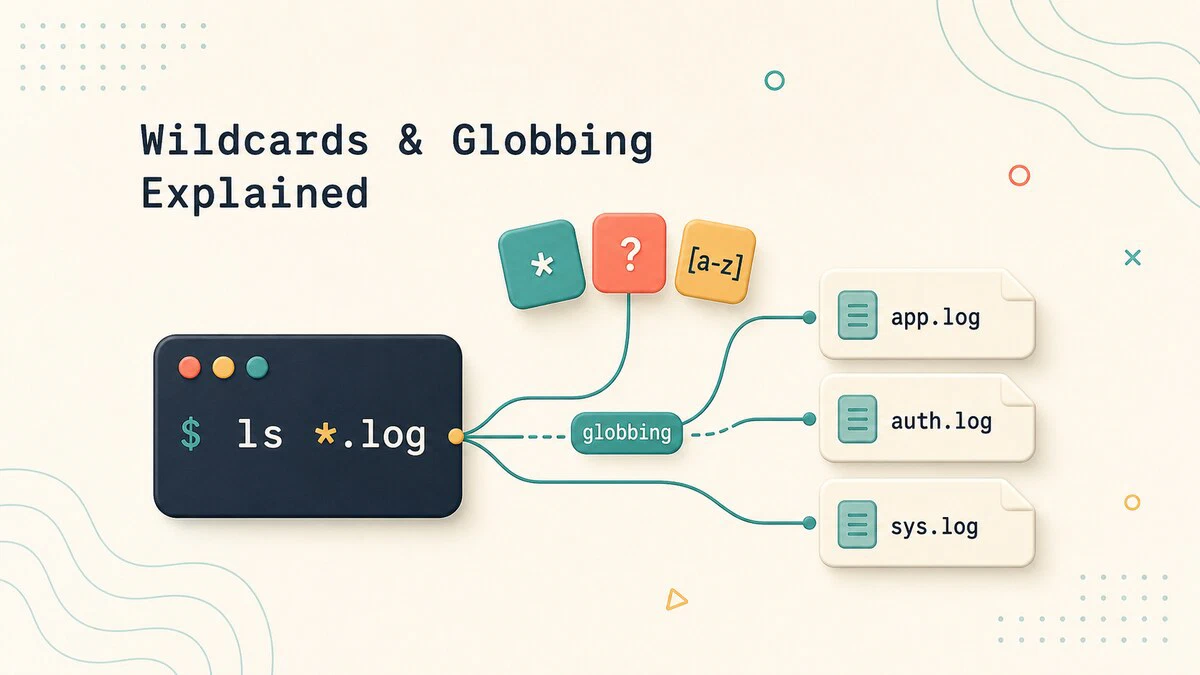
Linux Wildcards and Globbing Explained
How shell wildcards and globbing work in Linux: the *, ?, and [...] patterns, brace expansion, why globbing is not regex, and how to control it with quoting.
git diff Command: Compare Changes Between Commits and Branches
Use git diff to compare your working directory, staged files, commits, and branches, with practical examples of the options you will use most.
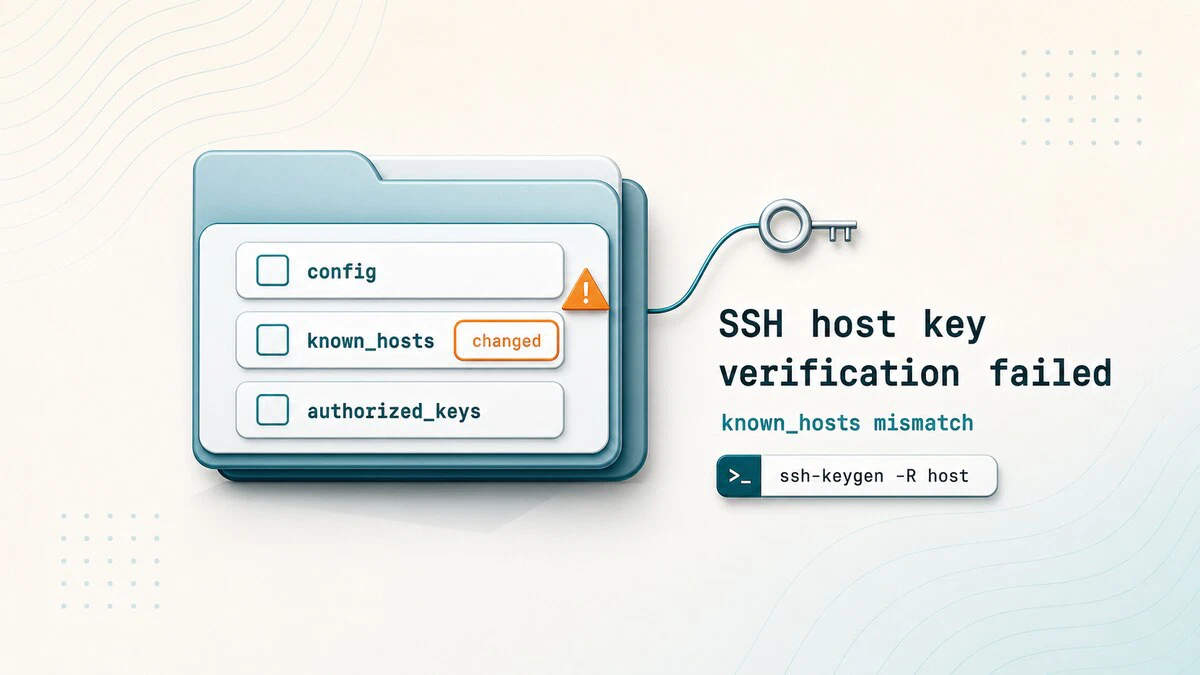
Fix SSH "Host Key Verification Failed" Error
Resolve the SSH Host key verification failed error by removing the stale known_hosts entry with ssh-keygen -R after verifying the server is genuine.
date Command in Linux: Format, Timezone, and Epoch
Format dates, convert timezones, and work with Unix timestamps using the Linux date command, with copy-paste examples for the terminal and shell scripts.
How to Install NVIDIA CUDA Toolkit on Ubuntu 26.04
Install the NVIDIA CUDA Toolkit on Ubuntu 26.04 from the Ubuntu archive or NVIDIA repository, then verify the driver, nvcc compiler, and CUDA sample output.

shutdown Command in Linux: Power Off, Reboot, and Schedule
How to use the shutdown command in Linux to power off, halt, or reboot the system immediately or at a scheduled time, with examples of all common options.

How to Check if a Command Exists in Bash
Check whether a command exists in Bash with command -v, capture its path, validate several dependencies, and compare type, hash, and which.
setuid, setgid, and the Sticky Bit Explained
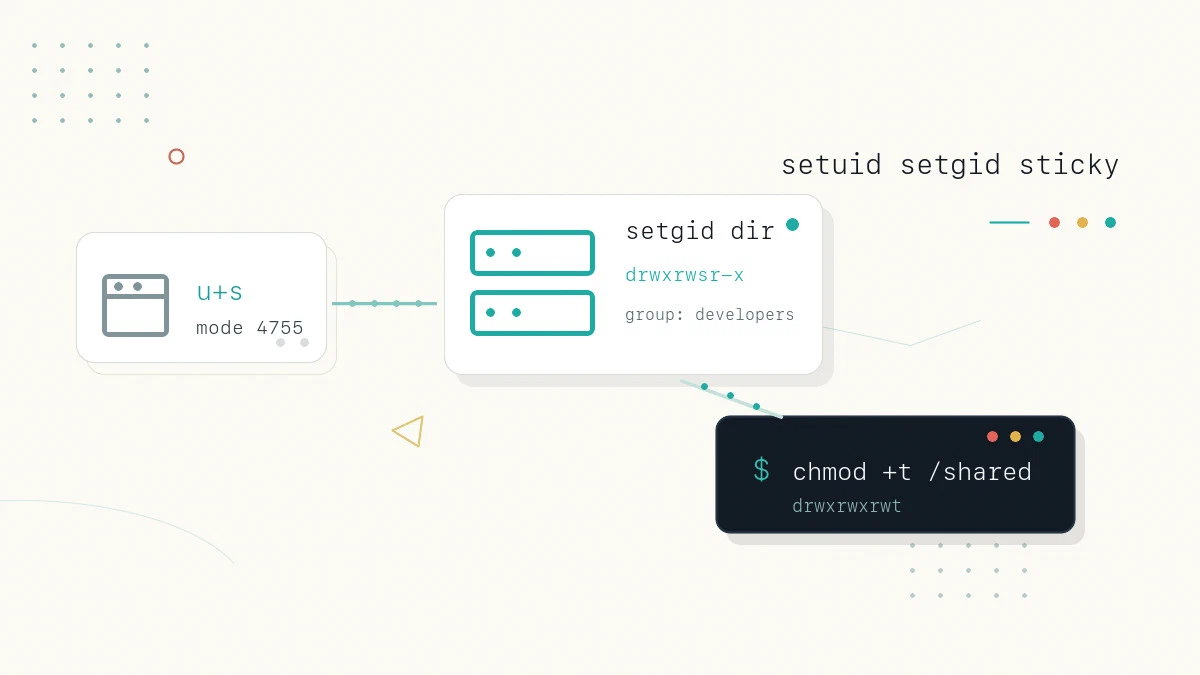
Understand the setuid, setgid, and sticky bit special permissions in Linux: what each one does on files and directories, how to set them, and the security risks.
How to Comment in Python
Comments make Python code easier to read and maintain. This guide explains how to write single-line comments, multiline comments, docstrings, and the shebang line.

How to Install Caddy on Ubuntu 26.04
Install Caddy on Ubuntu 26.04 from the official repository, then configure automatic HTTPS, static sites, reverse proxying, systemd, and logs.

How to Check if a File or Directory Exists in Python
Check whether a file or directory exists in Python using pathlib, os.path, or try-except, with examples that avoid race conditions.

curl vs wget: Differences and When to Use Each
Compare curl vs wget defaults, protocols, redirects, recursive downloads, API requests, and resume options to choose the right command for each task.

PostgreSQL Backup and Restore with pg_dump and pg_restore
Use pg_dump, pg_restore, and pg_dumpall to back up and restore PostgreSQL databases, including custom formats, parallel jobs, remote hosts, and test restores.
How to Install pip on Debian 11, 12, and 13
Step-by-step instructions for installing pip3 on Debian 11, 12, and 13 using apt, with examples for installing, upgrading, and removing Python packages.

pip vs apt: Installing Python Packages on Linux
This guide explains when to use pip or apt for Python packages on Ubuntu and Debian, why sudo pip install is risky, and where virtual environments fit.

How to Install Python Pip on Ubuntu
Install pip on Ubuntu with a single apt command. Covers python3-pip setup, virtual environments, and common pip commands for managing Python packages.

/etc/passwd in Linux: File Format and Fields Explained
The cat /etc/passwd command displays local Linux accounts. This guide explains its seven fields and when to use getent passwd instead.
