All Articles
Browse all Linuxize tutorials, guides, and references.
Bash Exit Command and Exit Codes
The Bash exit command terminates a shell or script and returns an exit code. This guide covers exit status, the $? variable, exit code conventions, set -e, and practical script examples.

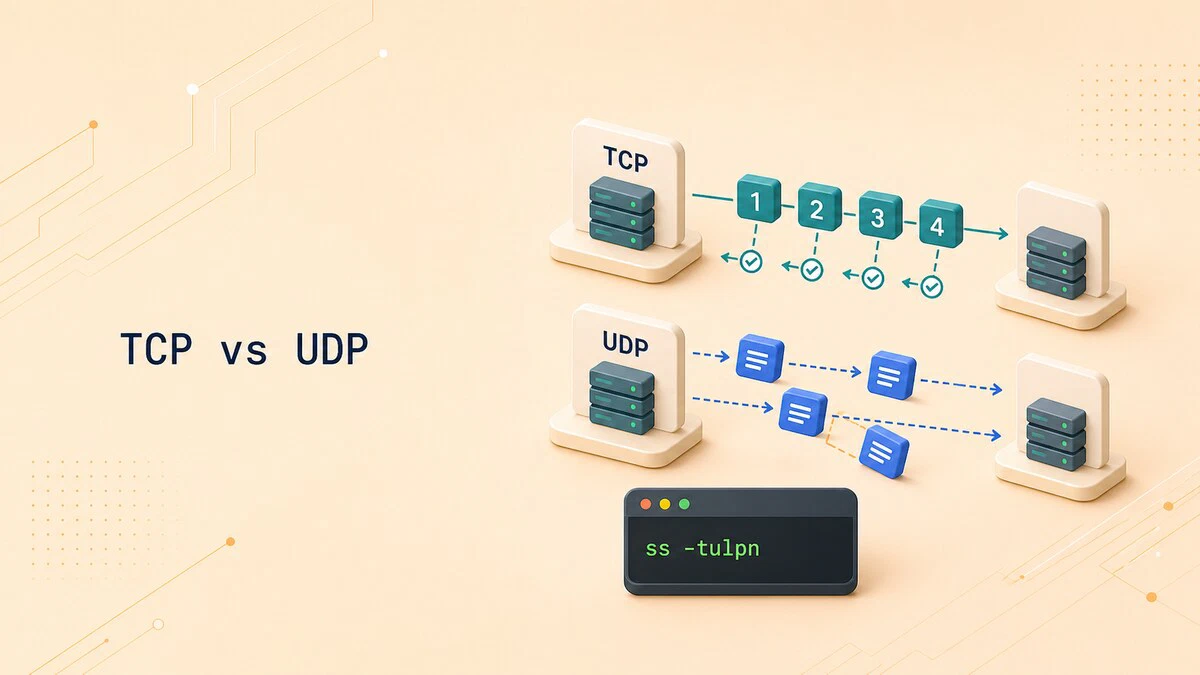
TCP vs UDP: Differences and When to Use Each
Compare TCP vs UDP reliability, ordering, overhead, common ports, and use cases, with Linux ss commands for checking which transport a service uses.
at Command in Linux: Schedule One-Time Tasks
The at command schedules one-time tasks to run at a specific time in Linux. This guide covers syntax, time formats, batch jobs, listing and removing jobs, and user restrictions.

How to Add a Git Remote
Add a new remote to a Git repository with git remote add, then list, inspect, and push to it. Includes common errors and a git remote command reference.

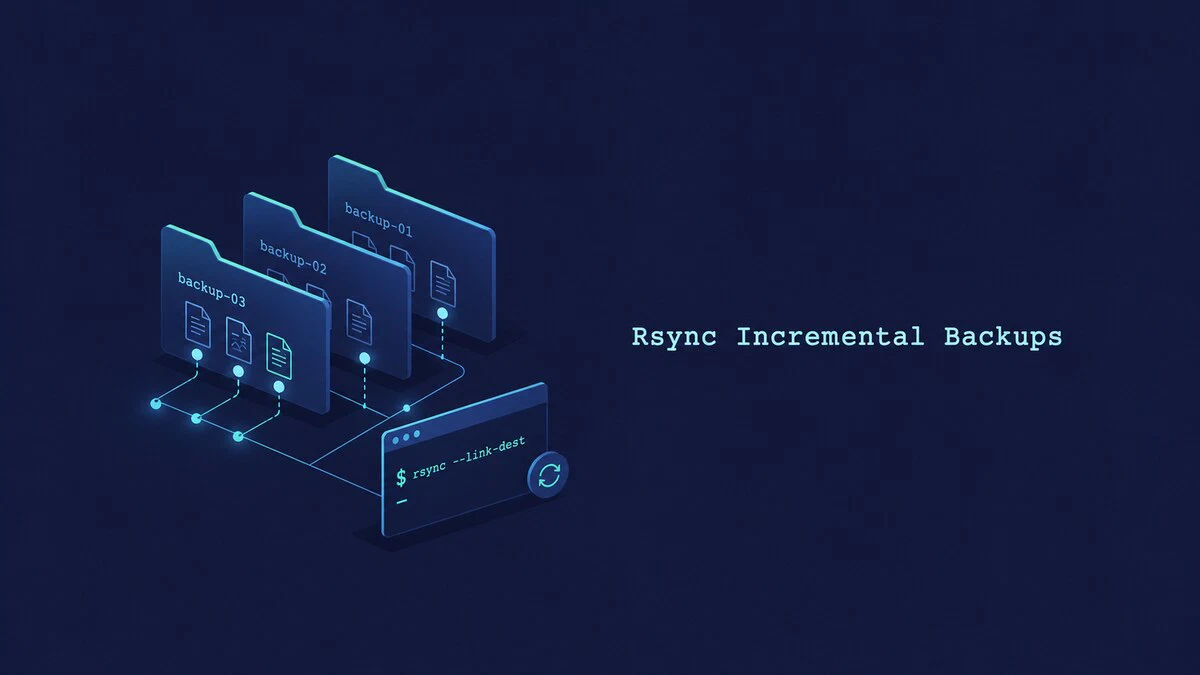
rsync Incremental Backups with --link-dest
Create space-efficient rsync incremental backups with --link-dest. Each dated snapshot remains directly browsable while unchanged files share disk space.
Configure Odoo with Nginx as a Reverse Proxy
Put Nginx in front of Odoo as an SSL termination and reverse proxy. This guide covers the full Nginx server block, WebSocket proxying for live chat, HTTP to HTTPS redirection, and locking down the Odoo backend.

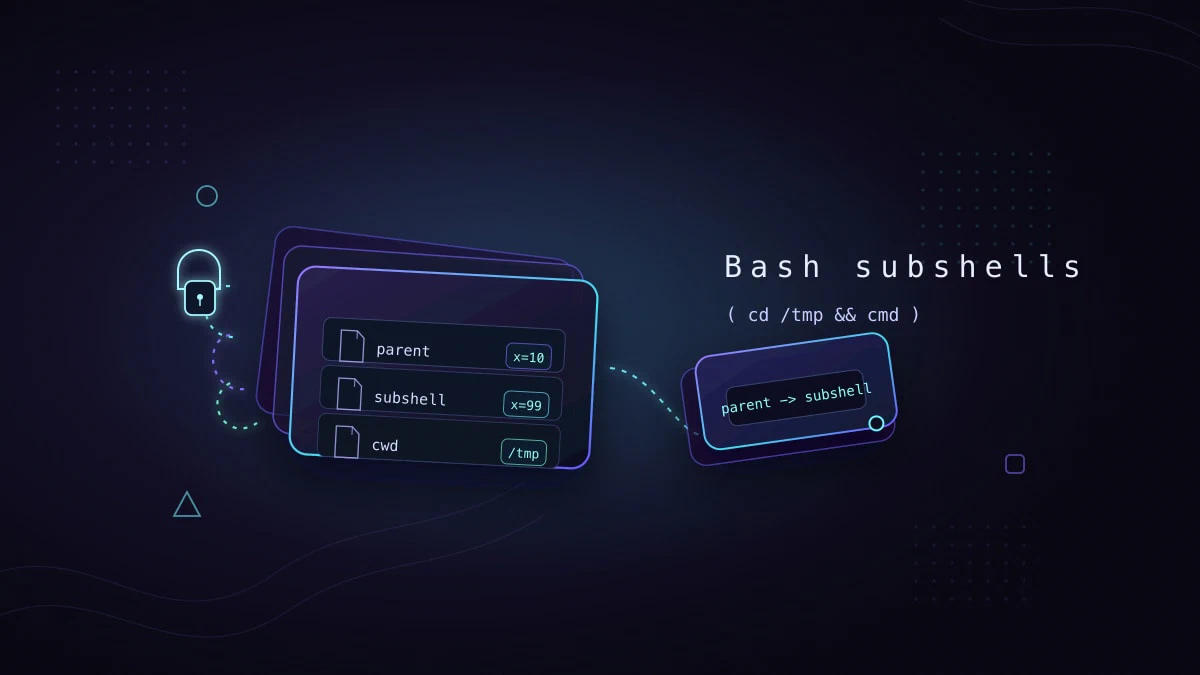
Bash Subshells: Isolate Variables and Directory Changes
Bash subshells run commands in an isolated shell environment. This guide explains parentheses, variable scope, directory changes, command substitution, pipelines, and exit codes.
Odoo Backup: Automate Database and Filestore Backups
Set up automatic Odoo backups that include the PostgreSQL database and filestore. This guide covers validation, retention, cron scheduling, off-site copies, and restore testing.

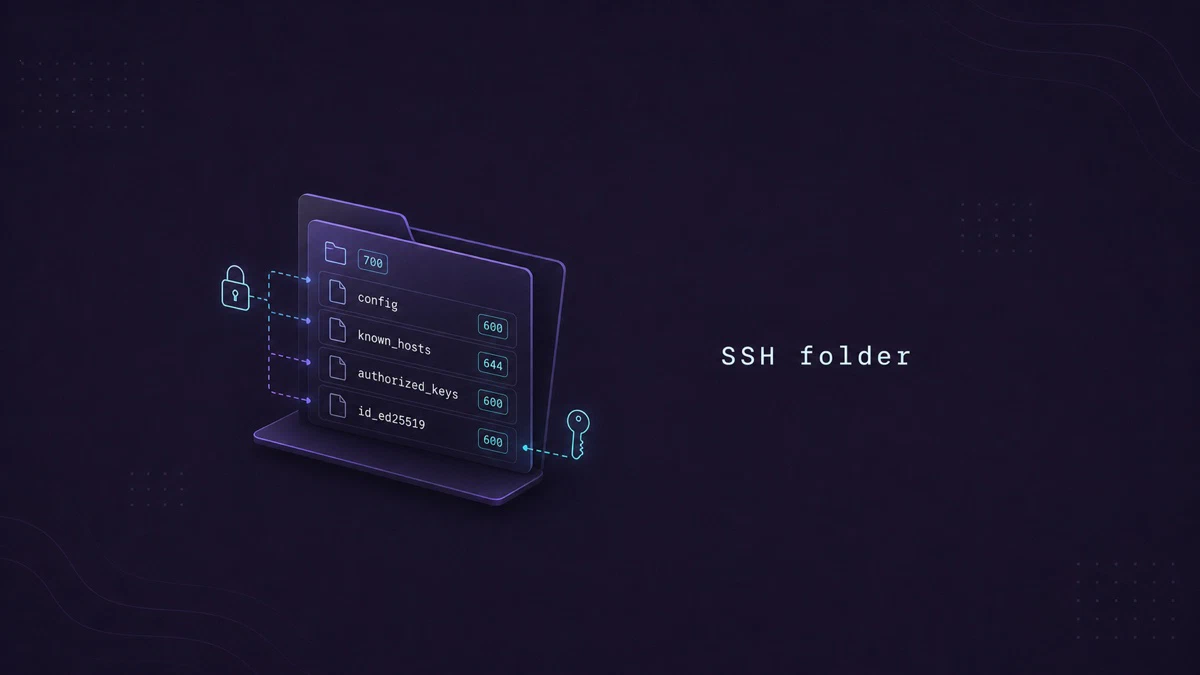
The ~/.ssh Folder: Files, Permissions, and Layout
What lives inside ~/.ssh on Linux: private keys, authorized_keys, known_hosts, config, and the recommended permissions for each file.
Python Tuples: Create, Access, Slice, and Unpack
Work with Python tuples: how to create, access, slice, unpack, and loop over them, plus how tuples differ from lists and when to use each.

How to Undo Last Git Commit
Undo the last Git commit with git reset or git revert, and pick the right option to keep your changes, discard them, or safely undo a pushed commit.

hostnamectl Command in Linux: Set and Query Hostname
Use hostnamectl to view and change the Linux hostname. Covers static, transient, and pretty names, system metadata, remote hosts, and common errors.

How to Setup a Git Server
Run your own private Git server over SSH on Linux. This guide covers installing Git, creating the git user, adding SSH keys, and pushing your first repository.

How to Change Root Password in Ubuntu Linux
Set or change the root password on Ubuntu using sudo passwd, switch to the root account, and understand why root login is disabled by default.

host Command in Linux: DNS Lookup
The host command is a simple DNS lookup tool. This guide covers forward and reverse lookups, querying specific record types, using a chosen name server, and reading the output.

IPv4 vs IPv6: Differences Explained
IPv4 and IPv6 are the two versions of the Internet Protocol. This guide explains how they differ in addressing, header format, and features, with a side-by-side comparison.
pidof Command in Linux: Find Process IDs by Name
The pidof command finds the process ID (PID) of a running program by name. This guide explains how to use pidof, its options, and how to pair it with kill to manage processes.

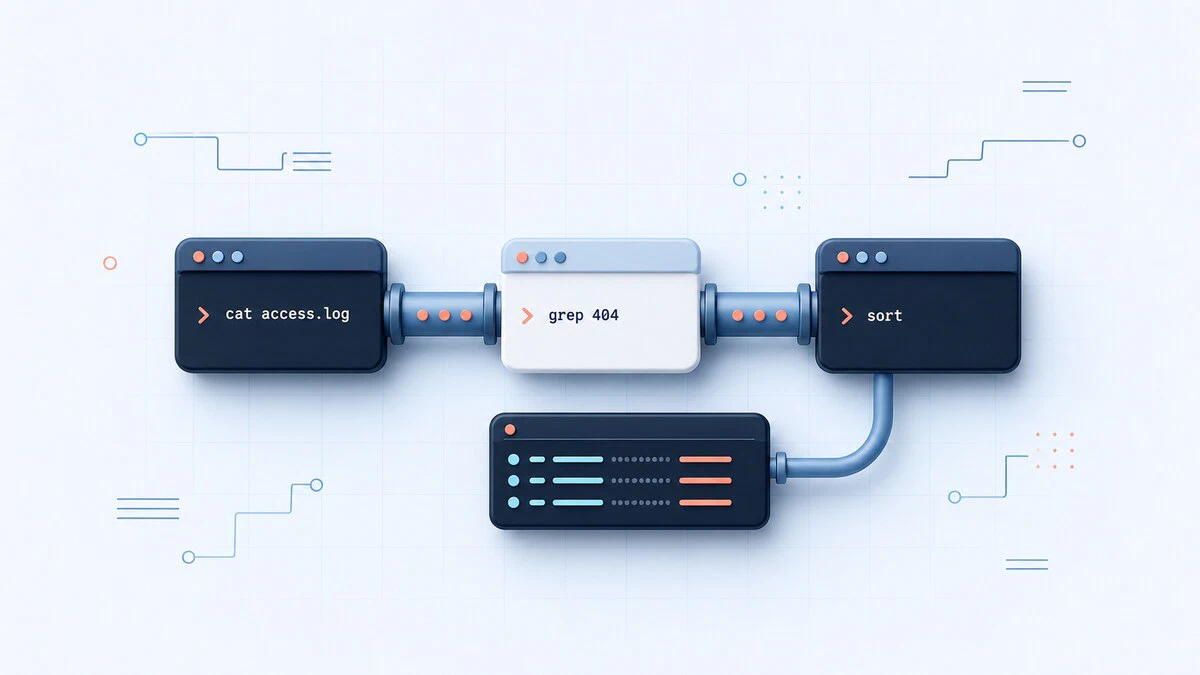
Linux Pipes Explained: How to Use the | Operator
Linux pipes connect command output to another command's input. Learn the | operator, pipefail, stderr piping, xargs, named pipes, and process substitution.
Linux Time Command
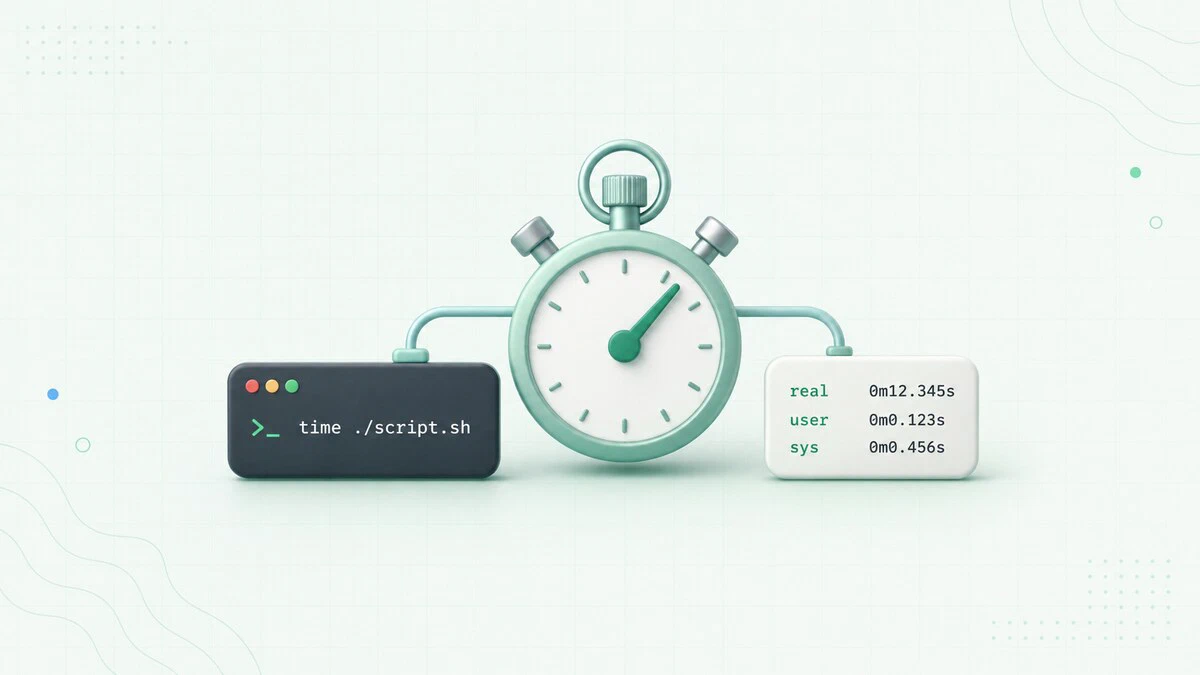
This guide shows how to use the Linux time command to measure execution time, explains real/user/sys, and covers Bash, Zsh, and GNU time.
Uptime Command in Linux
The uptime command shows how long a Linux system has been running, the number of logged-in users, and the load averages for the last 1, 5, and 15 minutes.