All Articles
Browse all Linuxize tutorials, guides, and references.
How to Change User Password in Ubuntu
Change a user password in Ubuntu from the command line with passwd, or through the GNOME Settings app. Covers your own account and other users.

Docker: List Running and Stopped Containers
Use docker container ls and docker ps to list running and stopped containers, print names and IDs, filter results, and check Docker Compose projects.

passwd Command in Linux: Change User Passwords
Change your own, another user's, or the root password in Linux with the passwd command. Covers password expiry with chage, forcing a change at next login, and account locking.

tree Command in Linux: Display Directory Structure
The tree command lists directories recursively as an indented tree. This guide covers installation, depth limits, filtering, sizes, and saving the output.

How to Read a File Line By Line in Bash
Read a file line by line in Bash using a while loop and the read command. This guide covers IFS splitting, mapfile arrays, command output, and common pitfalls.

How to Encrypt and Decrypt Files with GPG
Encrypt files with GPG using a passphrase or a key pair, share encrypted files with other people, protect whole directories, and decrypt safely in scripts.

curl Command in Linux: Usage and Examples
The curl command transfers data to and from servers using HTTP, HTTPS, FTP, and other protocols. This guide covers downloads, headers, POST requests, verbose debugging, proxies, and API usage.

nohup Command in Linux: Background Jobs and Output
nohup keeps commands running after logout. The 'appending output to nohup.out' message is not an error. This guide covers background jobs, 2>&1 redirection, and stopping processes.

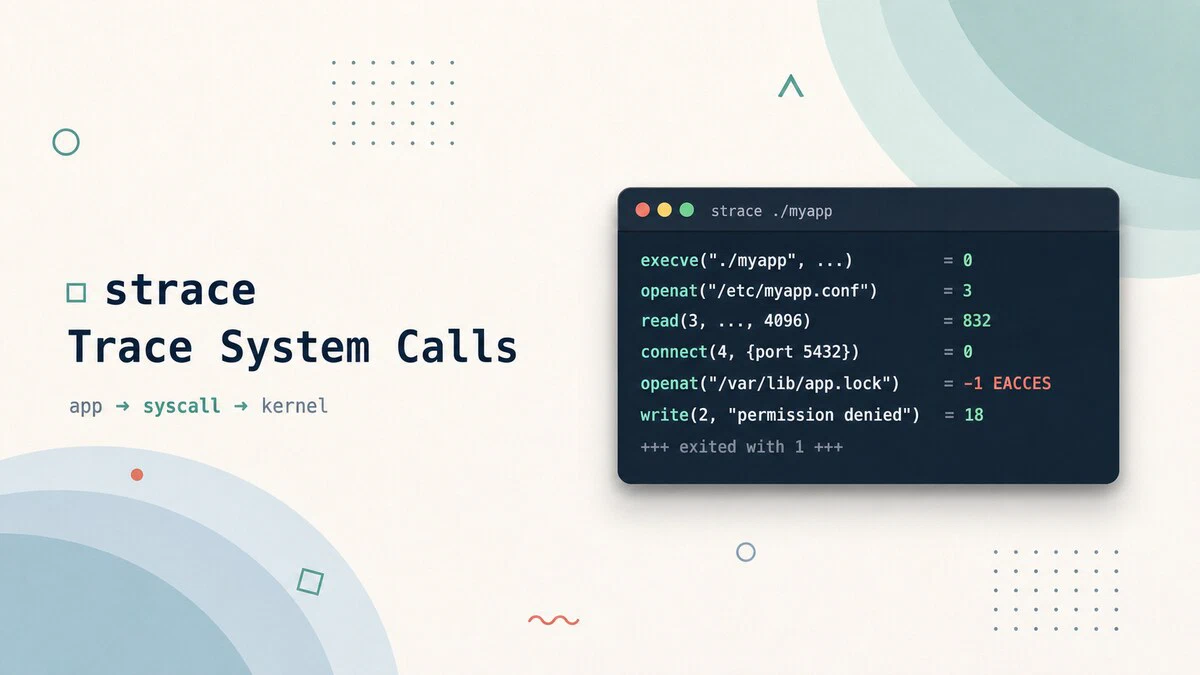
strace Command in Linux: Trace System Calls
Use the strace command to trace system calls and signals on Linux, debug why a program fails, find missing files, and measure where a process spends its time.
apt vs apt-get: The Difference and When to Use Each
apt and apt-get are not the same tool: apt is built for interactive terminal use, apt-get for scripts and automation. Compare their commands and see when to use each.

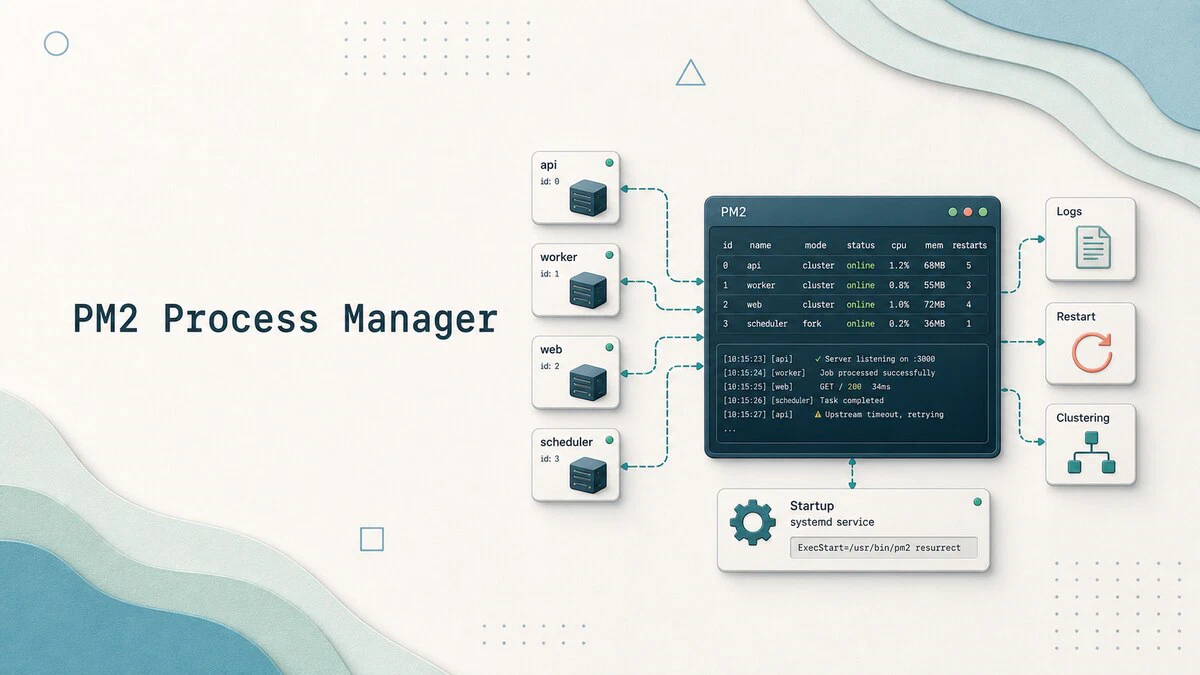
How to Manage Node.js Processes with PM2
How to install PM2, run and manage Node.js processes with clustering, zero-downtime reloads, log rotation, and systemd integration that survives reboots.
How to Check Your Ubuntu Version
Check which Ubuntu version you are running with lsb_release, /etc/os-release, or hostnamectl, plus a current release list up to Ubuntu 26.04 LTS.

Bash Parameter Expansion: Defaults, Substrings, and Replacement
Bash parameter expansion handles default values, substrings, string length, pattern trimming, search and replace, and case conversion, all inside the shell.

htop Command in Linux: How to Monitor and Manage Processes
Monitor Linux processes in real time with htop: read CPU and memory meters, sort and filter the process list, and kill or renice processes from one screen.

How to Concatenate Strings in Bash
Concatenate strings in Bash by placing variables side by side, appending with the += operator, or formatting with printf -v. Includes examples for variables, literals, and command output.

smartctl Command in Linux: Check Disk Health with SMART
Use smartctl in Linux to check SMART health, read disk attributes, run self-tests, troubleshoot USB enclosures, and monitor NVMe wear.

What Is Load Average in Linux: 1, 5, and 15 Minute Averages
Load average explained for Linux: what the three numbers from uptime and top mean, how they relate to CPU cores, and how to tell a busy system from an overloaded one.

How to Install Claude Code on Ubuntu and Linux
Install Claude Code on Ubuntu, Debian, and other Linux distributions using the recommended native installer, official package-manager repositories, or npm.

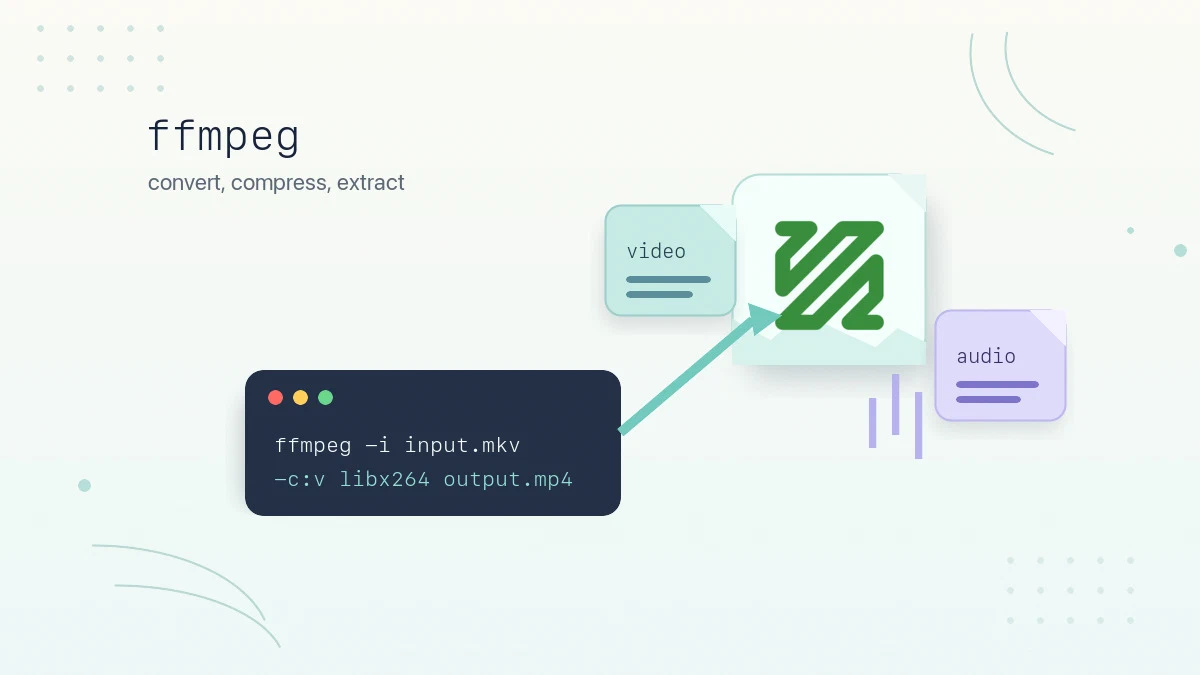
ffmpeg Command in Linux: Convert, Compress, and Extract Media
Practical ffmpeg examples for converting between formats, compressing video with CRF, extracting audio, trimming clips, resizing video, and batch processing files on Linux.
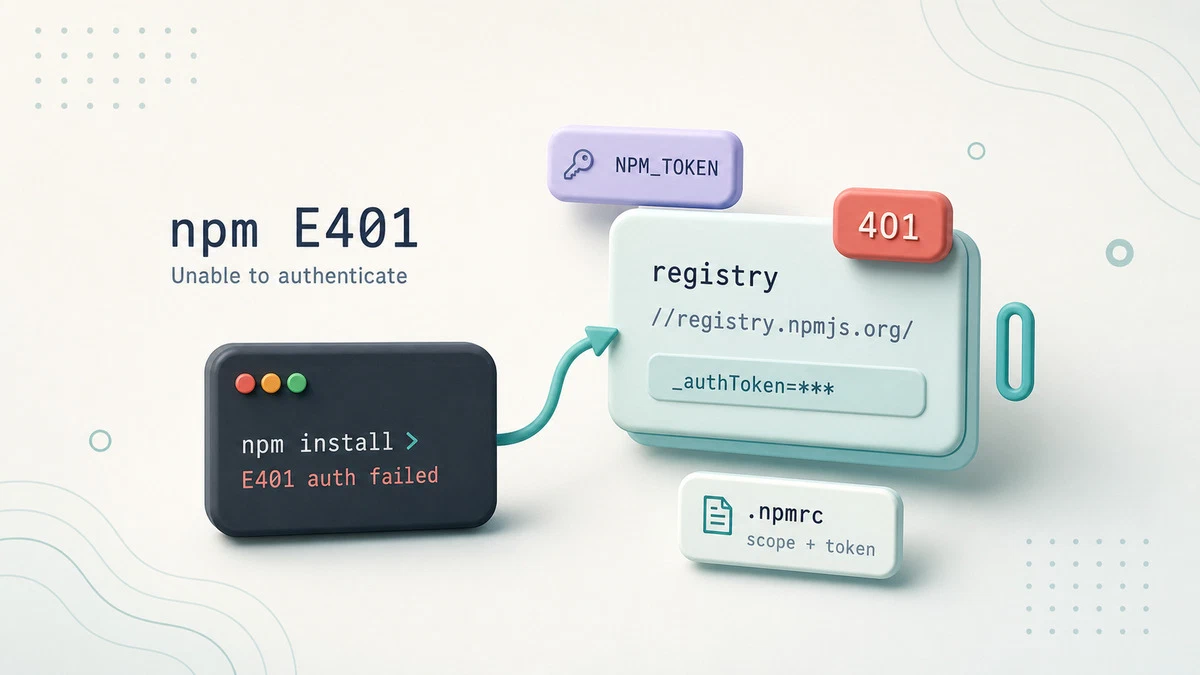
Fix npm E401: Unable to Authenticate
Resolve the npm E401 'Unable to authenticate' error by fixing stale tokens, registry mismatches, and broken .npmrc auth settings for public and private registries.