Networking
Networking configuration, diagnostics, and troubleshooting.



nmap Command in Linux with Practical Examples
Practical nmap examples for Linux: find live hosts, scan specific or top ports, run sudo nmap SYN scans, detect service versions, and speed up scans with -T4.

How to Set a Static IP Address on Ubuntu Server and Desktop
Set a static IP address on Ubuntu with Netplan on servers, nmcli from the command line, or GNOME Settings on the desktop, and test the change safely with netplan try.

ifconfig Command in Linux: Configure Network Interfaces
Read the ifconfig output field by field, fix command not found, and assign IPv4 and IPv6 addresses, MTU, and MAC values, with the ip equivalent alongside.

What Is localhost? 127.0.0.1 and Loopback Explained
Localhost connects programs back to your own computer through 127.0.0.1 or ::1. See how loopback addresses, ports, /etc/hosts, and 0.0.0.0 work on Linux.

Check Open Ports in Linux: nmap, netcat, and Bash
Scan a Linux host or remote server for open ports with nmap, netcat, telnet, and Bash /dev/tcp, then distinguish closed ports from filtered connections.

ss Command in Linux: Display Socket Statistics
Use the ss command to list TCP, UDP, and Unix sockets, filter by port and state, read queue columns, inspect timers, and replace common netstat commands.

traceroute Command in Linux
Trace the path packets take to a host, read every field of the traceroute output, decode hops that show asterisks or !X, and map Windows tracert flags to Linux.

dig Command in Linux: DNS Lookup
The dig command is a DNS lookup tool for querying name servers. This guide covers querying record types, reverse lookups, tracing resolution paths, and verifying DNSSEC.

DNS Record Types Explained: A, AAAA, CNAME, MX, TXT, and More
DNS record types map domains to servers, route email, publish verification data, and control certificate issuance. See zone-file examples and dig queries.

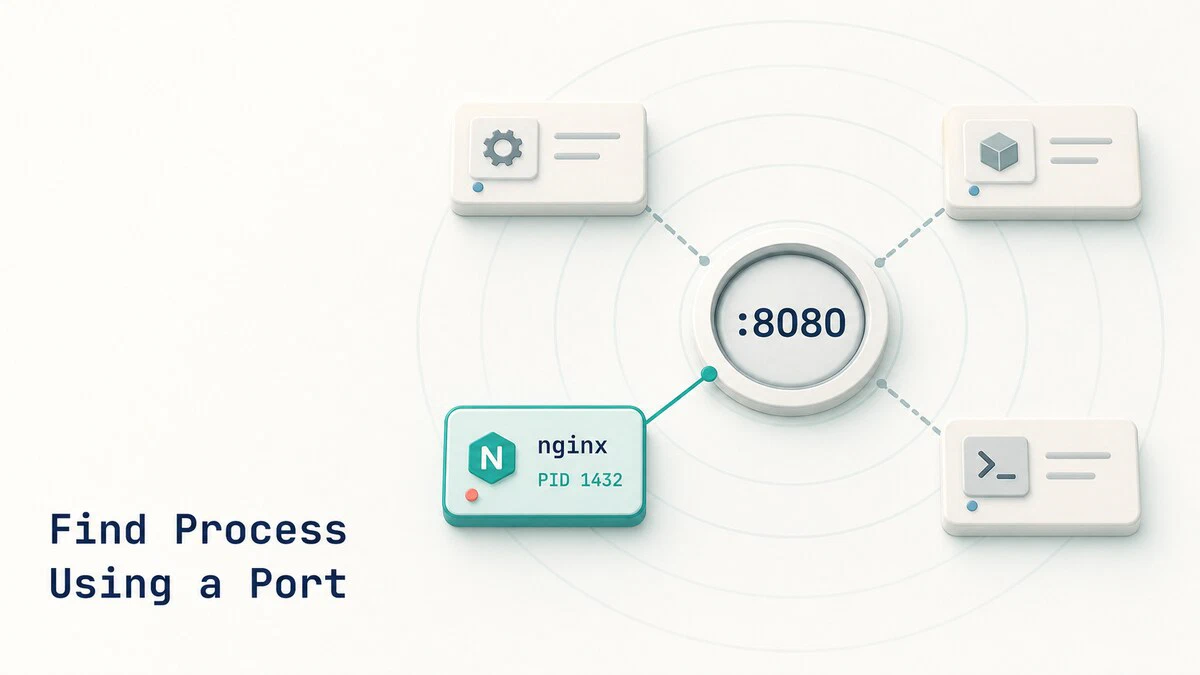
How to Find Which Process Is Using a Port in Linux
Find the Linux process listening on a TCP or UDP port with ss, lsof, fuser, or netstat, then inspect and stop it safely.
CIDR Notation and Subnetting Explained
CIDR notation defines IP network size with a prefix length. This guide explains subnet masks, address ranges, host counts, and practical IPv4 subnetting.

How to Configure Networking with Netplan on Ubuntu
Configure Ubuntu networking with Netplan using practical YAML examples for DHCP, static IP addresses, DNS, Wi-Fi, bridges, and safe remote changes.

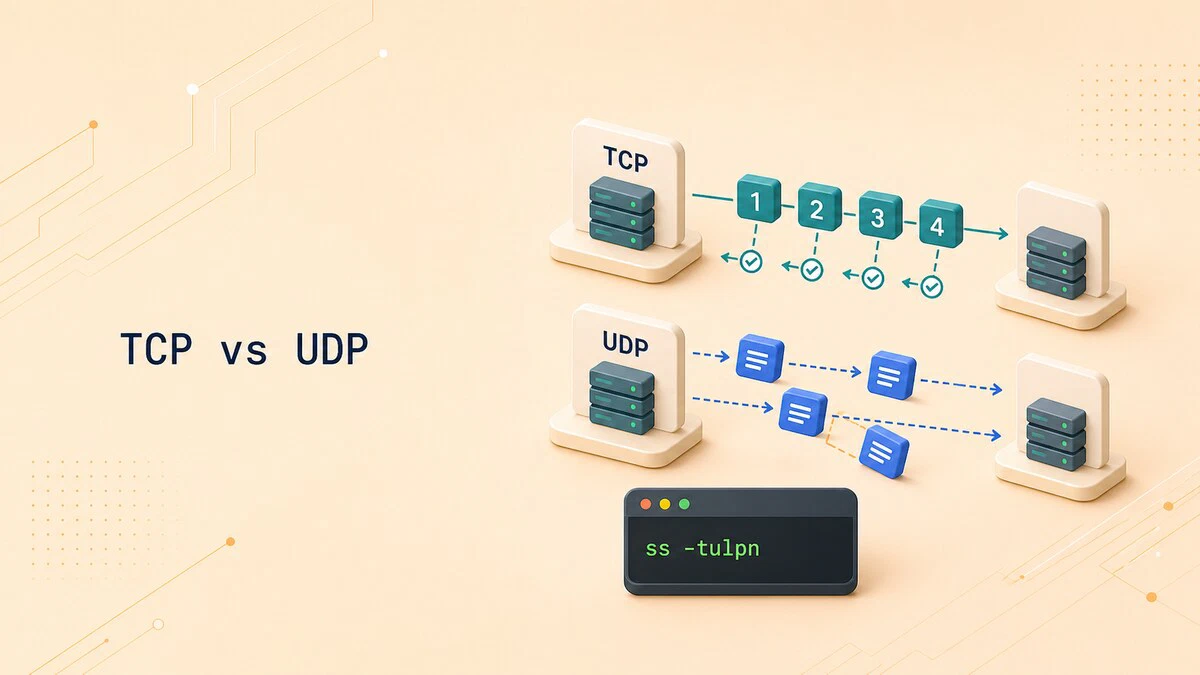
TCP vs UDP: Differences and When to Use Each
Compare TCP vs UDP reliability, ordering, overhead, common ports, and use cases, with Linux ss commands for checking which transport a service uses.
host Command in Linux: DNS Lookup
The host command is a simple DNS lookup tool. This guide covers forward and reverse lookups, querying specific record types, using a chosen name server, and reading the output.

IPv4 vs IPv6: Differences Explained
IPv4 and IPv6 are the two versions of the Internet Protocol. This guide explains how they differ in addressing, header format, and features, with a side-by-side comparison.
Network Bandwidth Monitoring Tools: iftop, nload, bmon, and vnstat
Compare nload, iftop, bmon, and vnstat for checking Linux network bandwidth in real time and tracking historical traffic usage.

nslookup Command in Linux: Query DNS Records
The nslookup command queries DNS servers for domain records. This guide covers A, MX, NS, TXT, and AAAA lookups, reverse DNS, interactive mode, and choosing a specific name server.
