Linux Commands
Command references for core Linux tools, syntax, examples, and practical one-liners.



How to Truncate Files in Linux: Empty Files Without Deleting
Empty a file without deleting it using shell redirection or the truncate command. Covers permissions, sudo workarounds, and truncating log files.

touch Command in Linux: Create Files and Update Timestamps
The touch command creates empty files and updates file timestamps in Linux. This guide covers access time, modification time, custom timestamps, and reference file usage.

How to Force git pull to Overwrite Local Files
Replace a local Git branch with its remote version safely using fetch and reset, with backup steps for commits, modified files, and untracked files.

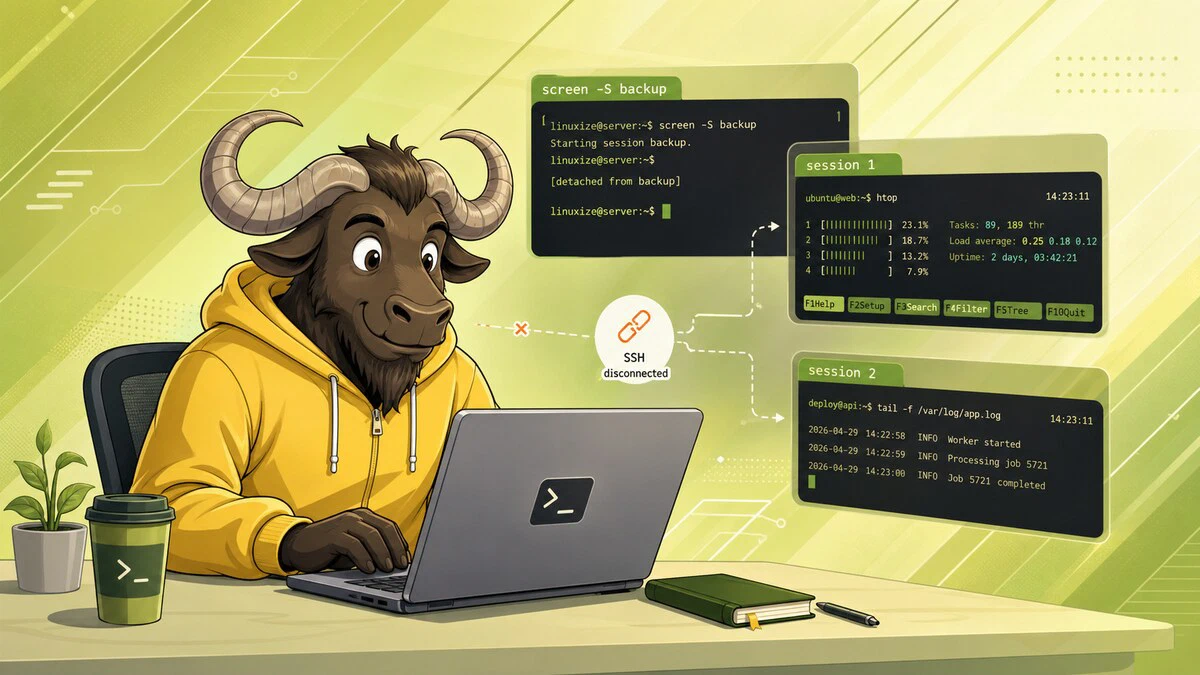
How to Use Linux Screen
Keep commands running after you disconnect from SSH with GNU Screen. Start, detach, reattach, list, and kill sessions, plus windows, scrollback, and .screenrc.
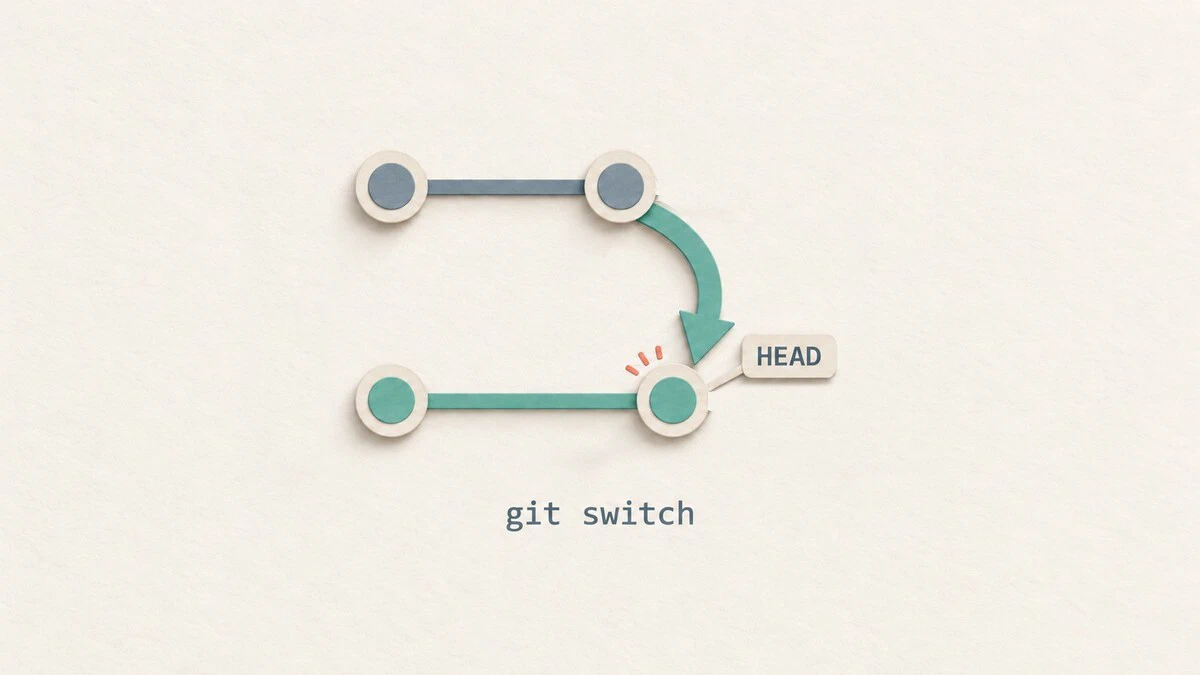
git switch: Switch and Create Branches
Switch Git branches, create new branches, track remote branches, and handle uncommitted changes with practical git switch examples.
tmux Command in Linux: Sessions, Windows, and Panes
The tmux command lets you run persistent terminal sessions with multiple windows and panes. This guide covers creating and managing sessions, splitting panes, copy mode, and configuration.

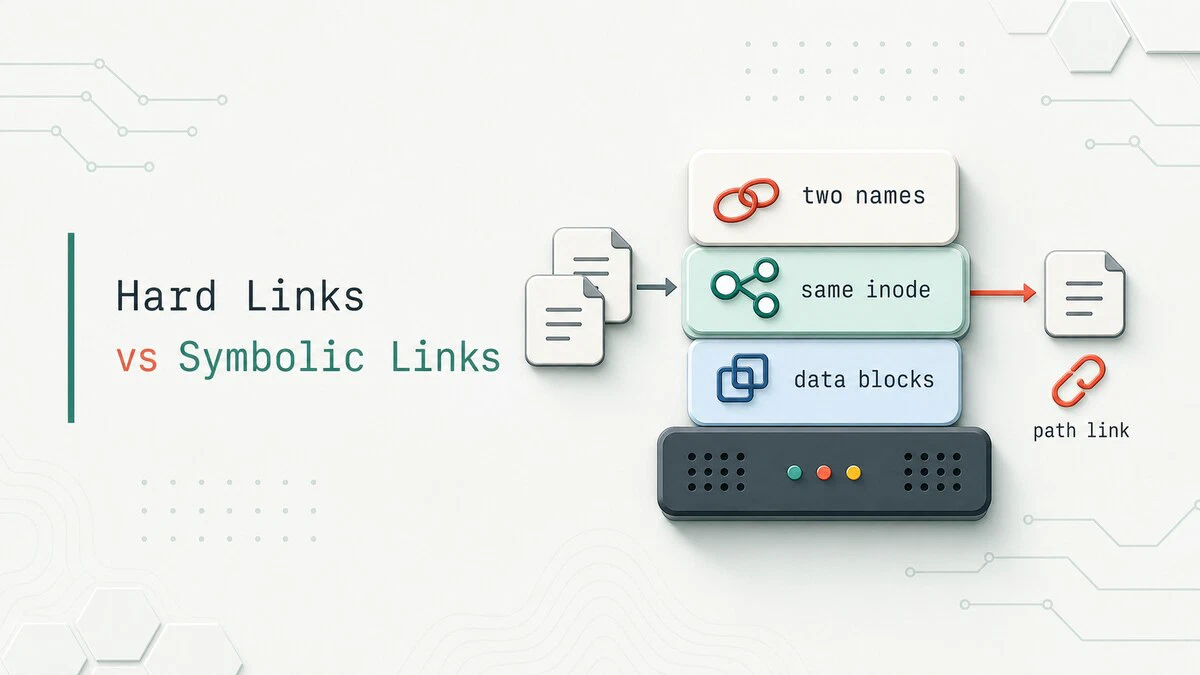
Hard Link vs Symbolic Link in Linux: Symlinks and Inodes Explained
Symlink vs hard link in Linux: a hard link is a second name for the same inode, and a symlink stores a path to another file. See when each one breaks and which to use.
Best Terminal File Managers for Linux
Compare Midnight Commander, Yazi, ranger, lf, and nnn, with installation commands, screenshots, and practical advice for choosing a Linux terminal file manager.

chattr Command in Linux: Change File Attributes
The chattr command changes file attributes in Linux. Make a file immutable with chattr +i, keep logs append-only with +a, and check flags with lsattr.

tr Command in Linux: Translate, Delete, and Squeeze Characters
The tr command translates, deletes, and squeezes characters from standard input. This guide covers tr syntax, character sets and ranges, case conversion, removing line endings, and practical pipeline examples.

Rsync Command in Linux with Examples
Use rsync to sync files and directories locally or over SSH. Covers common options, dry runs, exclusions, mirroring, and troubleshooting.

find Command in Linux: Search Files and Directories
The find command searches for files and directories by name, type, size, date, permissions, and more. This guide covers practical examples including wildcards, exec actions, and combining find with grep.

Bash Pattern Matching: =~ Operator and Regular Expressions
Match strings in Bash with globs, extglob, and the =~ regex operator. Use anchors, quoting, and BASH_REMATCH to test input and capture groups.

unlink Command in Linux: Remove a Single File
Remove one file or symlink with unlink. See how it differs from rm, how hard links affect deletion, and how to fix common errors.

Linux ip Command with Examples
How to use the Linux ip command to show and assign IP addresses, bring interfaces up or down, and manage routes, with ip a and ip -br output explained.

chown Command in Linux: Change File Ownership
Use the chown command in Linux to change file and directory ownership, including recursive changes, symbolic links, and practical ownership examples.

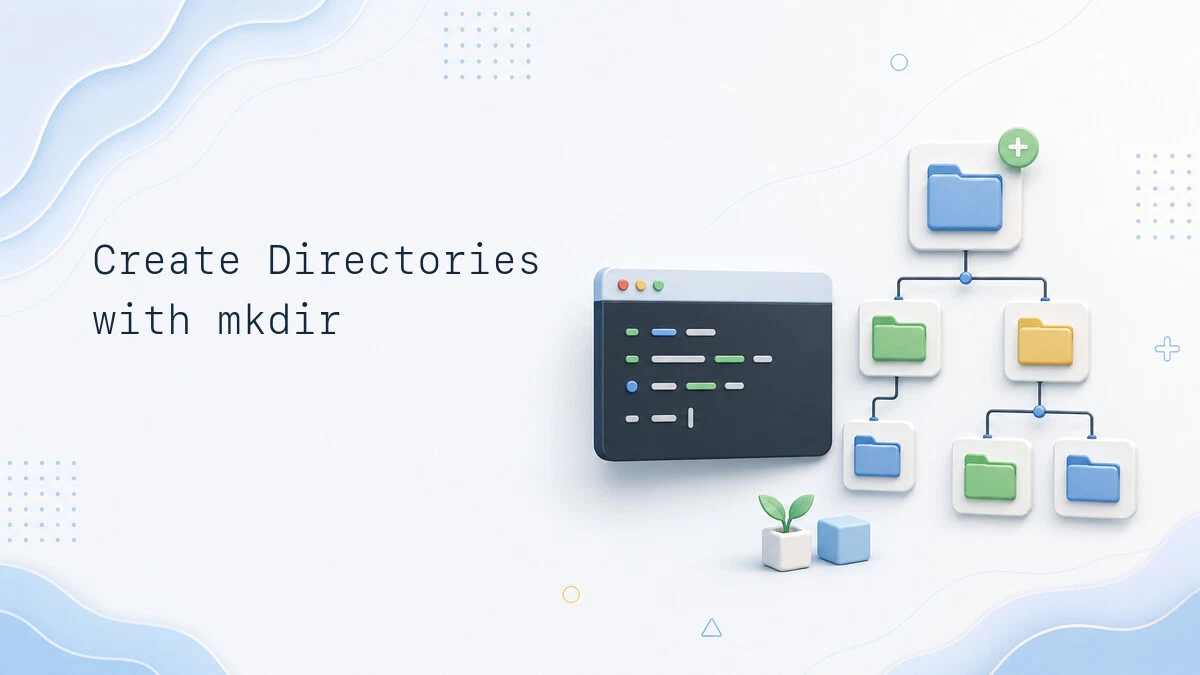
How to Create a Directory in Linux: mkdir Command Examples
Create single, multiple, and nested directories in Linux with mkdir, set permissions with -m, and fix 'Permission denied' and 'No such file or directory' errors.