All Articles
Browse all Linuxize tutorials, guides, and references.
How to Install and Use Zsh on Ubuntu
Install Zsh on Ubuntu, set it as the default shell, configure ~/.zshrc, and add Oh My Zsh themes and plugins for daily terminal work.

Bash Arithmetic: Integer and Floating-Point Math
How to do arithmetic in Bash with the (( )) operator, $(( )) expansion, the let builtin, and bc or awk for floating-point math the shell cannot do natively.

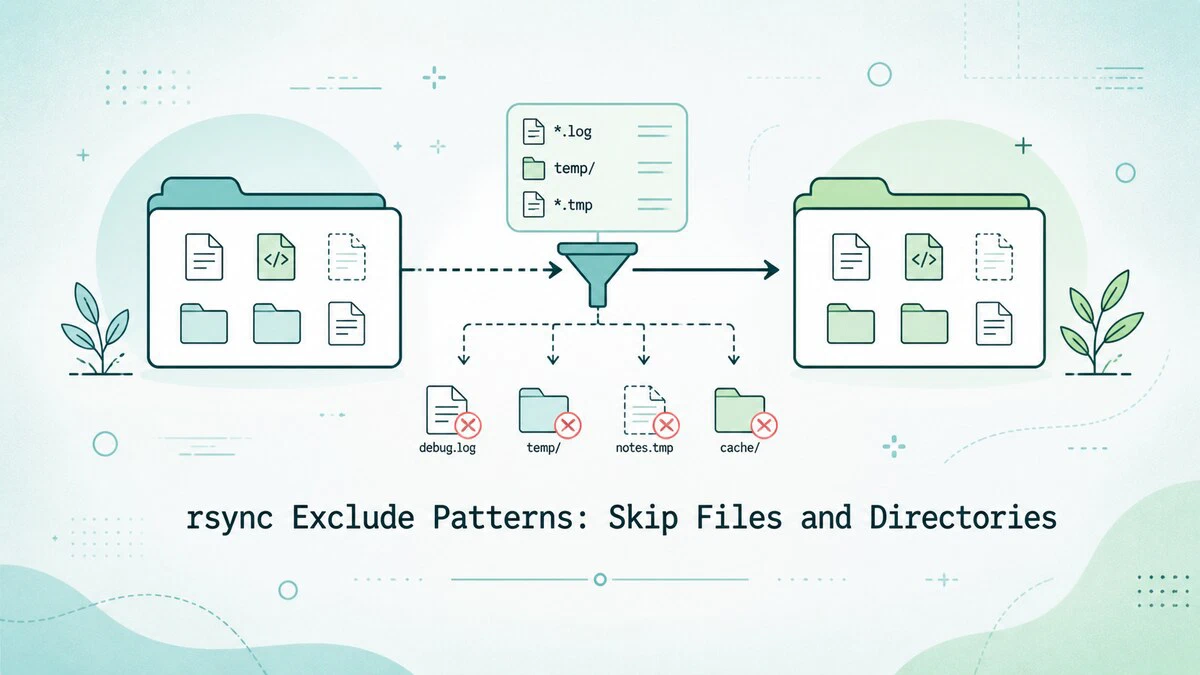
rsync Exclude Patterns: Skip Files and Directories
Exclude files and directories from an rsync transfer with --exclude and --exclude-from, glob patterns, and dry-run previews, with copy-paste examples.
Docker Networking: Connect Containers
Docker networking controls how containers communicate. This guide covers bridge, host, and none networks, port publishing, container DNS, isolation, and Compose networking.

How to Use the kill Command in Linux
Learn how to use the kill command in Linux to terminate processes, send signals, and reload services with practical examples.

How to Install Nginx on Debian 13
Step-by-step instructions for installing and configuring Nginx on Debian 13 Trixie using apt, including UFW rules, the systemd service, and your first server block.

How to Install Podman on Ubuntu: Rootless Container Alternative to Docker
Step-by-step instructions for installing Podman on Ubuntu, running rootless containers, building images with Buildah, and switching from Docker.

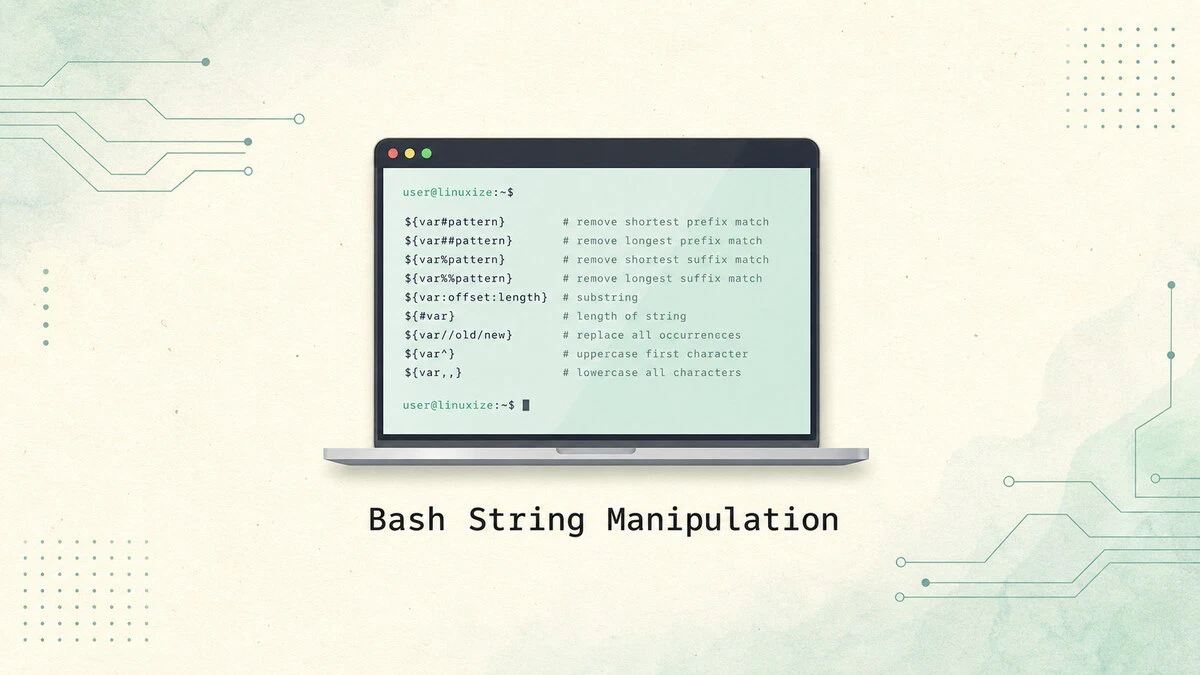
Bash String Manipulation: Substring, Replace, Length, and More
Bash string manipulation using parameter expansion: extract substrings, replace text, strip prefixes and suffixes, change case, and check for substrings with practical examples.
nmcli Command in Linux: NetworkManager CLI Reference
The nmcli command manages NetworkManager from the terminal. This guide covers device status, Wi-Fi connections, static IP configuration, DNS settings, and scripting-friendly output.

How to Delete MySQL User Accounts with DROP USER
Delete MySQL or MariaDB user accounts with the DROP USER statement. Covers single and multiple users, IF EXISTS, and session behavior.

systemctl Command in Linux: Start, Stop, and Manage Services
Manage services on systemd-based Linux distributions with systemctl. This guide explains how to start, stop, restart, enable, and disable services, reload unit files, and inspect service status.

Bash: Write to File
Redirect output to files in Bash using the > and >> operators, tee command, and heredocs, with examples for overwriting, appending, and writing multiple lines.

How to Install LEMP Stack on Ubuntu 26.04
Set up a LEMP stack on Ubuntu 26.04 with Nginx, MySQL 8.4, PHP 8.5, PHP-FPM, and a working PHP database test.

How to Mount a Windows Share on Linux Using CIFS
Mount a Windows SMB share on Linux with CIFS, use a credentials file, set ownership and permissions, and create a reliable fstab entry.

How to Install LAMP Stack on Ubuntu 26.04
Install Apache, MySQL 8.4, and PHP 8.5 on Ubuntu 26.04, configure an Apache virtual host, and test PHP database access.

How to Use the pkill Command in Linux
The pkill command sends signals to Linux processes by name, user, terminal, or full command pattern. Covers safe matching, common options, and examples.

Install and Configure Roundcube Webmail on Ubuntu 26.04
Install Roundcube Webmail on Ubuntu 26.04 with PHP-FPM, MySQL, Nginx, IMAP, SMTP submission, and server-side Sieve filters.

Install and Configure Postfix and Dovecot on Ubuntu 26.04
Postfix is an open-source mail transfer agent (MTA), a service used to send and receive emails. Dovecot is an IMAP/POP3 server and in our setup it will also handle local delivery and user authentication.

How to Install Python on Ubuntu 26.04
Install Python on Ubuntu 26.04 using the default Ubuntu packages, the deadsnakes PPA for alternate versions, or a source build. Includes pip and virtual environments.

SSH Hardening Guide: Best Practices for Linux Servers
SSH hardening best practices for Linux servers, including sshd_config checks, key-only logins, root login restrictions, firewall rules, timeouts, and Fail2Ban.
