All Articles
Browse all Linuxize tutorials, guides, and references.
Listing Linux Services with systemctl
Use the systemctl command to list running, failed, and enabled Linux services. Includes filtering by state, checking status, and listing unit files.

Crontab: Scheduling Cron Jobs in Linux
Cron is a Linux scheduling daemon that runs tasks at defined intervals. This guide explains crontab syntax, operators, predefined macros, environment variables, and practical scheduling examples.

CPU Info on Linux: Check CPU Details from the Command Line
Read CPU model, core and thread counts, cache sizes, and virtualization support on Linux from the command line with /proc/cpuinfo, lscpu, and dmidecode.

ps Command in Linux: ps aux and Common Options
Use ps aux and related ps command options in Linux to list running processes, read output columns, sort by CPU or memory, filter by PID or user, and show full command lines.

Check Open Ports in Linux: nmap, netcat, and Bash
Scan a Linux host or remote server for open ports with nmap, netcat, telnet, and Bash /dev/tcp, then distinguish closed ports from filtered connections.

ss Command in Linux: Display Socket Statistics
Use the ss command to list TCP, UDP, and Unix sockets, filter by port and state, read queue columns, inspect timers, and replace common netstat commands.

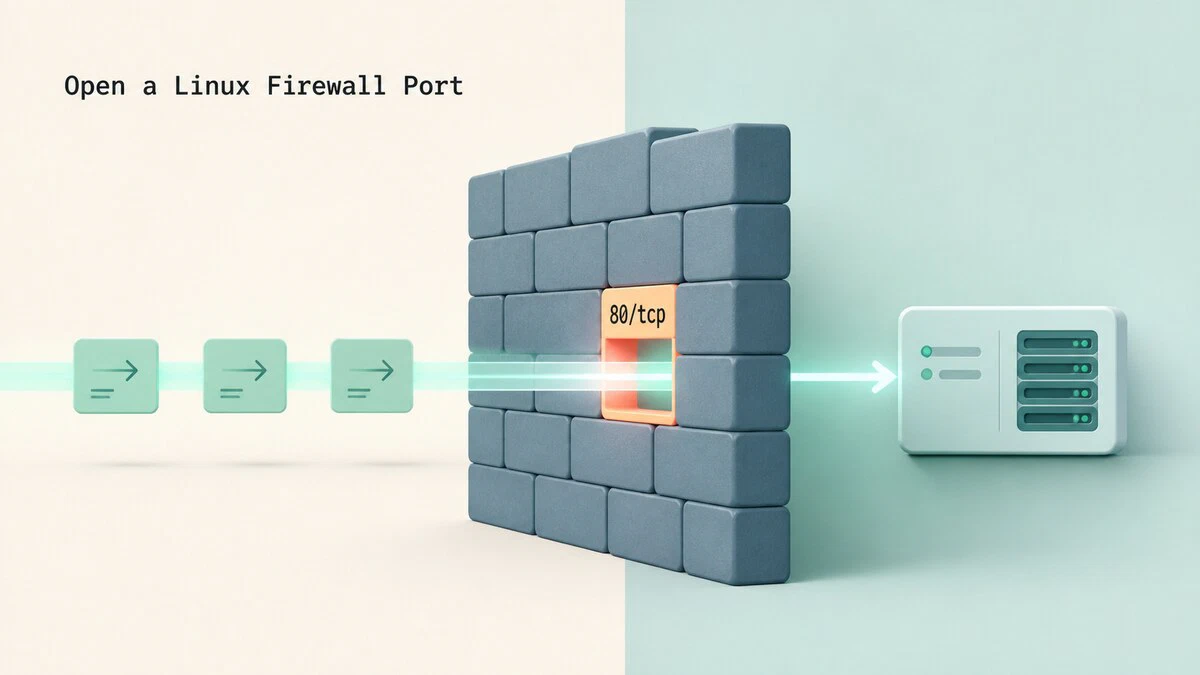
How to Open a Port in the Firewall on Linux
Open a port in a Linux firewall with ufw, firewalld, nftables, or iptables, then make the rule persistent and test remote access.
PHP Error Reporting: Enable, Display, and Log Errors
Step-by-step instructions for configuring PHP error reporting. Covers error levels, display_errors, error_log, php.ini settings, and runtime configuration with error_reporting().

dnf Command in Linux: Install, Update, and Manage Packages
Common dnf commands for installing, updating, removing, searching, and managing packages on Fedora, RHEL, Rocky Linux, AlmaLinux, and other RPM-based systems.
How to List Installed Packages on Debian with apt and dpkg
See what is installed on Debian, which packages you chose yourself, which use the most disk space, and when each one arrived, using apt and dpkg-query.

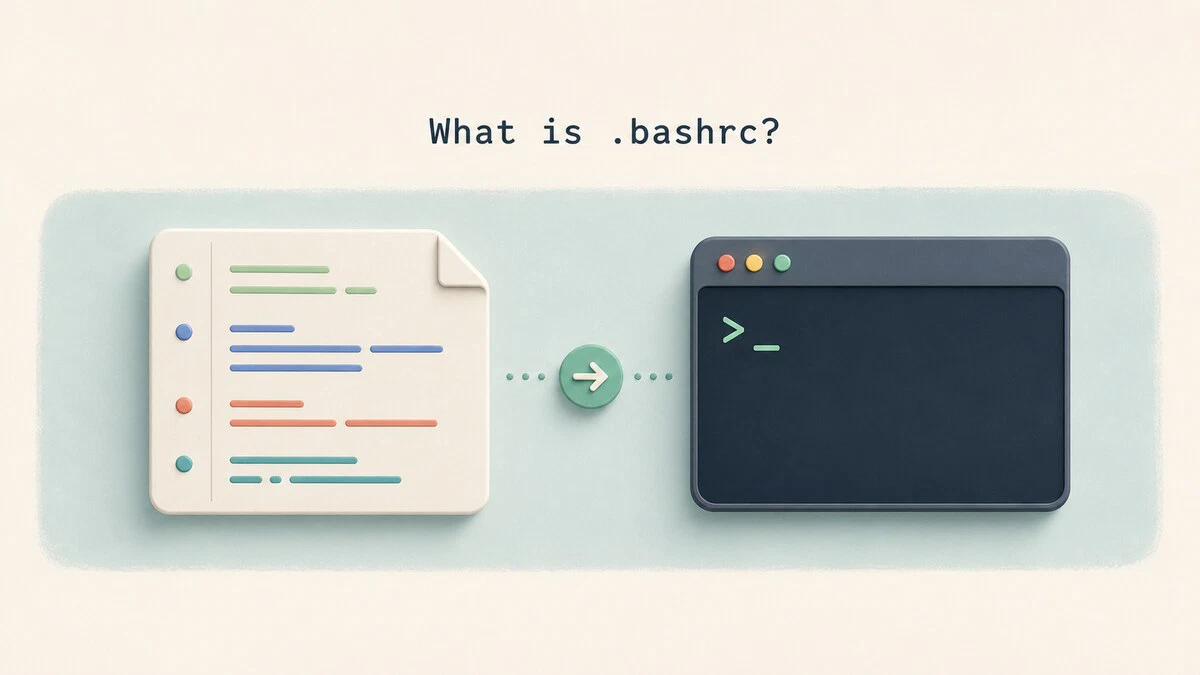
What Is .bashrc? When It Runs and What to Put in It
~/.bashrc controls aliases, functions, prompts, and other interactive Bash settings. See when it runs, what belongs inside it, and how to reload changes.
How to Create a tar.gz File in Linux
Create tar.gz and tgz files in Linux with the tar command. Covers directories, wildcards, exclusions, archive paths, and the -C option.

Best Linux Distros for Every Use Case in 2026
Compare the best Linux distros for beginners, gaming, servers, and security testing, with current versions and a straight answer on which one to install first.

How to Create Bash Aliases
Bash aliases let you shorten long commands into short, memorable shortcuts. This guide covers alias syntax, persistent aliases in .bashrc, and bash functions for shortcuts that take arguments.

wc Command in Linux: Count Lines, Words, and Bytes
The wc command counts lines, words, characters, and bytes in files or standard input. This guide covers common options with practical pipeline examples.

reboot Command in Linux: Restart with systemctl and shutdown -r
Three commands cover common Linux reboot scenarios: reboot for an immediate restart, systemctl reboot for the systemd path, and shutdown -r for scheduled restarts with user notifications.

Linux Kill Process: Stop Processes by PID or Name
Stop stuck programs in Linux with kill, killall, pkill, and xkill. Find the PID, send SIGTERM first, and use SIGKILL only when the process refuses to exit.

df Command in Linux: Check Disk Space Usage
Check disk space usage in Linux with the df command. Human-readable and fixed block sizes, filesystem types, inode usage, custom output fields, and df vs du.

How to Add a Directory to PATH in Linux
Add a directory to the PATH variable in Linux, temporarily or permanently, covering ~/.local/bin, custom binaries, and system-wide changes for all users.

traceroute Command in Linux
Trace the path packets take to a host, read every field of the traceroute output, decode hops that show asterisks or !X, and map Windows tracert flags to Linux.