All Articles
Browse all Linuxize tutorials, guides, and references.
.bashrc vs .bash_profile: What is the Difference?
Understand the difference between .bashrc and .bash_profile, when each file is loaded, and where to put aliases, PATH changes, and environment variables.

MySQL SHOW TABLES: List Tables in a Database
Use SHOW TABLES to list tables in a MySQL or MariaDB database. This guide covers filtering with LIKE and WHERE, viewing table structure and contents, and querying information_schema.

How to Add APT Repository in Ubuntu
Add APT repositories in Ubuntu using add-apt-repository, the signed-by method, and PPA. Includes the DEB822 format used by default on Ubuntu 24.04 and 26.04.

Grep Regex: Regular Expressions Syntax and Examples
Use grep regex to match text patterns. Examples for anchors, character classes, quantifiers, alternation, grouping, and PCRE lookarounds.

How to Run Linux Commands in the Background
Run Linux commands in the background using &, disown, and nohup. This guide explains how to start background processes, move foreground jobs to the background, and keep processes running after the shell exits.

Regular Expressions Explained: How Regex Patterns Work
Regular expressions explained from the ground up: how anchors, character classes, quantifiers, and groups build patterns that work in grep, sed, and awk.

How to Create a File in Linux
Create a file in Linux from the command line with touch, redirection, cat, echo, printf, or a heredoc, and build large test files with fallocate, truncate, and dd.

nano Save and Exit: Save Files and Quit the Editor
Save and exit nano with Ctrl+O and Ctrl+X, save instantly with Ctrl+S, quit without saving, use a new filename, and fix permission errors.

How to Change a Git Commit Message, Even After Pushing
Change the last Git commit message with git commit --amend, reword older commits with an interactive rebase, and update commits you already pushed.

How to Mount ISO File on Linux
Mount an ISO file on Linux with the mount command and a loop device, attach it as a regular user with udisksctl, or extract its contents without mounting. Covers desktop file managers, other disk image formats, and fstab entries.

parted Command in Linux: Manage Disk Partitions
Use the parted command to inspect disks, create GPT partition tables, add aligned partitions, resize boundaries, and remove partitions safely on Linux.
How to Rename a Git Branch: Local and Remote
This guide shows how to rename a Git branch locally and on the remote using git branch -m, then push the new name and delete the old remote branch.

dig Command in Linux: DNS Lookup
The dig command is a DNS lookup tool for querying name servers. This guide covers querying record types, reverse lookups, tracing resolution paths, and verifying DNSSEC.

Bash Append to File: >>, tee, and Heredoc Examples
Append text to a file in Bash without erasing existing content. Covers >>, echo, printf, tee -a for protected files, and combining files.

500 Internal Server Error: What It Means & How to Fix It
A 500 Internal Server Error means the server encountered an unexpected condition. This guide explains common causes, how to diagnose the problem using log files, and steps to fix it.

How to Change the Hostname in Linux
Change the hostname in Linux with hostnamectl and /etc/hosts. Covers permanent, temporary, cloud-init, and non-systemd methods.

curl POST Request Examples
Send data with curl -d, --json, and -F: POST examples for HTML forms, JSON APIs, file uploads, and reading the body from a file or stdin.

How to Generate SSH Keys on Linux with ssh-keygen
Generate an SSH key pair on Linux with ssh-keygen, choose between Ed25519 and RSA, and install the public key on a server, a Git host, or a cloud provider.

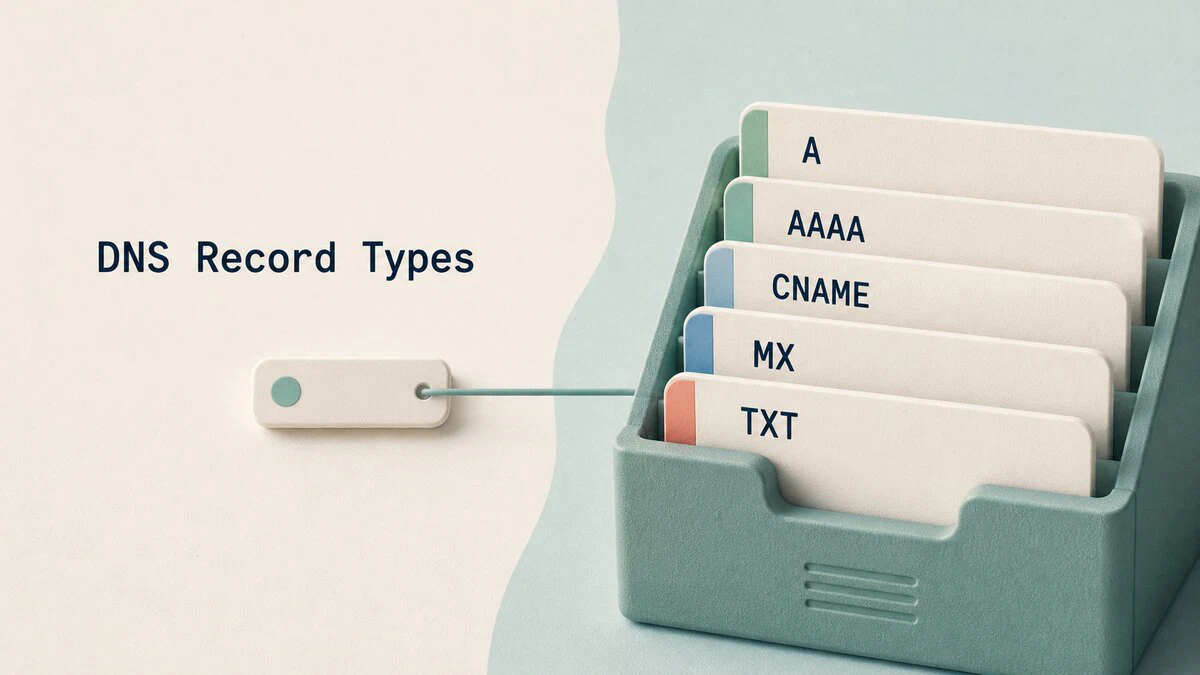
DNS Record Types Explained: A, AAAA, CNAME, MX, TXT, and More
DNS record types map domains to servers, route email, publish verification data, and control certificate issuance. See zone-file examples and dig queries.
How to Extract tar.xz Files in Linux
Extract .tar.xz and .txz archives in Linux with tar. Covers extracting to a directory, listing contents, decompressing plain .xz files with unxz, and installing software from a tar.xz download.
