Linux Commands
Command references for core Linux tools, syntax, examples, and practical one-liners.
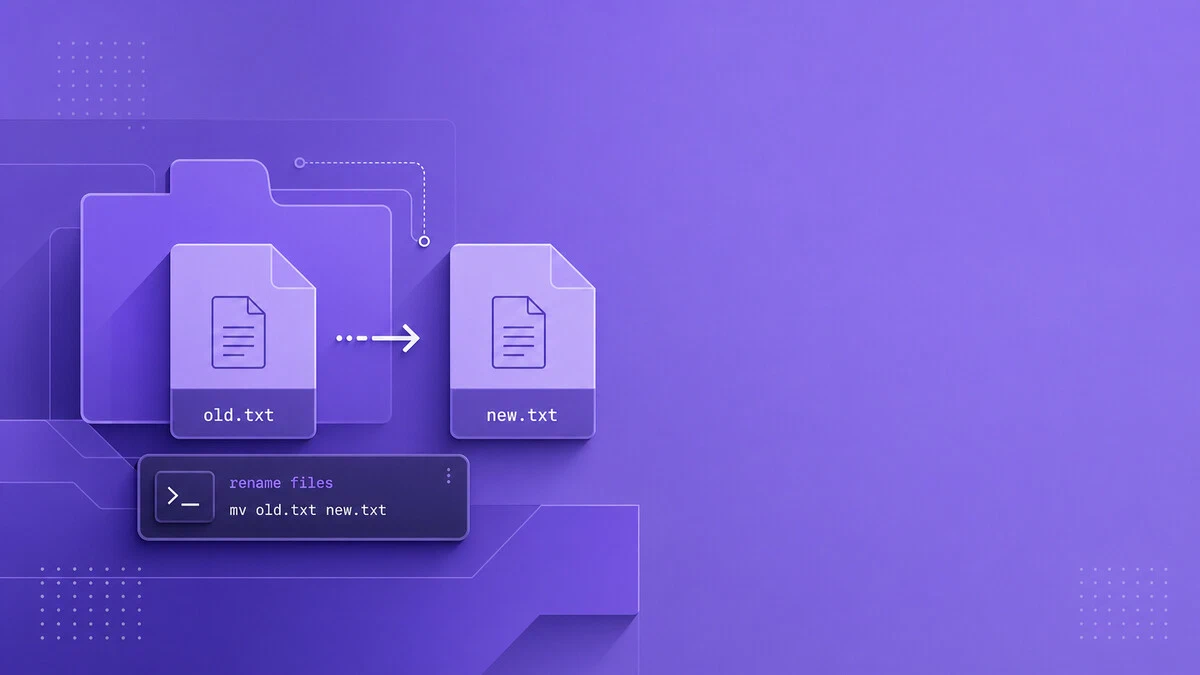
How to Rename Files and Directories in Linux
Rename files and directories in Linux using mv for single renames and rename for batch filename changes, including extension changes, case conversion, and safe previews.
How to Create Groups in Linux: groupadd Command
This guide explains how to create groups in Linux using the groupadd command, including how to set a custom GID, create system groups, and manage group options.

scp Command in Linux: Secure File Transfer Examples
SCP copies files securely between local and remote hosts over SSH. This guide covers syntax, uploads, downloads, custom ports, and the options you need for everyday transfers.

Free Command in Linux
Learn how to use the Linux free command to check RAM and swap usage. Includes output explained, human-readable format, and useful options.
How to Check Memory Usage in Linux
Check RAM and swap usage in Linux with free, top, /proc/meminfo, and ps_mem, and find out which processes are consuming the most memory.

ifconfig Command in Linux: Configure Network Interfaces
Read the ifconfig output field by field, fix command not found, and assign IPv4 and IPv6 addresses, MTU, and MAC values, with the ip equivalent alongside.

dpkg Command in Linux: Install and Manage Debian Packages
Use dpkg to install, remove, query, and inspect Debian packages on Ubuntu, Debian, and other Debian-based distributions.

Sudo Command in Linux: Run Commands as Root
The sudo command runs programs as root or another user. This guide covers sudoers setup, root shells, sudoedit, credential caching, and common sudo options.

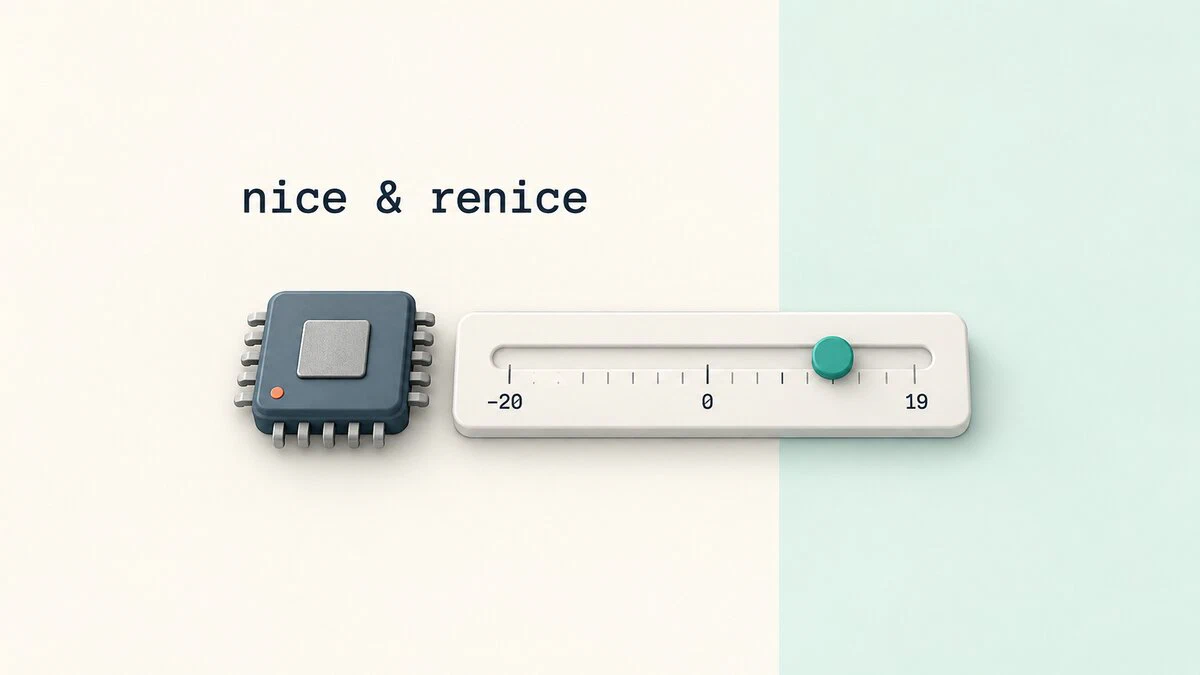
nice and renice Commands in Linux: Set Process Priority
Control Linux process priority with nice and renice. See how nice values work, start lower-priority jobs, and change the priority of running processes.
ripgrep Command in Linux: Fast Recursive Search
The ripgrep command searches directories recursively while respecting ignore files. This guide explains rg syntax, file type filters, context lines, replacement previews, and config defaults.

How to Format USB Drives and SD Cards on Linux
Step-by-step instructions for formatting USB drives and SD cards on Linux using parted and mkfs. Covers FAT32, exFAT, EXT4, and NTFS filesystems with partition table setup and verification.

Fix "No Space Left on Device" When df Shows Free Space
Fix Linux no-space errors when df shows free space by checking the target mount, inode usage, tmpfs limits, container storage, Btrfs, and inotify watches.

How to Add a User to a Group in Linux
Add users to Linux groups with usermod, verify group membership, change primary groups, and fix common issues when group changes do not apply.

pwd Command in Linux: Print the Current Working Directory
The pwd command prints the current working directory in Linux. This guide covers pwd syntax, the -L and -P options, $PWD and $(pwd) in scripts, and how symlinks affect the output.

Understanding the /etc/fstab File in Linux
The /etc/fstab file defines how filesystems and storage devices are mounted at boot. This guide explains the fstab format, field meanings, mount options, and how to add new entries safely.

How to Create Users in Linux (useradd Command)
Create user accounts in Linux with useradd: home directories, passwords, groups, shells, UIDs, and expiry dates, plus how useradd compares to adduser.

pnpm Command: Install and Manage Node.js Packages
This pnpm command guide covers installation, project setup, dependency management, scripts, lockfiles, npm migration, and workspace filtering.

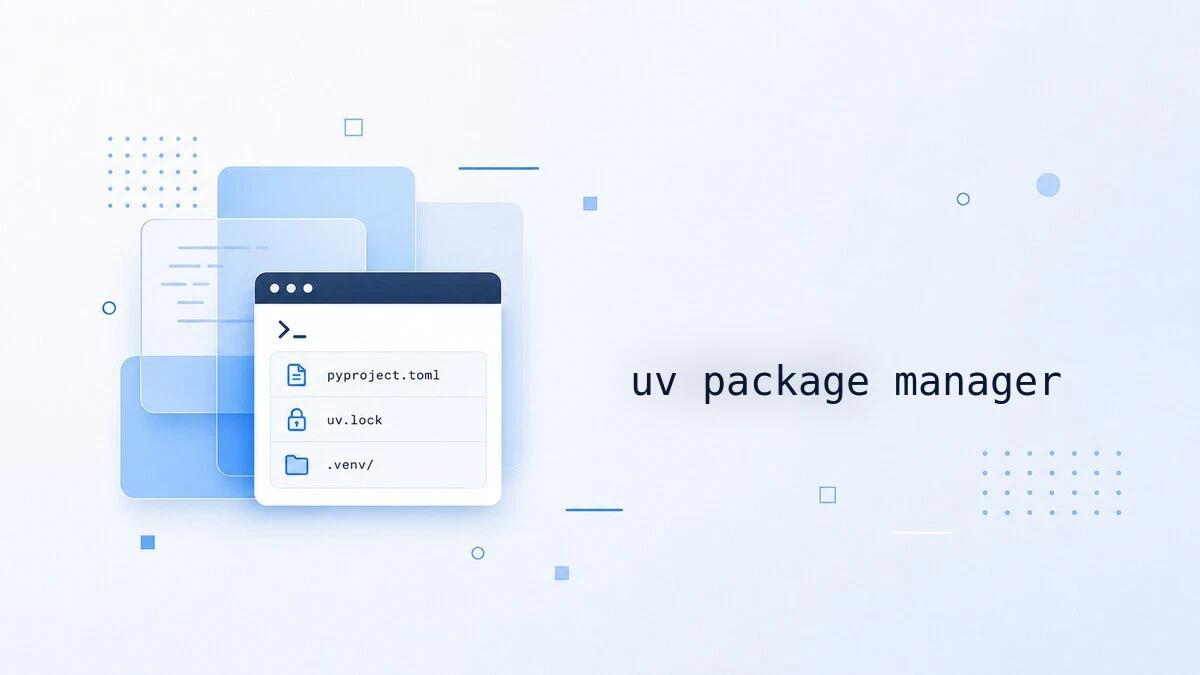
How to Install and Use uv: Fast Python Package Manager
Install uv on Ubuntu, Debian, and other Linux distributions, then use it to create projects, add dependencies, manage virtual environments, and install Python versions.
vmstat Command in Linux: Memory, CPU, and I/O Statistics
Use vmstat to monitor Linux CPU, memory, swap, processes, and disk I/O. This guide explains each column, live sampling, timestamps, and disk statistics.
rm Command in Linux: Remove Files and Directories
Use the rm command in Linux to delete files and directories, with examples for recursive removal, force mode, prompts, glob patterns, and safer rm -rf usage.
