
Articles by Dejan Panovski
nice and renice Commands in Linux: Set Process Priority
Control Linux process priority with nice and renice. See how nice values work, start lower-priority jobs, and change the priority of running processes.
How to List and Delete UFW Firewall Rules
List UFW firewall rules with ufw status and ufw show, then delete them by number or by specification. Covers numbered output, the show reports, rule reset, and SSH lockout recovery.

How to Mount an NFS Share in Linux
Step-by-step instructions for mounting an NFS share in Linux: install the client, mount manually, persist with /etc/fstab, and troubleshoot common errors.

How to Install Java on Ubuntu 24.04
Install Java 25, Java 21, and Oracle JDK on Ubuntu 24.04. This guide covers OpenJDK packages, default Java selection, and JAVA_HOME setup.

ripgrep Command in Linux: Fast Recursive Search
The ripgrep command searches directories recursively while respecting ignore files. This guide explains rg syntax, file type filters, context lines, replacement previews, and config defaults.

Bash while Loop: Syntax and Examples
Bash while loop syntax and examples: infinite loops, reading files line by line, arithmetic conditions, and the break and continue statements.

How to Format USB Drives and SD Cards on Linux
Step-by-step instructions for formatting USB drives and SD cards on Linux using parted and mkfs. Covers FAT32, exFAT, EXT4, and NTFS filesystems with partition table setup and verification.

Fix "No Space Left on Device" When df Shows Free Space
Fix Linux no-space errors when df shows free space by checking the target mount, inode usage, tmpfs limits, container storage, Btrfs, and inotify watches.

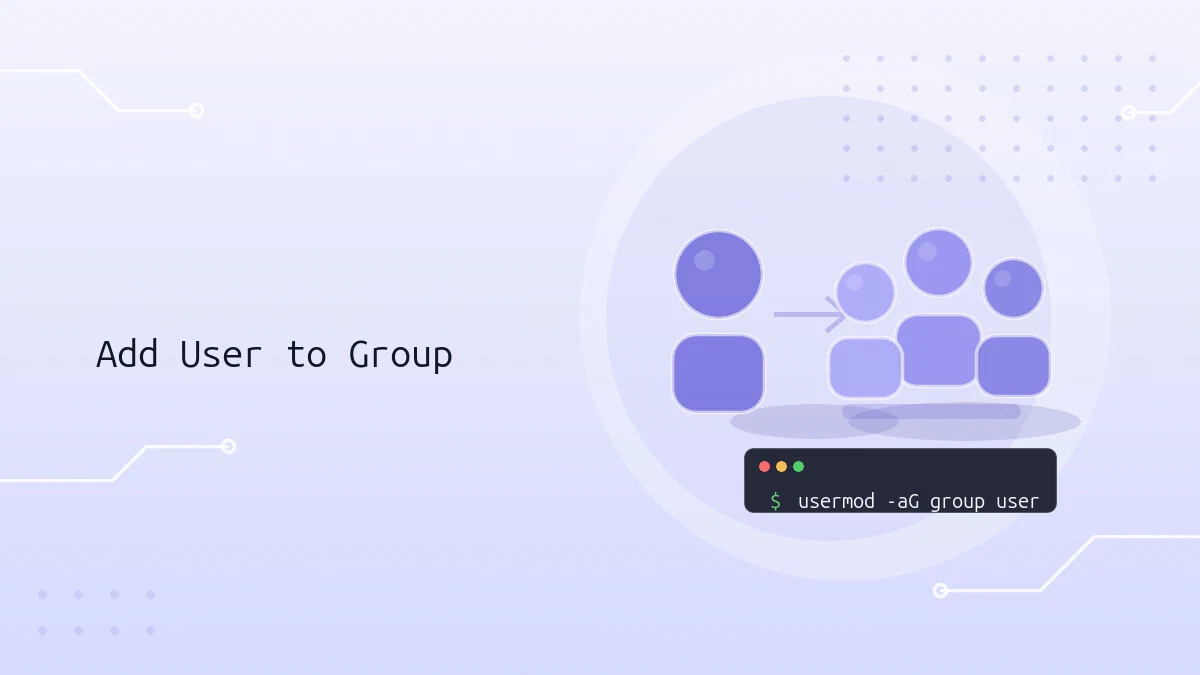
How to Add a User to a Group in Linux
Add users to Linux groups with usermod, verify group membership, change primary groups, and fix common issues when group changes do not apply.
pwd Command in Linux: Print the Current Working Directory
The pwd command prints the current working directory in Linux. This guide covers pwd syntax, the -L and -P options, $PWD and $(pwd) in scripts, and how symlinks affect the output.

How to Search in Vim / Vi
Learn how to search in Vim / Vi with forward and backward search, whole-word matching, case sensitivity, search highlighting, and smartcase examples.

Understanding the /etc/fstab File in Linux
The /etc/fstab file defines how filesystems and storage devices are mounted at boot. This guide explains the fstab format, field meanings, mount options, and how to add new entries safely.

How to Create Users in Linux (useradd Command)
Create user accounts in Linux with useradd: home directories, passwords, groups, shells, UIDs, and expiry dates, plus how useradd compares to adduser.

How to Add and Delete Users on Debian 13
Create, delete, and lock user accounts on Debian 13 using adduser, deluser, and usermod, with practical examples for each command.

How to Create a sudo User on Debian
Create a sudo user on Debian 11, 12, and 13 by adding a new account and granting sudo privileges through the sudo group or the sudoers file.

pnpm Command: Install and Manage Node.js Packages
This pnpm command guide covers installation, project setup, dependency management, scripts, lockfiles, npm migration, and workspace filtering.

How To Create a Sudo User on Ubuntu
Create a sudo user with a home directory on Ubuntu 22.04, 24.04, or 26.04 using adduser and usermod, then verify the account has sudo access.

How to Run Sudo Command Without Password
Configure the sudoers file or a drop-in file in /etc/sudoers.d to let a user or group run sudo commands without a password prompt.

How to Install and Use uv: Fast Python Package Manager
Install uv on Ubuntu, Debian, and other Linux distributions, then use it to create projects, add dependencies, manage virtual environments, and install Python versions.
How to Add User to Sudoers in Debian
Grant sudo privileges in Debian by adding a user to the sudo group or configuring a custom sudoers rule with visudo. Covers Debian 12 and 13.
