All Articles
Browse all Linuxize tutorials, guides, and references.
Bash Shebang: What #!/bin/bash Means in Shell Scripts
A Bash shebang tells Linux which interpreter runs a script. See what #!/bin/bash means, how /usr/bin/env bash differs, and what happens without #!.

last Command in Linux: Check Login History
Use the last command in Linux to check login history, filter sessions by user or date, and audit access. Covers lastb, lastlog, and the wtmpdb replacement.
How to Use wget in Linux with Examples
Practical wget examples for downloading files, resuming transfers, limiting bandwidth, mirroring websites, and handling authentication on Linux.

How to List Users in Linux
List all users in Linux with getent passwd, lslogins, or /etc/passwd. Filter human users by UID, check group membership, and see who is logged in.

history Command in Linux: View and Manage Bash History
Use the history command in Linux to view, search, and clean up Bash command history. Covers expansions, HISTSIZE, HISTIGNORE, and security tips.

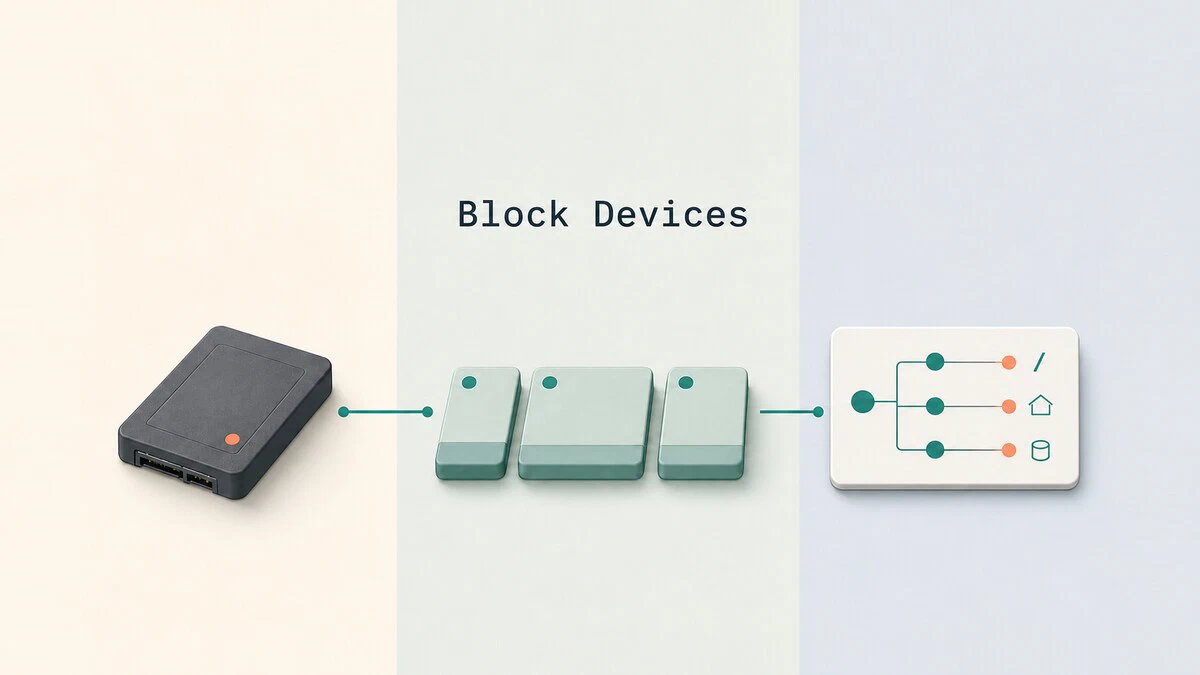
lsblk Command in Linux: List Block Devices
Use lsblk to list disks, partitions, filesystems, UUIDs, and mount points in Linux, then customize columns and produce JSON output for scripts.
How to Undo and Redo in Vim / Vi
Undo and redo in Vim or Vi with u, Ctrl+r, :earlier, and :later. Covers time-based undo, undo branches, and persistent undo with undofile.

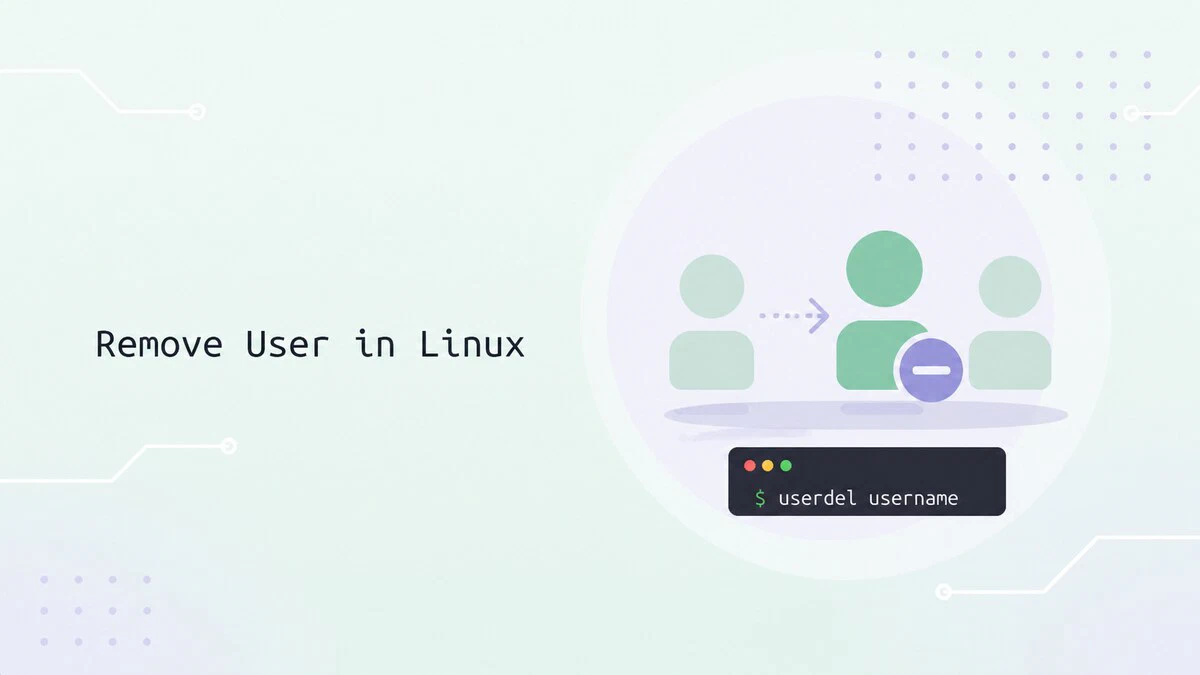
How to Remove a User in Linux
Remove a user in Linux with userdel, including the home directory, active sessions, scheduled jobs, SELinux mappings, and files left behind.
How to Install Node.js and npm on Ubuntu 26.04
Install Node.js 24 LTS or the current Node.js 26 release on Ubuntu 26.04 using NodeSource, nvm, or the default Ubuntu packages.

su Command in Linux: How to Switch Users
Use the su command to switch users, open a root login shell, and run commands as another account. Includes options, sudo su, troubleshooting, and examples.

How to Install Node.js and npm on Ubuntu 24.04
Install Node.js 24 LTS and npm on Ubuntu 24.04 with apt, the NodeSource repository, or nvm, including upgrade and uninstall steps.

How to Remove or Delete a Directory in Linux
Remove a directory in Linux with rmdir for empty folders, rm -rf for non-empty ones, or find for bulk deletion. Examples and common errors.

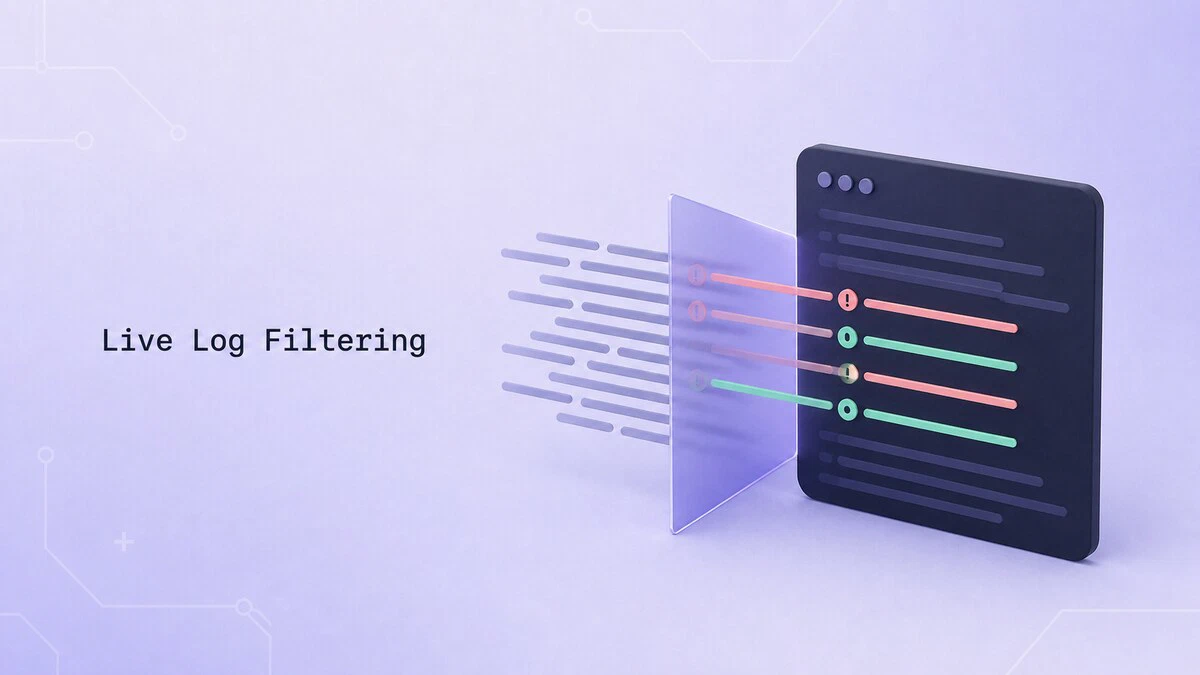
How to Tail and Filter Logs in Real Time on Linux
Follow Linux logs in real time with tail -F, filter live output with grep, pause with less +F, and stream systemd service logs with journalctl -f.
Bash until Loop
Repeat commands until a condition becomes true with the Bash until loop. Includes syntax, practical examples, and comparisons with the while loop.

Linux File Permissions Explained
Linux file permissions control who can read, write, and execute files and directories. Learn how to inspect and change permissions with ls, stat, and chmod.

How to Show Line Numbers in Vim and Vi
Turn on line numbers in Vim or Vi for the current session, set them by default in .vimrc or init.lua, and switch between absolute, relative, and hybrid numbering.

Chmod Recursive: Change File Permissions Recursively in Linux
Use chmod -R to change permissions recursively in Linux. This guide covers numeric and symbolic modes, examples using find, common patterns, and safety tips.

chmod 777: What It Means and Why You Should Never Use It
chmod 777 grants every user full control of a file or directory. See why it is risky and when to use safer 755 or 644 permissions instead.

chmod Command in Linux: Change File and Directory Permissions
The chmod command changes file and directory permissions in Linux. This guide covers what chmod 755, 644, 700, and 600 mean, how to use symbolic and numeric modes, and how to apply permissions recursively.

sftp Command in Linux: Transfer Files Securely
The sftp command transfers files securely over SSH. Connect to servers, upload and download files, resume transfers, and automate batch jobs.
