All Articles
Browse all Linuxize tutorials, guides, and references.
How to Check if a File or Directory Exists in Bash
This guide explains how to check if a file or directory exists in Bash using test and if statements, with clear examples for common file checks.

mv Command in Linux: Move Files and Directories
Move and rename files and directories in Linux with the mv command, including overwrite prompts, backups, the -T option, and cross-filesystem moves.

How to Save a File and Exit Vim / Vi
Save a file and quit Vim or Vi with :w, :wq, :q!, :x, ZZ, and ZQ. This guide explains the common save, exit, discard, and read-only file commands.

How to Install Python on Ubuntu 24.04
Install Python on Ubuntu 24.04 using the default Ubuntu packages, the deadsnakes PPA for newer versions, or a source build. Includes pip and virtual environments.

cd Command in Linux: Change Directories
Change directories in Linux with cd, covering absolute and relative paths, home and parent shortcuts, symbolic links, CDPATH, and common errors.

Install deb Files on Ubuntu: apt, dpkg, and gdebi
Install local .deb files on Ubuntu with apt, dpkg, or gdebi. Fix dependency errors, inspect packages, install via GUI, and remove them safely.

Linux Folder Size: How to Check File and Directory Sizes
Check folder and file sizes in Linux with du. Compare directory totals, rank subdirectories, exclude paths, and check free space with df.

zip Command in Linux: Zip Files and Directories
Create ZIP archives in Linux with the zip command. Zip directories recursively, exclude files, add a password, and split large archives.

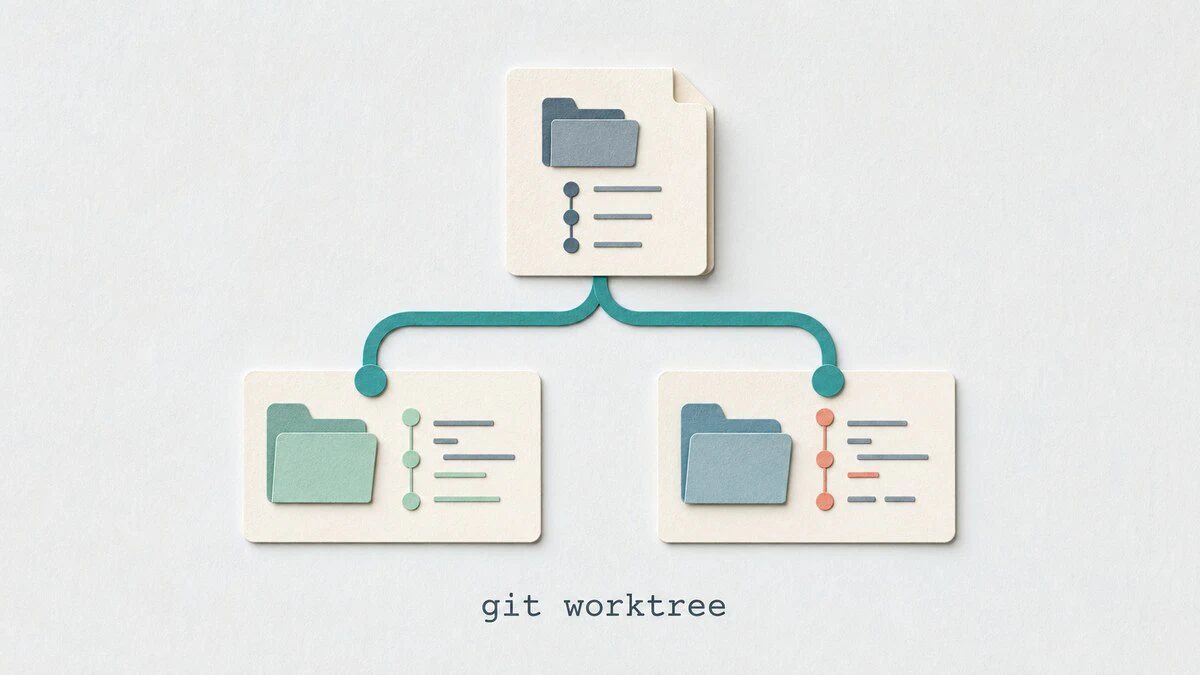
git worktree: Work on Multiple Branches at Once
Use git worktree to check out multiple branches in separate directories, handle urgent fixes without stashing, and clean up linked worktrees safely.
git log Command: View Commit History
Browse commit history with git log: show the last commit, filter by author, date, or keyword, search by code change, track a file across renames, and read branch graphs.

whoami Command in Linux: Display the Current User Name
The whoami command shows the current effective username on Linux. This guide explains syntax, practical examples, shell script usage, and how it compares to id -un and $USER.

killall Command in Linux: Kill Processes by Name
Use the Linux killall command to stop processes by name, select signals, filter by user or age, confirm matches, and compare killall with kill and pkill.

apt Command in Linux
The apt command manages packages on Ubuntu, Debian, and related distributions. This guide covers the essential commands for installing, upgrading, removing, and searching packages.

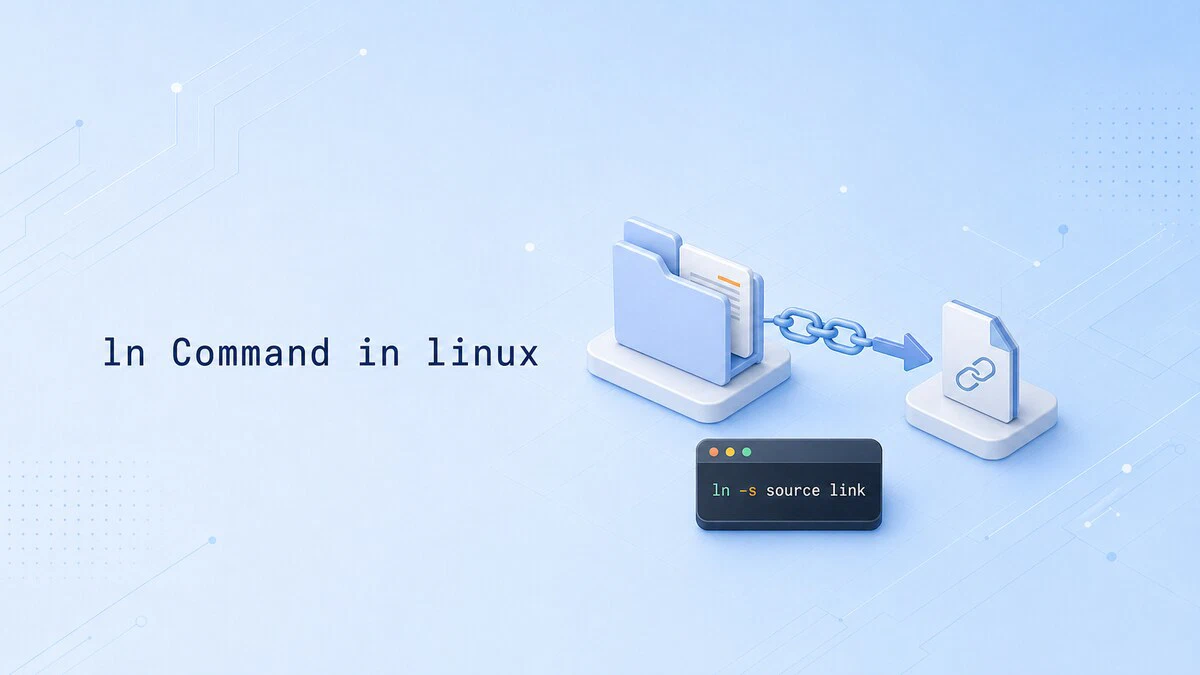
How to Create Symlinks in Linux with ln
The ln command creates symbolic links on Linux, giving you a stable name that points to a moving target. This guide covers creating, updating, and cleaning up symlinks, plus the -sfn pattern used for atomic deploys.
aws s3 Commands: cp, sync, ls, and rm Examples
Practical aws s3 command examples for listing buckets, copying files, syncing directories, filtering transfers, and deleting objects safely from Linux.

cat Command in Linux: View, Combine, and Create Files
Display, combine, and create files with the cat command in Linux, plus line numbers, hidden characters, and when to use less instead.

Python venv: How to Create and Use Virtual Environments
Python's venv module creates isolated environments so each project can pin its own package versions. This guide covers python -m venv, activating and deactivating, managing dependencies with requirements.txt, and when to reach for virtualenv, uv, or pipx instead.

How to Install and Configure the AWS CLI on Linux
Install AWS CLI version 2 on Linux, authenticate with aws login or IAM Identity Center, manage profiles, and verify access to your AWS account.
How to Set or Change Timezone on Ubuntu Server and Desktop
Check the current time zone on Ubuntu and change it permanently with timedatectl, or switch it from the Date & Time panel on Ubuntu Desktop.

How to Install Ubuntu 26.04
Step-by-step instructions for installing Ubuntu 26.04 from a bootable USB drive, covering ISO download, installer screens, disk setup, and first boot.
