All Articles
Browse all Linuxize tutorials, guides, and references.
How to Install Kubernetes with kubeadm on Ubuntu 26.04
Install Kubernetes 1.36 on Ubuntu 26.04 with kubeadm and containerd, configure Flannel networking, join worker nodes, and verify the cluster.
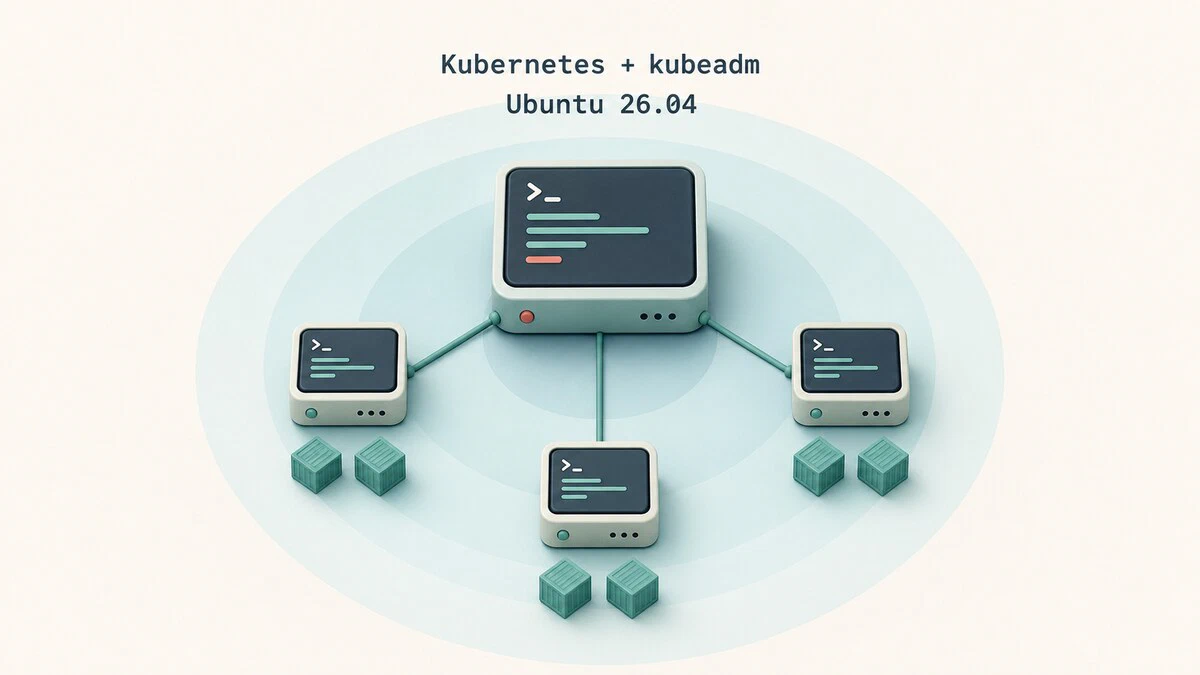
Understanding the /etc/shadow File in Linux
The /etc/shadow file stores hashed passwords and password aging data for each user on a Linux system. This guide explains the file format, hash types, field meanings, and how to query password information safely.

Bash Positional Arguments: How to Use $1, $2, $@, and shift
Learn how Bash positional arguments work, including $0, $1, $#, "$@", "$*", shift, default values, and function arguments in scripts.

How to Parse Command-Line Options in Bash with getopts
Parse short options in Bash scripts with getopts: option strings, OPTARG and OPTIND, silent error handling, long-option workarounds, and complete script examples.
Install and Integrate Rspamd on Ubuntu 26.04
Install Rspamd on Ubuntu 26.04, connect it to Postfix as a milter, configure Redis, and publish DKIM and DMARC records for your mail domain.

How to Install PHP on Ubuntu 26.04
Learn how to install PHP 8.5 on Ubuntu 26.04 with Apache or Nginx. Includes PHP-FPM setup, common extensions, and installing other PHP versions.

How to Install Docker on Ubuntu 26.04
Install Docker on Ubuntu 26.04 from the official Docker repository. Covers repository setup, verification, running without sudo, updates, and uninstall steps.

SSH Tunnel: Local, Remote, and Dynamic Port Forwarding
Set up SSH tunnels with the -L, -R, and -D options for local, remote, and dynamic port forwarding, with working examples for Linux, macOS, and Windows.

Set up PostfixAdmin on Ubuntu 26.04
Set up PostfixAdmin on Ubuntu 26.04 with Nginx, PHP, MySQL, DNS records, and a Let's Encrypt certificate for a virtual mail server.

ssh Command in Linux: Connect to Remote Servers
The ssh command connects you to a remote Linux server. This guide covers its syntax, the most useful options, key-based login, and port forwarding.

update-alternatives Command on Ubuntu and Debian
Use update-alternatives on Ubuntu and Debian to list, register, switch, and remove program alternatives, with automatic and manual mode examples.

How to Convert MP4 to MP3 with ffmpeg
Convert MP4 video to MP3 audio from the Linux command line with ffmpeg, including quality settings, lossless extraction, trimming, and batch conversion.

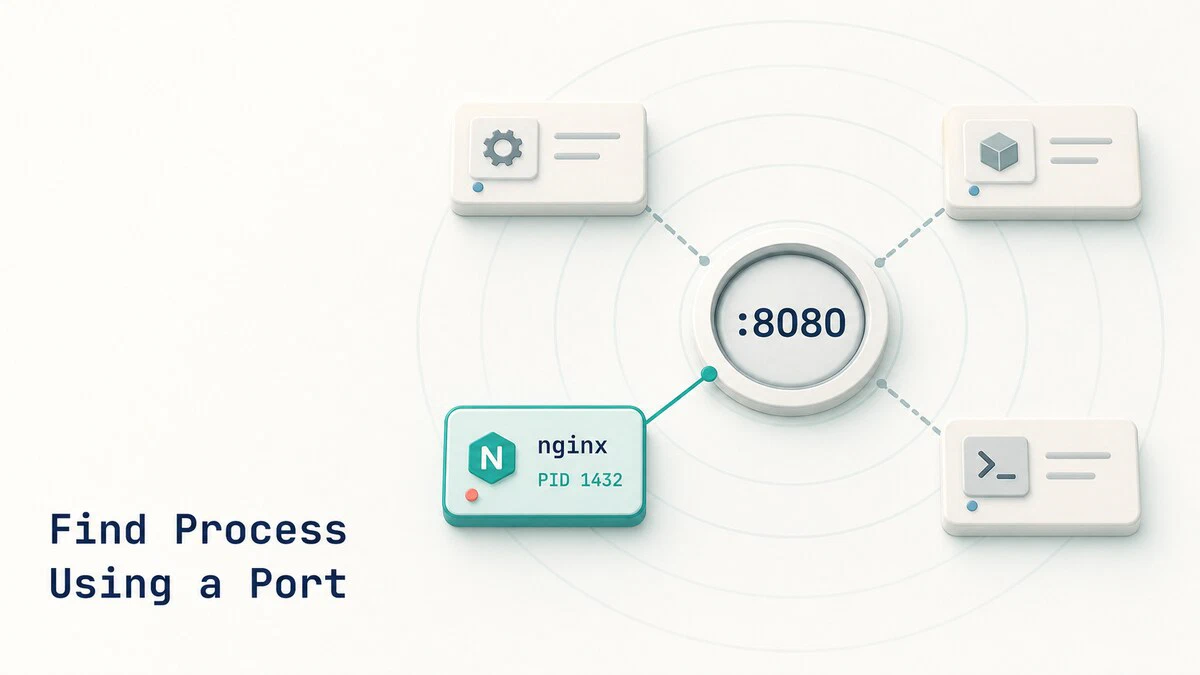
How to Find Which Process Is Using a Port in Linux
Find the Linux process listening on a TCP or UDP port with ss, lsof, fuser, or netstat, then inspect and stop it safely.
CIDR Notation and Subnetting Explained
CIDR notation defines IP network size with a prefix length. This guide explains subnet masks, address ranges, host counts, and practical IPv4 subnetting.

SSH Connection Refused: Causes and Fixes
Fix the SSH "Connection refused" error by checking the destination, listening port, OpenSSH service or socket, firewall rules, and port forwarding.

How to Connect to a Docker Container
This guide explains how to connect to a running Docker container using docker exec and docker attach, with examples for getting a shell, running commands, and viewing logs.

Dockerfile COPY vs ADD: Which to Use
Compare Dockerfile COPY and ADD for local files, build stages, remote URLs, Git repositories, and tar extraction, with clear guidance on when to use each.

Linux uname Command: Print System Information
The uname command prints kernel name, version, architecture, and hostname. This guide covers all uname options with examples and practical scripting uses.

which Command in Linux: Find Executable Locations
Use the which command to locate executables in PATH, list every match, and check command availability. Compare which with command -v, type, and whereis.

How to Set or Change the Time Zone in Linux
Check and change the Linux system time zone with timedatectl, choose the correct Region/City value, verify /etc/localtime, and handle non-systemd systems.
