Ssh
SSH usage, key management, config files, tunneling, and hardening.


SSH Multiplexing: Speed Up SSH with ControlMaster
Configure SSH multiplexing with ControlMaster, ControlPath, and ControlPersist to reuse connections for SSH sessions and file transfers.

How to Use an SSH Jump Host with ProxyJump
Connect to private servers through an SSH jump host with ssh -J and ProxyJump. Configure keys, copy files, forward ports, and restrict the bastion account.

Using the SSH Config File
Set up the SSH client config file to manage multiple remote connections with custom hostnames, users, ports, keys, and jump hosts, all without long command-line flags.

scp Command in Linux: Secure File Transfer Examples
SCP copies files securely between local and remote hosts over SSH. This guide covers syntax, uploads, downloads, custom ports, and the options you need for everyday transfers.

How to Enable SSH on Ubuntu
Enable SSH on Ubuntu by installing OpenSSH Server, checking the correct systemd unit, allowing it through UFW, and connecting from Linux, macOS, or Windows.

ssh-copy-id Command: Copy SSH Keys to a Remote Server
How to use the ssh-copy-id command to copy your SSH public key to a remote server and set up passwordless login. Covers options, a manual fallback, and common errors.

How to Generate SSH Keys on Linux with ssh-keygen
Generate an SSH key pair on Linux with ssh-keygen, choose between Ed25519 and RSA, and install the public key on a server, a Git host, or a cloud provider.

Initial Server Setup on Ubuntu 26.04
Prepare a new Ubuntu 26.04 server with a sudo user, SSH key authentication, UFW firewall rules, a hostname, timezone settings, and system updates.

How to Set Up Passwordless SSH Login
Set up passwordless SSH login with Ed25519 or RSA key pairs. Copy public keys with ssh-copy-id, use the ssh-agent, and disable password authentication for hardened access.

sftp Command in Linux: Transfer Files Securely
The sftp command transfers files securely over SSH. Connect to servers, upload and download files, resume transfers, and automate batch jobs.

SSH Tunnel: Local, Remote, and Dynamic Port Forwarding
Set up SSH tunnels with the -L, -R, and -D options for local, remote, and dynamic port forwarding, with working examples for Linux, macOS, and Windows.

ssh Command in Linux: Connect to Remote Servers
The ssh command connects you to a remote Linux server. This guide covers its syntax, the most useful options, key-based login, and port forwarding.

SSH Connection Refused: Causes and Fixes
Fix the SSH "Connection refused" error by checking the destination, listening port, OpenSSH service or socket, firewall rules, and port forwarding.

Fix SSH "Host Key Verification Failed" Error
Resolve the SSH Host key verification failed error by removing the stale known_hosts entry with ssh-keygen -R after verifying the server is genuine.
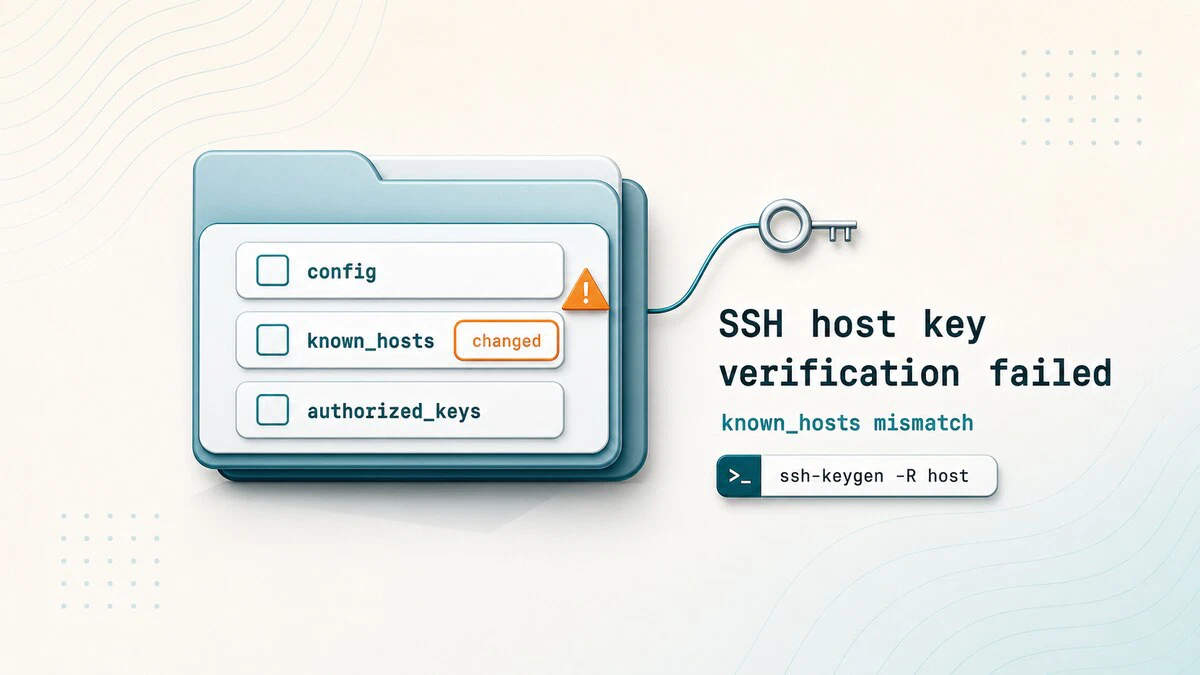
The ~/.ssh Folder: Files, Permissions, and Layout
What lives inside ~/.ssh on Linux: private keys, authorized_keys, known_hosts, config, and the recommended permissions for each file.

How to Connect to MySQL through SSH Tunnel
Securely connect to a remote MySQL or MariaDB server over an SSH tunnel with local port forwarding, with steps for Linux, macOS, and Windows (PuTTY).

SSH Hardening Guide: Best Practices for Linux Servers
SSH hardening best practices for Linux servers, including sshd_config checks, key-only logins, root login restrictions, firewall rules, timeouts, and Fail2Ban.
